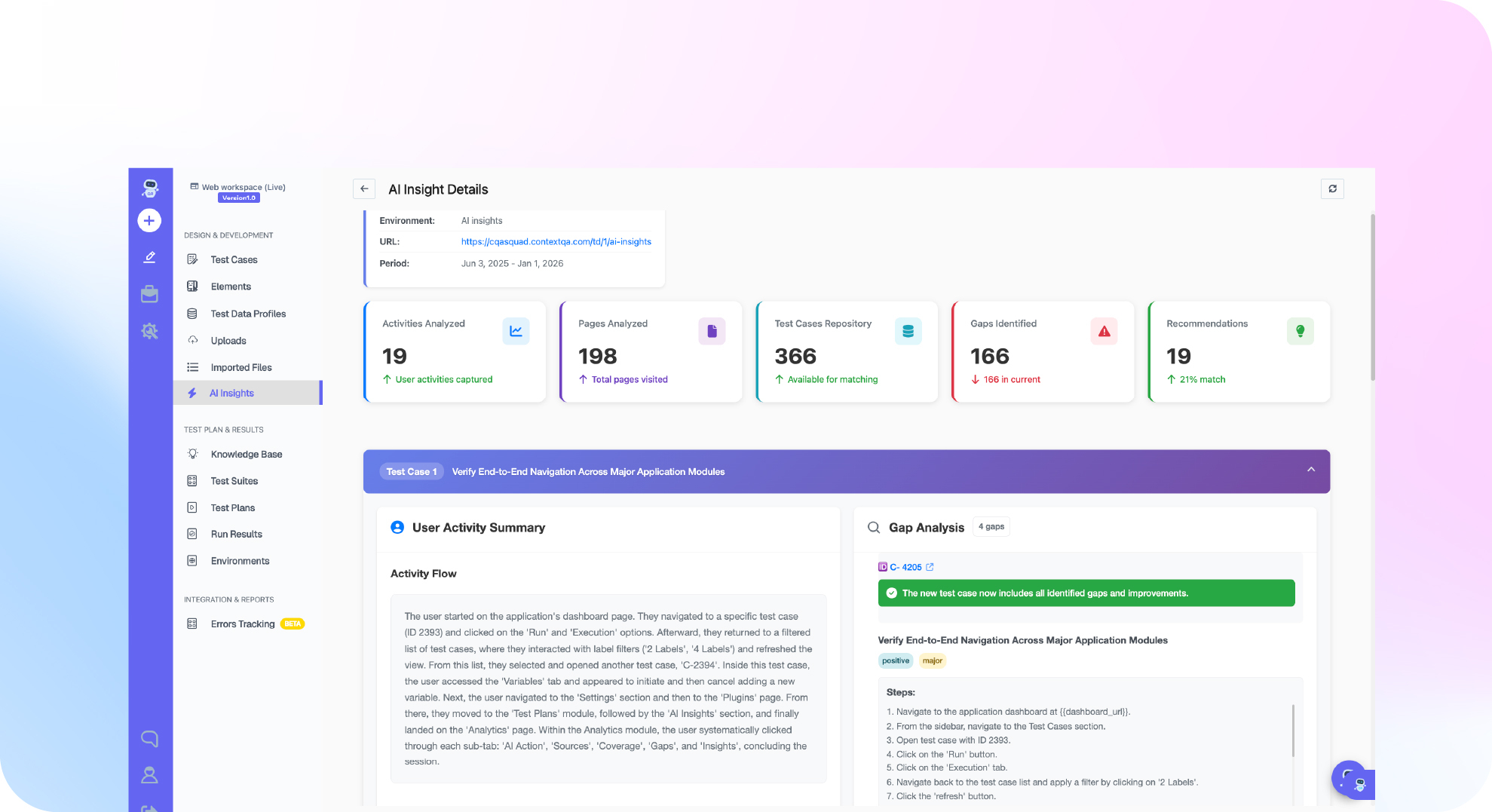
TL;DR: Web application testing is how you verify that a web app works correctly, quickly, safely, and consistently across every browser and device before users hit it. It spans six types: functional, cross-browser, performance, security, accessibility, and API testing. This guide covers what to test, how to test it step by step, the manual-versus-automated split, the tools, and the best practices that keep a modern web app shippable. It is written for QA and engineering teams.
Quick answers
What is web application testing? Verifying that a web app works correctly, quickly, safely, and consistently across the browsers and devices its users use.
What are the types of web application testing? Functional, cross-browser and device, performance, security, accessibility, and API testing.
Is manual or automated testing better for web apps? Both. Manual owns exploration and judgment; automation owns regression, cross-browser coverage, and anything you run every release.
Definition: Web application testing is the process of checking that a browser-based application meets its functional, performance, security, and usability requirements across the browsers and devices its users actually use. Where web application development builds the app, web application testing proves it is ready to ship and keeps it that way through every release.
What is web application testing?
Web application testing is the practice of validating a web app’s behavior, speed, security, and cross-browser consistency before and after release. A web app runs in the browser, on dozens of screen sizes and engines, and talks to APIs behind the scenes, so it has more ways to break than a single-platform program. Testing is how you find those breaks before your users do.
Each type answers a different question. Functional testing asks does it work; cross-browser asks does it work everywhere; performance asks is it fast; security asks is it safe; accessibility asks can everyone use it; and API testing asks do the services behind the screen hold up. A web app is only as good as its weakest answer.
What are the types of web application testing?
The six types above are the backbone. Weight them to your app: a fintech app leans hardest on security and API testing, a media site on performance and cross-browser, a public-sector site on accessibility. Decide the priorities before you write a single test so coverage matches risk.
How do you test a web application, step by step?
Testing a web app is a loop, not a one-time gate, because the app changes on every release. The steps below are the core cycle; the discipline is running it continuously rather than once before launch.
The step teams skip is the first one. Mapping the critical user journeys, the flows that must never break, tells you where to spend testing effort. Everything after that is easier once you know what actually matters to the business. For the framework that runs these tests, our Playwright vs Selenium vs Cypress comparison covers the main options.
How do you test across browsers and devices?
Test on the browsers your users actually have, not just the one on your machine. Browser share shifts constantly, and StatCounter data shows a long tail of Chrome, Safari, Firefox, and Edge across desktop and mobile that no single-browser test can cover. The trap is testing only in Chrome and shipping a layout that breaks in Safari, which is where a large share of real users are on mobile.
Cross-browser testing also means real devices, not just emulated viewports, because touch, rendering, and performance differ on actual hardware. Progressive web apps add another layer, as MDN documents, since they behave differently across engines. Running the same suite across a real browser and device matrix, in parallel, is exactly the kind of work that should be automated rather than done by hand.
How do you test web application performance?
Measure what users feel, not just server response time. Google’s Core Web Vitals are the standard: Largest Contentful Paint for loading, Interaction to Next Paint for responsiveness, and Cumulative Layout Shift for visual stability. Test these under a throttled connection, because an app that feels fine on your fast machine can time out on a phone. Pair the field metrics with load testing so you know the app holds up under real traffic, not just a single user.
How do you test web application security?
Start with the OWASP Top 10, the canonical list of the most critical web application security risks: broken access control, injection, cryptographic failures, and more. Automate checks for these into the pipeline so a regression cannot quietly reopen a vulnerability, and never run security tests against real customer data. Security testing is not a once-a-year penetration test; it is a control that belongs in every release.
How do you test web application accessibility?
Accessibility is both the right thing and, in many jurisdictions, the law. Automate WCAG checks into the pipeline so accessibility regressions are caught like any other defect, then pair the automated scan with human review for the judgments tools cannot make, such as whether alt text is actually meaningful. Treating accessibility as a launch-blocking test, not a backlog item, is what separates teams that pass audits from teams that settle complaints.
Manual vs automated web application testing
You need both, for different jobs. Manual testing owns exploration and judgment; automation owns everything you need to repeat. Here is the split.
The rule is simple: the moment a manual check matters enough to repeat, automate it. Exploratory testing finds the weird bugs; automation makes sure they stay fixed. A web app tested only by hand is brittle, and one tested only by scripts misses the creative failures a curious human finds.
| Testing type | What it verifies | Automate? |
|---|---|---|
| Functional | Features work as specified | Yes, regression suite |
| Cross-browser | Consistency across engines | Yes, parallel matrix |
| Performance | Core Web Vitals and load | Yes, on every release |
| Security | OWASP Top 10 risks | Yes, in the pipeline |
| Accessibility | WCAG compliance | Partly, plus human review |
| Exploratory | The unexpected | No, keep it human |
What are the best web application testing tools?
The right tool depends on your team. Code-first teams reach for frameworks like Playwright, Selenium, or Cypress, compared in our Playwright vs Selenium vs Cypress guide. Teams that want non-coders to contribute, or that are drowning in maintenance, reach for a platform. The maintenance point matters most: AI self-healing re-identifies elements when the UI changes, so scripts do not break every sprint, which is the hidden cost that makes web app testing expensive.
Web application testing best practices
- Test on real browsers and devices, not just the one you build on.
- Shift testing left so defects are caught where they are cheapest to fix.
- Automate the regression suite and run it on every release, not just before launch.
- Measure what users feel with Core Web Vitals, not just server timing.
- Bake security and accessibility in, as pipeline gates, not afterthoughts.
The thread through all five is discipline. A defect caught in testing costs a fraction of one that reaches production, as our cost of defects analysis shows, so the whole point of web application testing is to move failures earlier and keep them from ever reaching a user.
How ContextQA helps you test web applications
ContextQA runs web automation across real browsers and devices, with plain-English authoring so non-coders can build tests and AI self-healing that survives UI changes. The whole AI testing suite covers functional, cross-browser, performance, and API testing in one place, so you are not stitching five tools together. That turns web app testing from a maintenance burden into a safety net that runs on every release.
Web application testing FAQs
What is web application testing? Web application testing verifies that a browser-based app works correctly, quickly, safely, and consistently across the browsers and devices its users use. It covers functional, cross-browser, performance, security, accessibility, and API testing.
What are the types of web application testing? The main types are functional, cross-browser and device, performance, security, accessibility, and API and integration testing. Each answers a different question about whether the app is ready to ship.
How do you test a web application? Map the critical user journeys, test functionality across every path, check cross-browser and device consistency, test performance and security, then automate the regression suite so it runs on every release.
What is the best web application testing tool? It depends on your team. Code-first teams use frameworks like Playwright, Selenium, or Cypress; teams that need non-coders to contribute or want less maintenance use a platform with self-healing.
Is manual or automated testing better for web apps? Both. Manual testing owns exploratory and judgment-based checks; automation owns regression, cross-browser coverage, and anything that runs on every release.
How often should you test a web application? On every release, and continuously in production monitoring. Web apps change constantly, so testing is a loop, not a one-time gate before launch.
Where do you run web application tests?
Web app testing spans environments, and each catches different problems. You run fast unit and component checks locally, integration and end-to-end suites in a staging environment that mirrors production, and lightweight monitoring against production itself. The mistake is testing only locally, where everything is fast and the data is clean, and then meeting the real world for the first time on launch day.
Staging is where most end-to-end web app testing happens, because it should look like production without the risk of touching real users or real data. Keep test data synthetic there, mirror the production configuration as closely as you can, and treat any difference between staging and production as a bug waiting to happen. The closer staging is to production, the fewer surprises reach your users.
What are the most common web application bugs?
Most web app failures cluster into a handful of recurring shapes, and knowing them tells you where to aim your tests. Broken or slow API calls, layouts that break in one browser, forms that accept bad input, states that do not handle empty or error responses, and access controls that leak data are the usual suspects. A test suite that covers those five categories catches the majority of what actually reaches users.
- Front-end vs API split: the UI shows an error the API did not cause, or vice versa.
- Cross-browser layout breaks: fine in Chrome, broken in Safari.
- Unhandled states: empty lists, slow responses, and error paths that crash the UI.
- Input validation gaps: the form trusts the user more than it should.
- Access-control leaks: a user sees data that belongs to someone else.
How do you test a single-page application (SPA)?
Single-page apps built with React, Angular, or Vue add a wrinkle: the page never fully reloads, so the app manages its own state and routing in the browser. That breaks naive tests that wait for a page load, because the content changes without one. Testing an SPA means waiting for the right element or state to appear rather than for navigation, and verifying that client-side routing, lazy-loaded chunks, and state transitions all behave.
This is exactly where fragile selectors and manual waits cause flaky tests. Tools with auto-wait and self-healing handle SPAs far better than a script full of hard-coded sleeps, because they wait for the element to be ready and re-identify it when the framework re-renders. If your app is an SPA, weigh that capability heavily when you choose how to test it.
Your web application testing checklist
- Map your critical user journeys (30 minutes): the flows that must never break.
- Cover the six testing types: functional, cross-browser, performance, security, accessibility, API.
- Test on a real browser and device matrix, in parallel, not just Chrome on your machine.
- Wire tests into CI/CD so they run on every release, not before launch only.
- Automate the regression suite and keep exploratory testing human.
- Monitor production and feed real failures back into the suite.
- See it on your own app: bring a flow and book a demo to watch it tested across real browsers.
The bottom line
Web application testing is what stands between your code and a bad first impression. Cover the six types, run the loop on every release, test on real browsers and devices, and automate everything worth repeating. Get that right and quality stops being a launch-day scramble and becomes a property of the system. Want to see web app testing run on your own app across real browsers? book a demo and bring your trickiest flow.