
ContextQA already lets your team build, run, and analyze end-to-end tests with no code. When you're ready to own that code — export it. Clean. Structured. Portable. Zero lock-in.








The Code Export feature converts your validated, AI-generated test cases into production-grade automation code — in the framework your engineering team already uses. Select your tests. Pick your framework. Download and run. Your QA work doesn't stay locked inside a platform — it becomes part of your codebase. No translation layer. No proprietary formats. Just clean, runnable code that drops into your repo.
Five steps, fully automated — click any step to jump, or let it play. Or book a live demo on your own app.
Unzip your suite and everything an engineer expects is already there — structured, clean, and yours.
From creators to consumers — Code Export fits every role. Drag to explore →
Stop rebuilding tests from scratch — export what's already validated and extend it.
Plug exported tests straight into your pipelines — no rework, no glue code.
Close the gap between no-code test creation and full code ownership.
One platform for test creation + code ownership. No fragmentation.
Reduce tooling fragmentation and accelerate testing — without new technical debt.
Not raw generated output — the clean, structured, runnable code your team would have written.
Export to Playwright, Selenium, Cypress, or WebdriverIO — in TypeScript, JavaScript, Java, or Python. Your exact stack, every time.
No proprietary formats. Drop it in any repo and run it.
Readable Gherkin scenarios for engineers, QA, and stakeholders alike.
Runs in Jenkins, GitHub Actions & CircleCI out of the box.
Page objects, helpers, config & support — fully organized.
"We built our entire regression suite on ContextQA, then exported it all to Playwright when we were ready to own the code. It took less time than a sprint planning meeting."
"The exported code was cleaner than what our team would have written manually. Structured, readable, and immediately runnable."
It plugs into the full agentic testing platform — explore what else your team gets.
Validate autonomous AI agents before your customers do — every agent risk, covered.
ExploreSee exactly where your test coverage falls short — then fix the gaps automatically.
ExploreEvery failure traced to its true cause across visual, DOM, network, code, and data.
ExploreOne plain-English prompt, full automation — drive testing from Claude, ChatGPT, or Cursor.
ExploreNo-code authoring, self-healing tests, cross-browser runs, and the full testing toolkit.
ExploreSee Code Export on your own app — from AI-validated test cases to production-ready automation code in under two minutes.
Book a Demo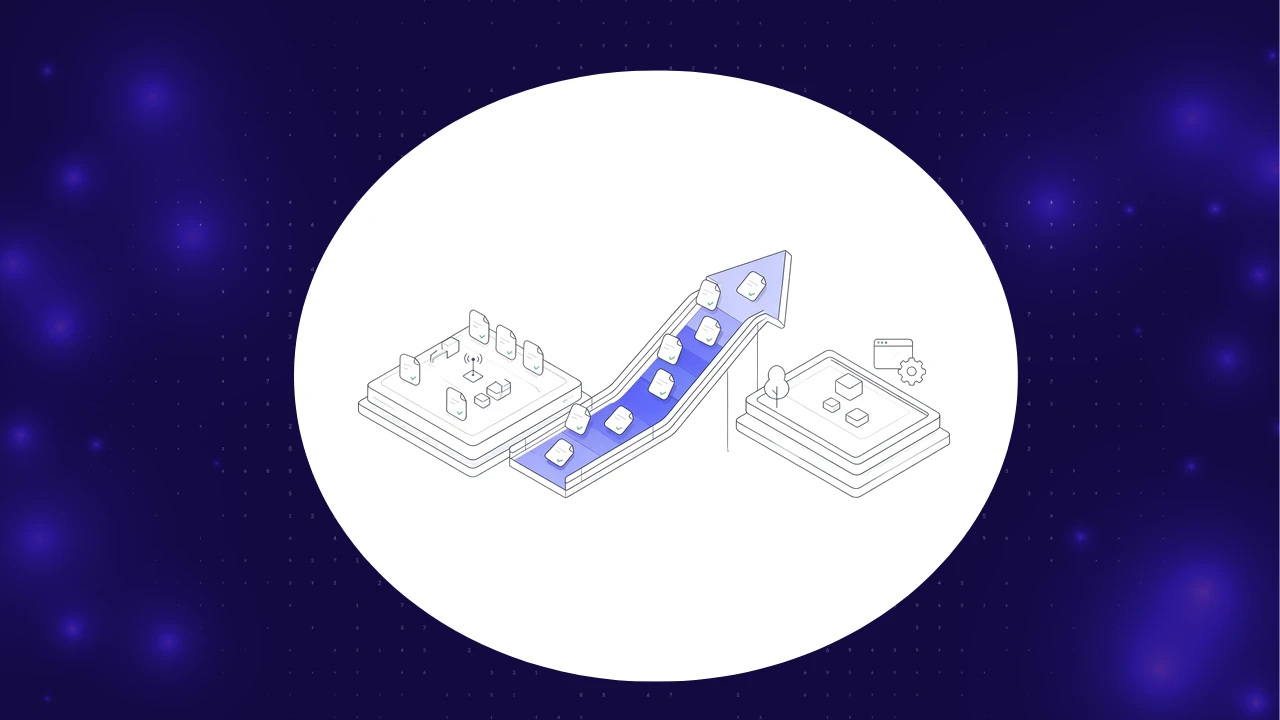


You can browse without choosing. Manage optional cookies and similar technologies below. Necessary features stay on.
Browser privacy signals may restrict optional tracking. Privacy policy