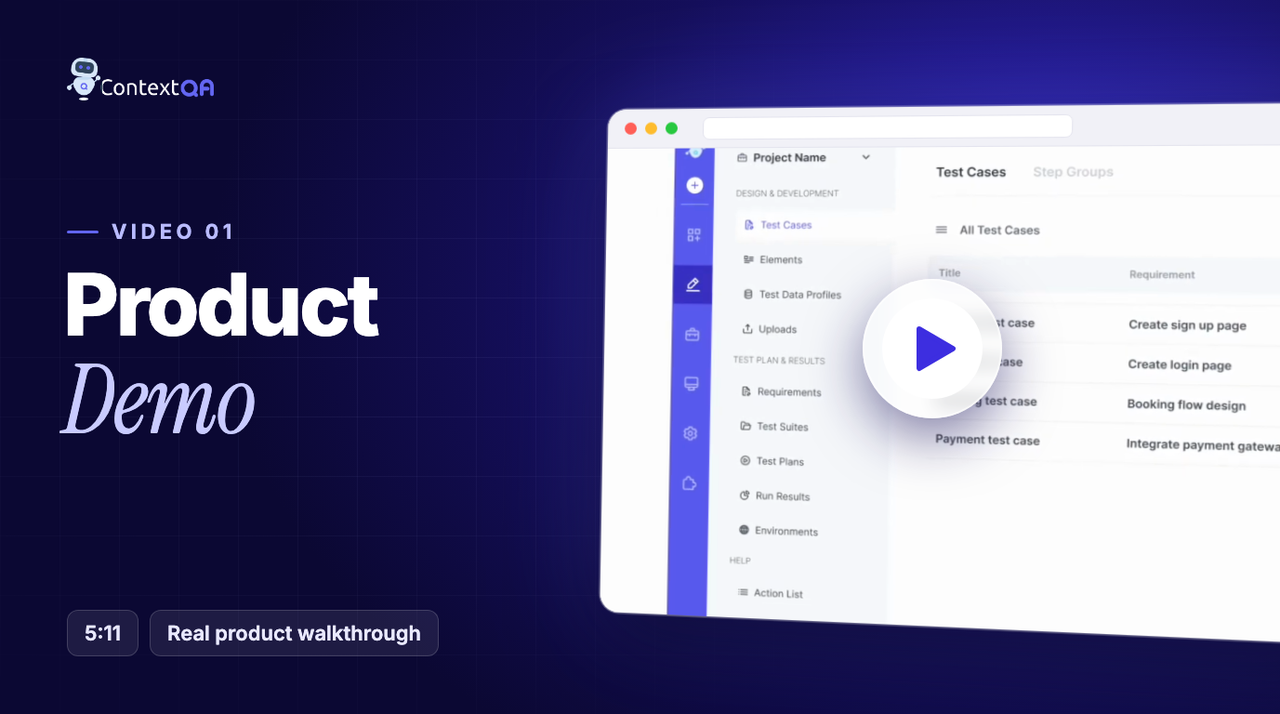
Video 1
Product Demo
A full tour of the ContextQA platform from first login to running your first test.

platform
Reading about test automation only gets you so far. Watching it run tells you whether it fits how your team works. This library breaks ContextQA into individual features, each with its own short video, real product recordings, not animations. Watch one to answer a single question, or a full cluster to go deeper.
Featured: Meet Ship, your AI quality engineer
Start with Ship, the newest part of ContextQA. Ship tests every pull request on the user journeys it touches, in your real app and a real browser. When a bug is reported in Slack, Linear or Jira, Ship reproduces it, finds the change behind it, and posts the steps, recording, logs and linked PR. Every reproduced bug is saved as a regression test. After the launch video, use the library below to see each core ContextQA feature in its own short video, from building a test case to cross-browser runs, API testing and JIRA.

Feature video library
Short videos from the ContextQA channel, one per feature. Watch the ones that matter to you.
Video 1
A full tour of the ContextQA platform from first login to running your first test.
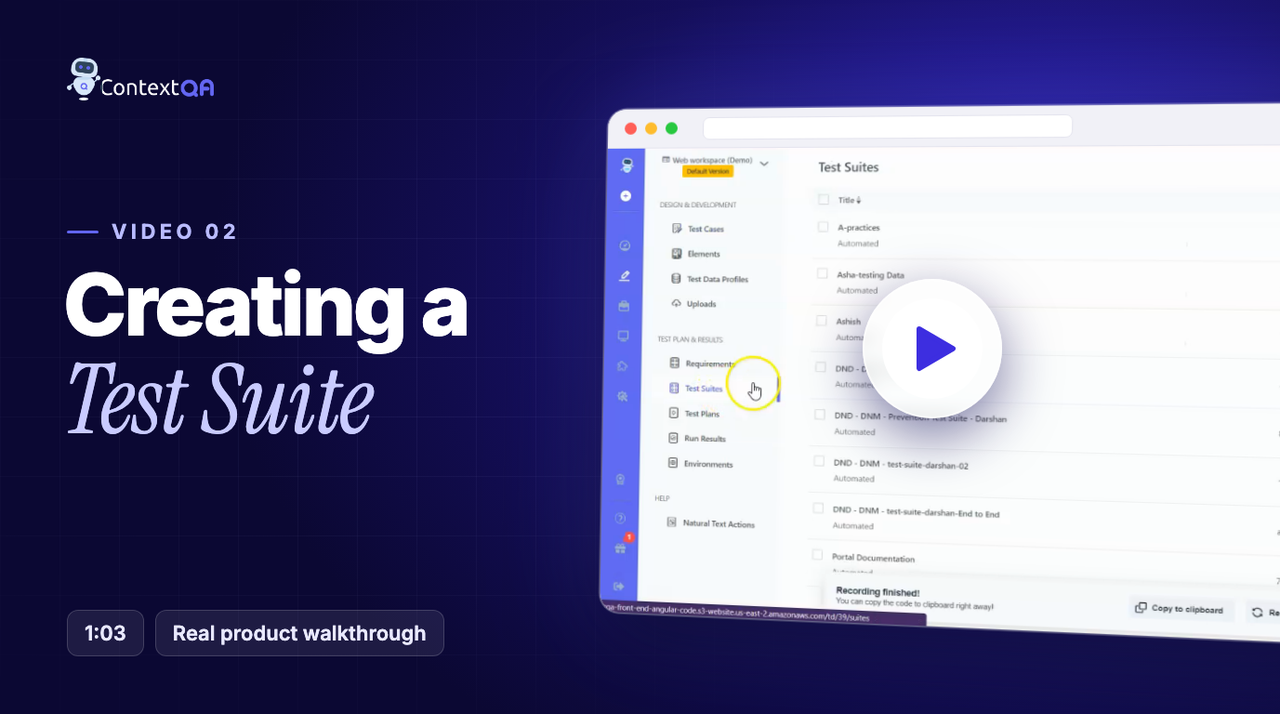
Video 2
How to group related test cases into a suite inside the ContextQA portal.
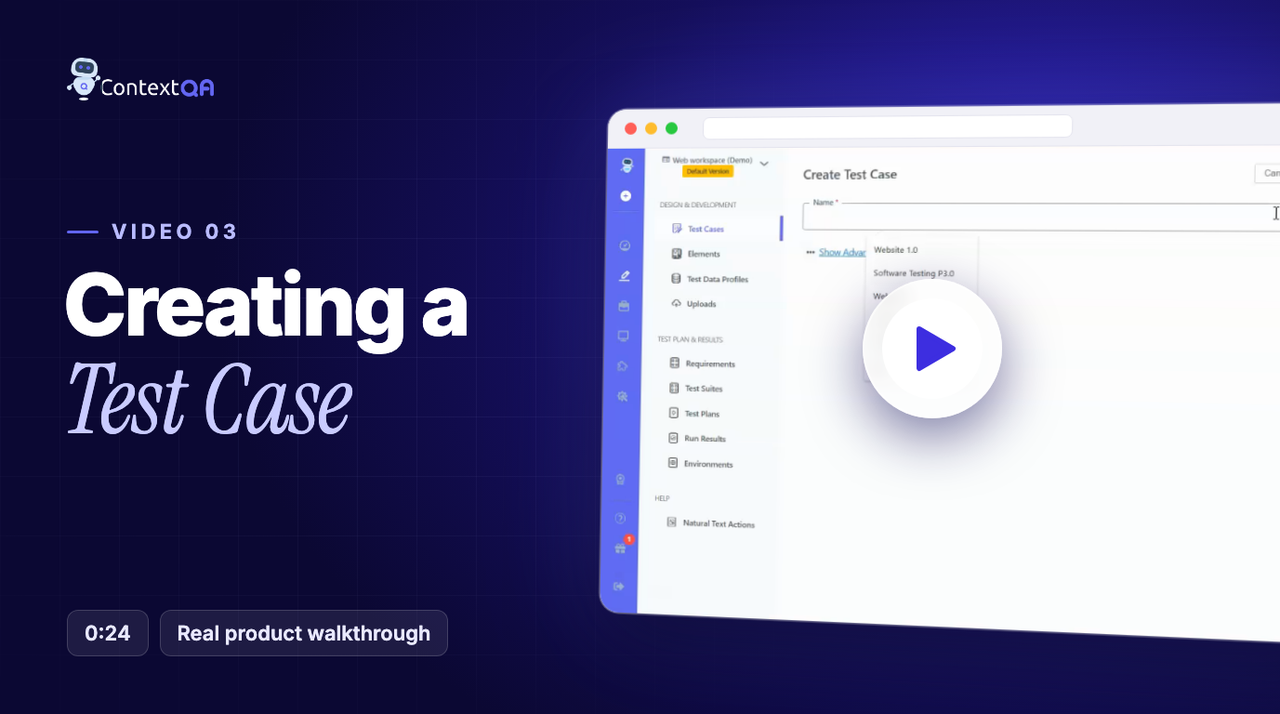
Video 3
Step-by-step walkthrough of building a single test case in the portal.
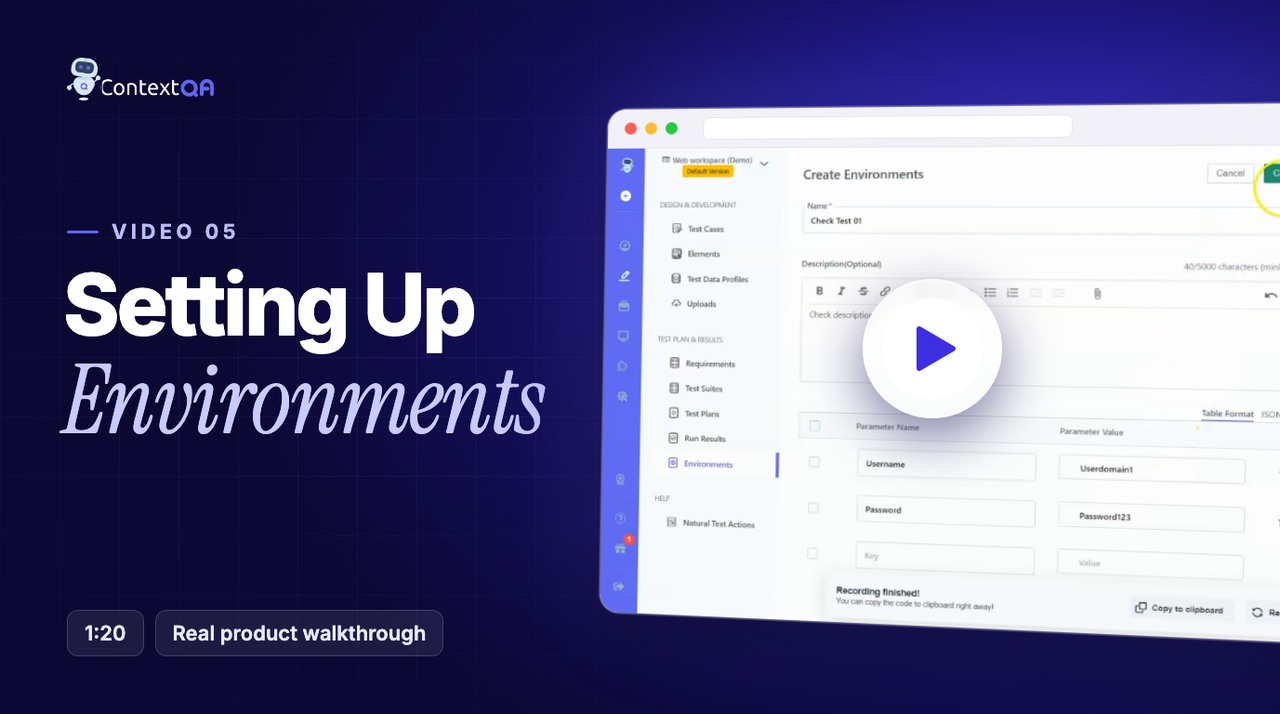
Video 5
Configuring a test environment before you point a suite at it.
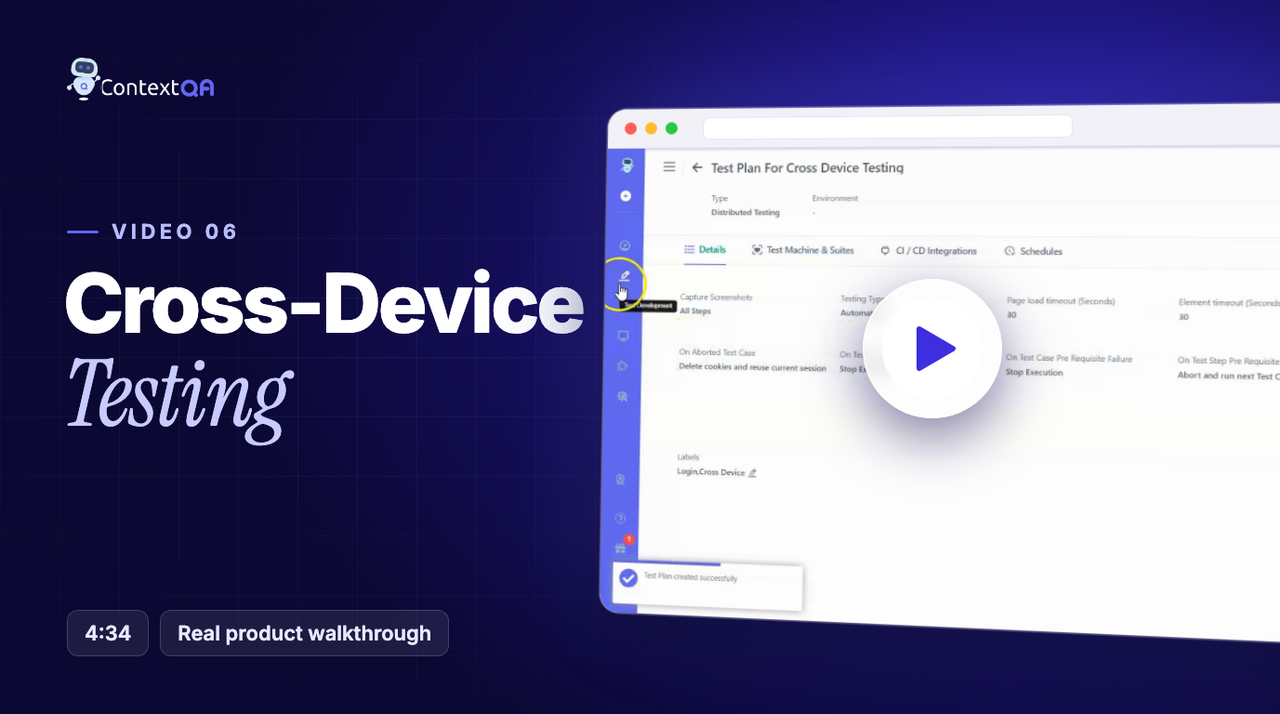
Video 6
Running the same test across multiple device profiles from one suite.
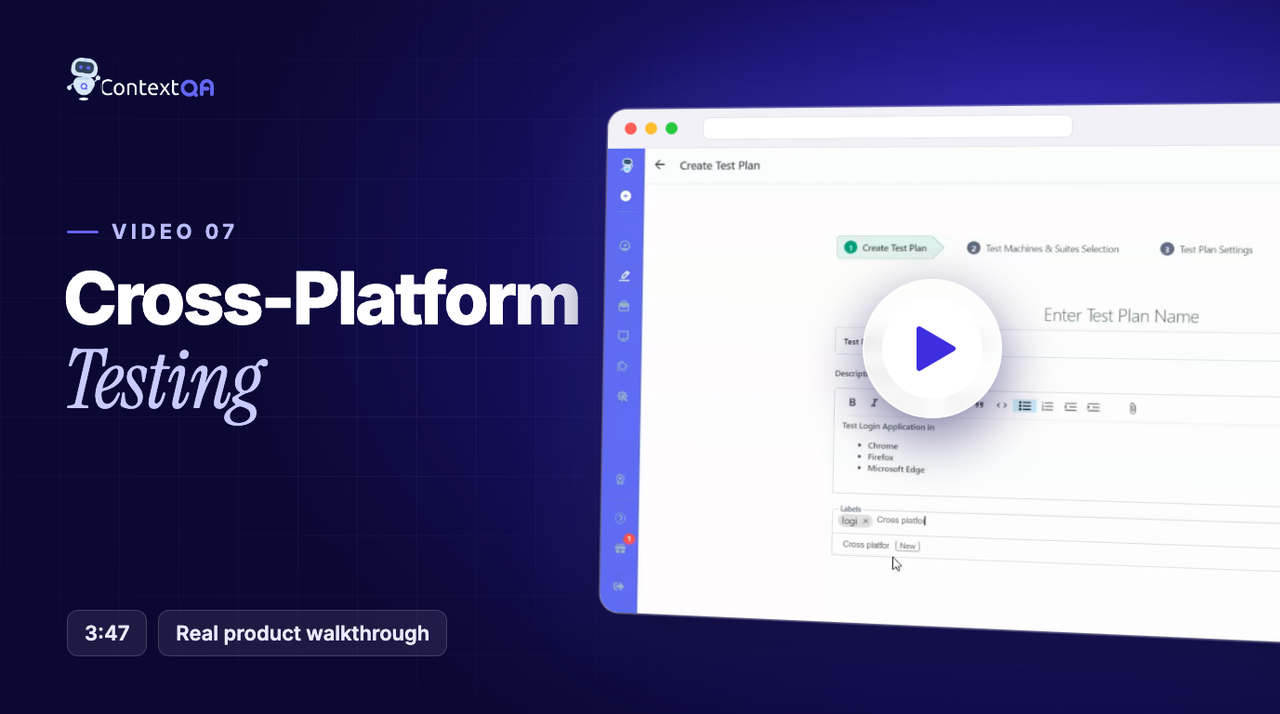
Video 7
Testing the same flow across different platforms without separate scripts.
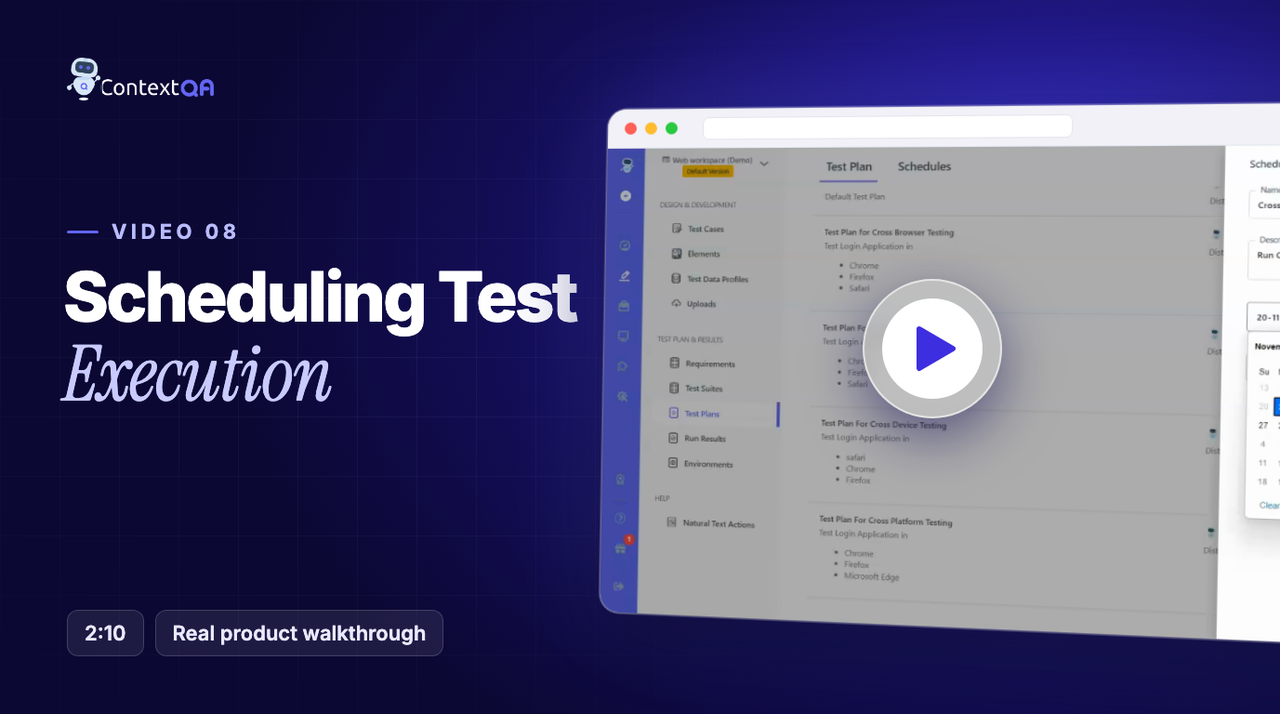
Video 8
Setting up continuous, scheduled test runs instead of triggering them by hand.
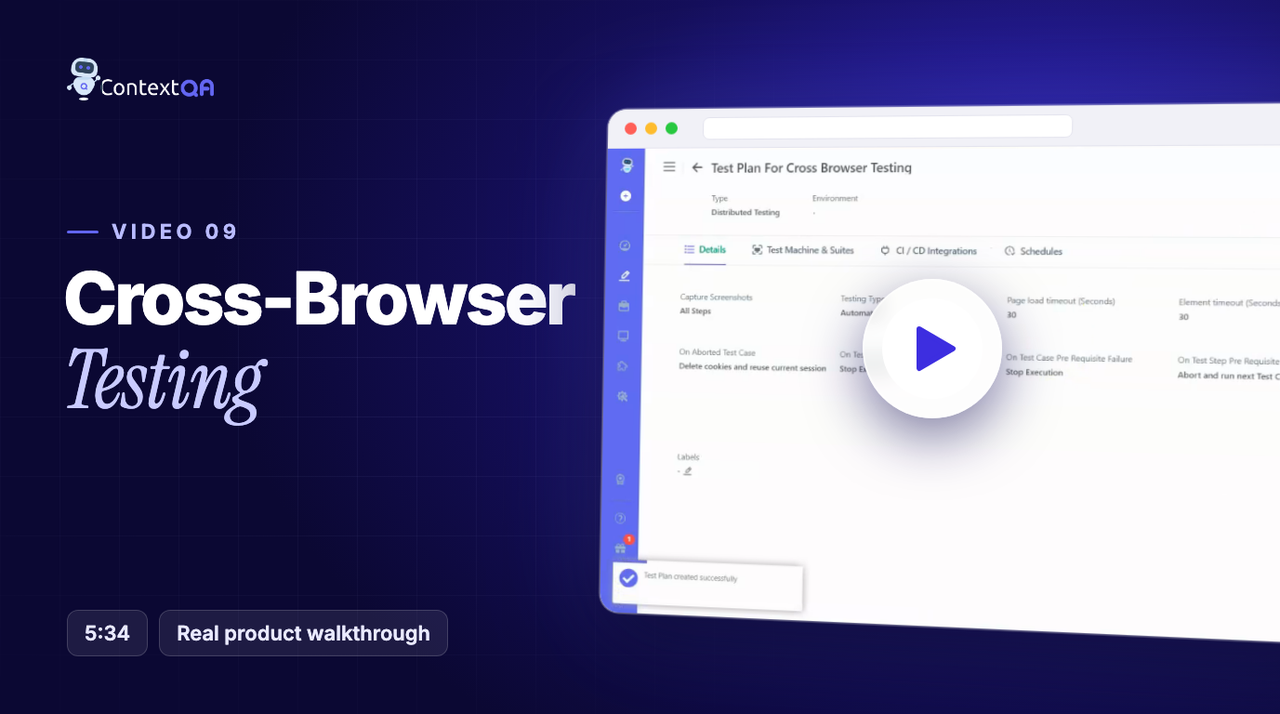
Video 9
Running one recorded test across Chrome, Firefox, Safari, and Edge.
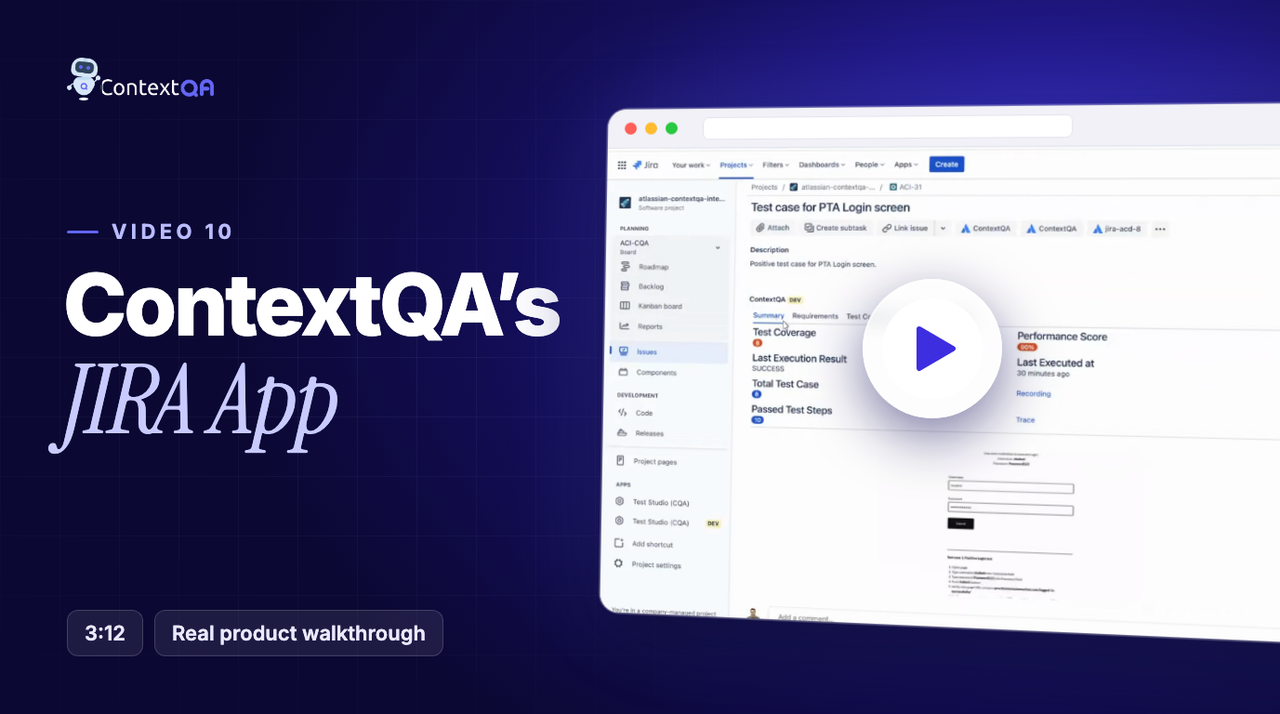
Video 10
How the ContextQA JIRA integration connects test results to your existing issues.
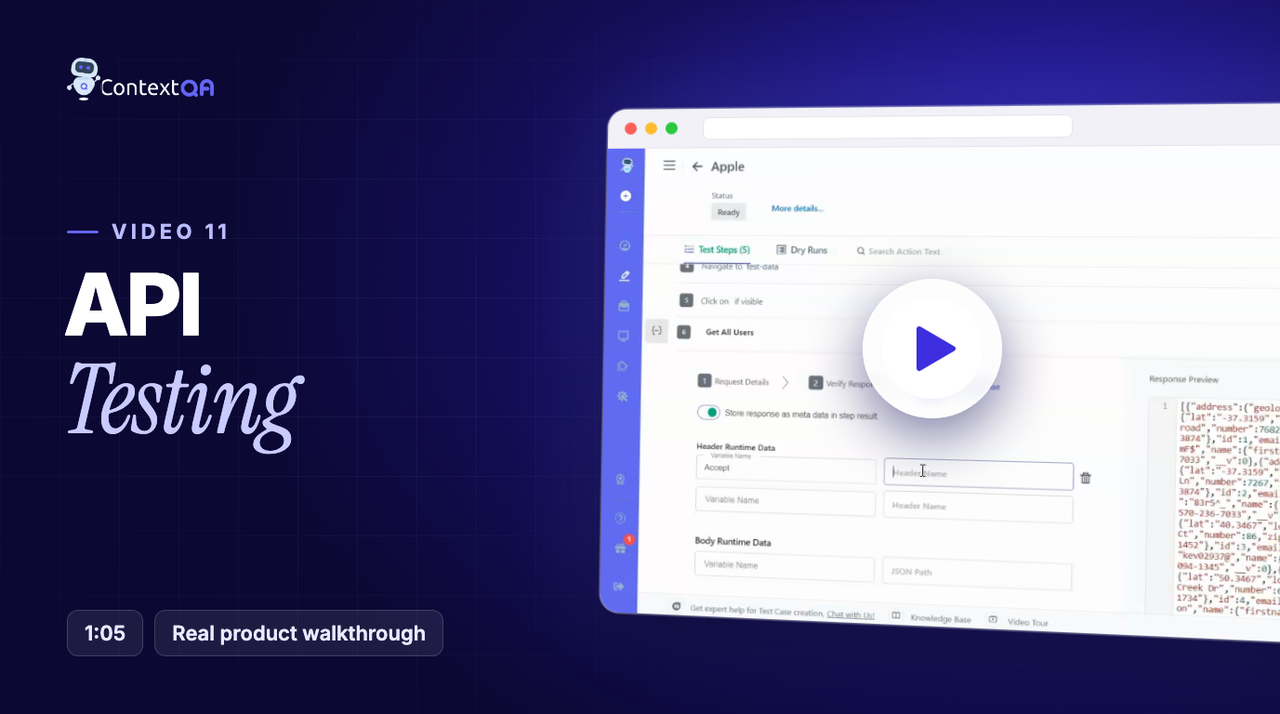
Video 11
Testing APIs directly inside the ContextQA portal, alongside your UI tests.
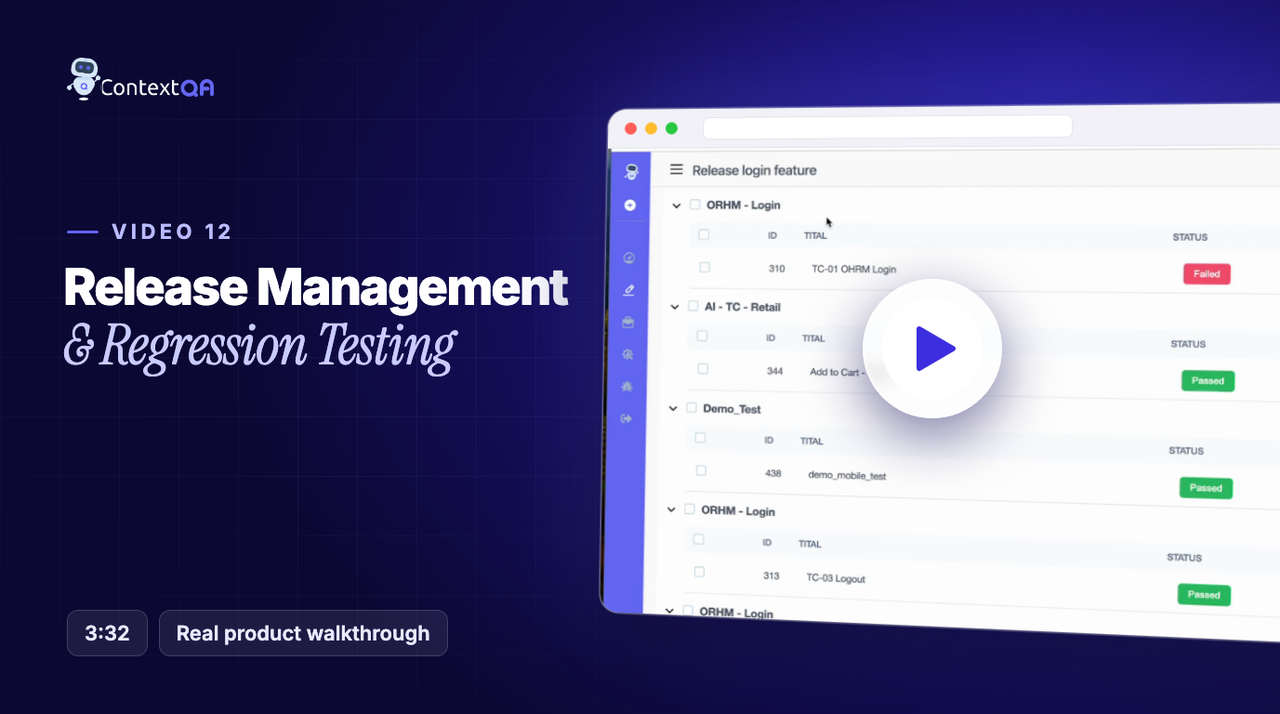
Video 12
Managing a release with regression coverage and proof of test results attached.
Start with the Ship launch video at the top of the page to see what's new. For the core platform, watch Video 1, the product demo, for a full tour from first login to running your first test, then Creating a Test Case and Creating a Test Suite, since most of the other features build on those two. For a longer guided walkthrough, see the ContextQA demo tutorial.
Ship is ContextQA's AI quality engineer. It tests every pull request on the user journeys it touches, in your real app and a real browser. When a bug is reported in Slack, Linear or Jira, Ship reproduces it, finds the change behind it, and posts the steps, recording, logs and linked PR. Every reproduced bug is saved as a regression test. You can try Ship free or watch the launch video at the top of this page.
Besides the featured Ship launch video, the library covers the ContextQA platform end to end: the product demo, creating test suites and test cases, setting up test data profiles and environments, cross-device and cross-browser testing, scheduling continuous test runs, API testing, the JIRA app, live test execution, and release management with regression testing. New videos are added as new features ship.
No. The Chrome extension records your clicks and inputs as you use the app, and you edit the resulting steps in plain English, not in a script. Engineers can still drop into low-code or pro-code mode on the platform when a test needs custom logic, but nothing in the walkthrough requires writing code.
Yes. Every recorded step shows up as a plain-English action you can reorder, edit, or delete directly in the test editor, with no code view required unless you want one.
The same recorded test runs across Chrome, Firefox, Safari, and Edge without separate scripts per browser. See ContextQA web testing for more on browser coverage.
When a locator ContextQA relied on disappears or changes, it checks the element's other attributes and its position relative to elements around it to find the closest match, updates the step, and keeps the test running instead of failing outright. Read more about AI-based self-healing.
Yes. Book a demo to walk through ContextQA on your own app with the team, or join the pilot program to try it on your own test cases.
We use optional cookies to improve your experience, personalise and measure ads, analyse traffic and enable chat. Click “Accept all” to allow these cookies, or choose your preferences. You can change your choice at any time.
Browser privacy signals may restrict optional tracking. Privacy policy