
Chances are, Salesforce is the lifeblood of your business. It’s where you manage your customer relationships, track your sales, and run your marketing campaigns. So, when something goes wrong, it can have a major impact on your bottom line.
That’s where Salesforce testing best practices come in. A solid testing strategy can help you catch bugs and prevent costly production failures before they have a chance to impact your users. But with so many customizations and integrations, testing Salesforce can be a real challenge.
In this post, we’ll break down the ContextQA Salesforce testing best practices that will help you prevent costly production failures and keep your org running smoothly.
Why is Salesforce Testing So Hard?
Before we dive into the best practices, let’s quickly recap why Salesforce testing is so hard. Here are just a few of the challenges you’ve probably noticed:
- Customizations: Every Salesforce org is unique. With so many customizations, it can be difficult to know what to test and how to test it.
- Integrations: Salesforce is often integrated with a variety of other systems, from marketing automation platforms to ERP systems. This can make it difficult to test the end-to-end user journey.
- Frequent releases: Salesforce releases new features and updates three times a year. This means you need to be constantly testing to make sure that your org is compatible with the latest release.
This is where a smart approach to Salesforce testing comes in. By following these Salesforce testing best practices, you can make your entire QA process more efficient and effective.

Salesforce Testing Best Practices
That’s all great, but how do you do it? Here are a few Salesforce testing best practices that can help you prevent costly production failures:
Start with a Solid Test Plan
A solid test plan is the foundation of any successful testing strategy. It should outline what you’re going to test, how you’re going to test it, and who is responsible for testing it. Your test plan should also include a timeline and a list of the resources you’ll need.
When you’re creating your test plan, be sure to involve all of the stakeholders, from your developers and admins to your business users. This will help you make sure that your test plan is comprehensive and that it covers all of the critical user journeys in your application.
Don’t Forget About Your Data
As a QA, you already know that your data is one of your most valuable assets. You need to make sure that it’s accurate, complete, and secure. This means you need to include data testing in your Salesforce testing strategy. This includes everything from database testing to data migration and performance testing.
When you’re testing your data, be sure to use a variety of different data sets, including both valid and invalid data. This will help you make sure that your application can handle a variety of different scenarios.
Test Your Integrations
Salesforce is rarely used in a vacuum. It’s often integrated with a variety of other systems to keep things running. You need to make sure that these integrations are working as they should. This is where API testing comes in. It allows you to test the communication between Salesforce and your other systems to make sure that data is flowing correctly.
When you’re testing your integrations, be sure to test both the happy path and the unhappy path. This will help you make sure that your integrations can handle a variety of different scenarios, including errors and timeouts.
Automate, Automate, Automate
Manual testing is slow, error-prone, and not scalable. The only way to keep up with the pace of modern development is to automate as much of your testing as possible. This is especially true for Salesforce, where you have to re-run a large suite of tests every time you release.
But where do you start? A good place to start is with your most repetitive and time-consuming tests. These are the tests that are most likely to benefit from automation. And with a no-code/low-code platform like ContextQA, you can easily create and maintain these tests without writing a single line of code. For more on this, check out our post on how to reduce manual regression testing.
Test in a Sandbox Environment
You should never test in your production environment. It’s just too risky and too many things could go wrong in a live situation. Instead, you should always test in a sandbox environment. A sandbox is a copy of your production environment that you can use for testing and development.
When you’re testing in a sandbox, be sure to use a full sandbox. A full sandbox is a complete copy of your production environment, including all of your data and customizations. This will allow you to test your application in a realistic environment without impacting your production users.
Let’s get your QA moving
See how ContextQA’s agentic AI platform keeps testing clear, fast, and in sync with your releases.
Book a demoHow ContextQA Can Help You with Salesforce Testing
So, how can ContextQA help you with your Salesforce testing best practices? Here are just a few of the ways:
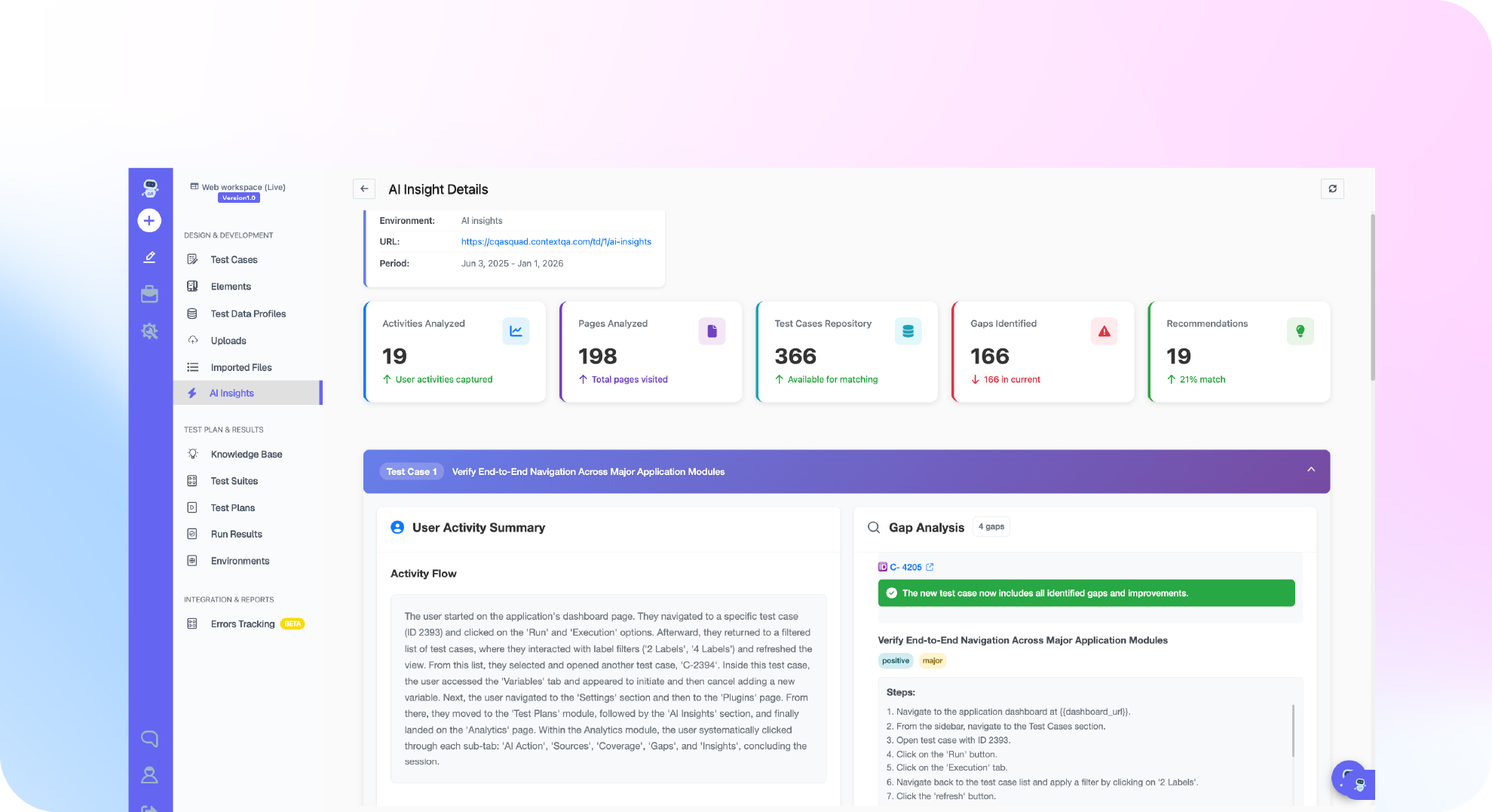
- No-code/low-code test creation: With our no-code/low-code platform, you can easily create and maintain automated tests for your Salesforce org without writing a single line of code.
- AI-powered self-healing tests: Our self-healing tests automatically adapt to changes in your Salesforce org, so you don’t have to waste time updating your tests.
- End-to-end testing: We support a variety of different testing types, including UI testing, API testing, and database testing. This allows you to test the end-to-end user journey, from your website to your Salesforce org and back again.
- CI/CD integration: We integrate with your existing CI/CD pipeline, so you can automate your Salesforce tests and run them as part of your regular development workflow.
Don’t Let a Buggy Org Slow You Down
A buggy Salesforce org can be a major drag on your business. It can lead to lost productivity, frustrated users, and even lost revenue. But it doesn’t have to be that way. By following these Salesforce testing best practices, you can prevent costly production failures and keep your org running smoothly. And with a platform like the ContextQA , you can do it all without breaking a sweat.
Ready to get started with Salesforce testing? Get started with a ContextQA demo for the shortcut to streamlined CRM QA.