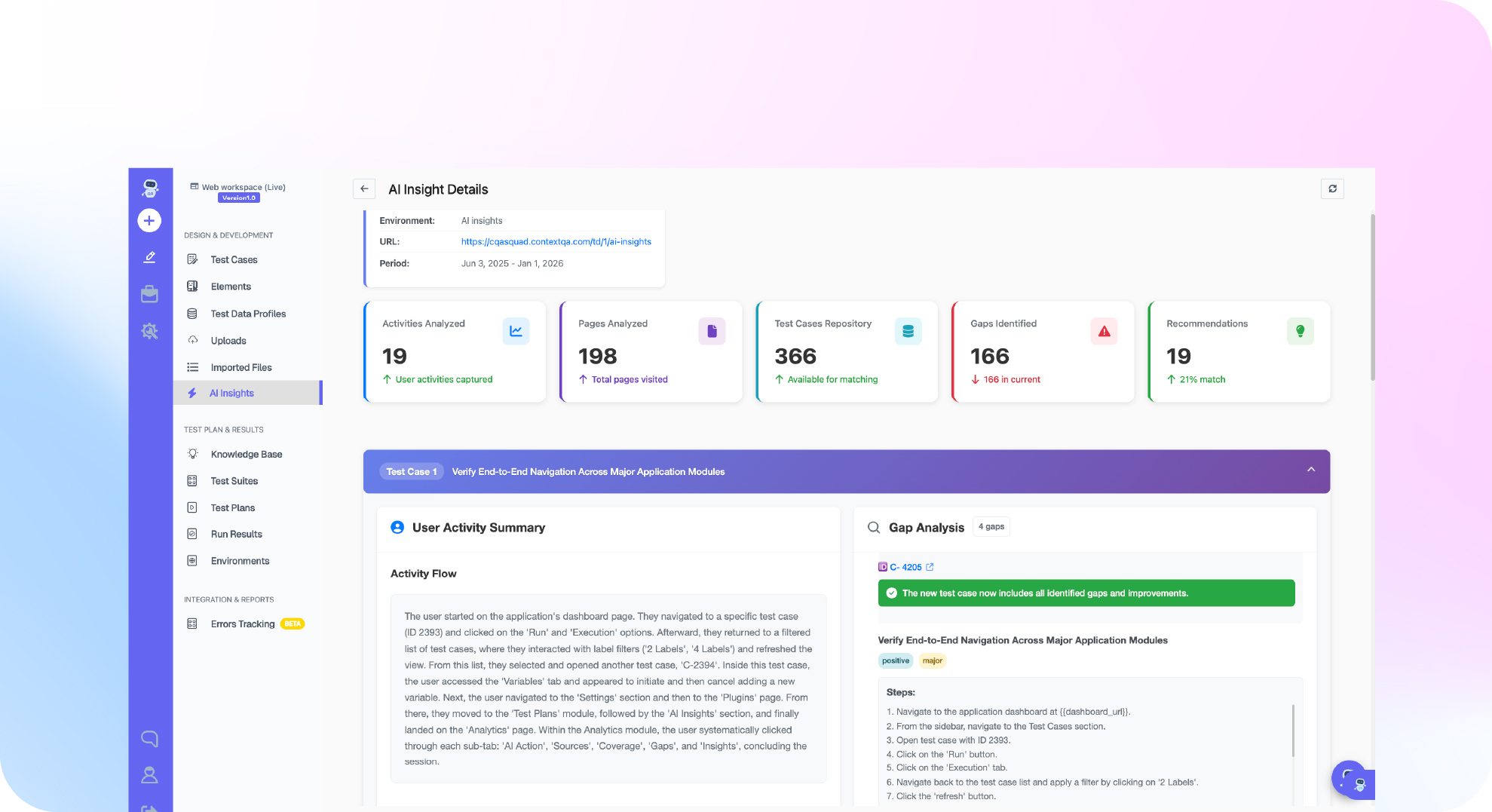

TL;DR: Appium's biggest problems are slow execution, flaky tests, and heavy setup and maintenance. Every command passes through a WebDriver HTTP server and then a platform driver (XCUITest or UiAutomator2). That adds delay to each step and leaves room for timing failures. Teams also keep Xcode, Android SDK, driver and device versions in sync, and they repair locators after every UI change. ContextQA, the autonomous quality engineer, uses self healing to repair broken locators automatically.
The main disadvantages of Appium are slow test runs, flaky locators, complex driver and device setup, and a high maintenance load as the mobile UI changes. Engineering leaders see this as red CI builds, delayed releases, and engineers stuck fixing tests. This guide covers each limitation, its cause, and how teams work around it in production.
Quick answers
Does Appium reliably handle native gestures, biometrics, and system dialogs? Only partly. Taps, swipes, and scrolls work through the W3C Actions API. Multi touch gestures, Face ID or fingerprint prompts, notifications, and OS permission dialogs often need driver specific mobile: commands or workarounds that only run on simulators. Keep a list of the flows you cannot automate end to end.
How much engineering time does an Appium suite cost to maintain? Measure it yourself, because no single benchmark fits every team. For one release cycle, tag every test fix in Jira by cause: locator, environment, timing, or real bug. If locator and environment fixes outnumber real bugs found, invest in stable accessibility IDs, self healing locators, or a platform that takes on that upkeep.
Can we keep existing Appium tests if we adopt a different approach? Yes. Most teams should not rewrite everything. Keep stable, high value Appium tests in CI and move the flakiest, most maintenance heavy flows first. Compare pass rate and fix time across a few sprints. Also confirm the new tool exports standard code or runs in your Jenkins or GitHub Actions pipelines.
What are the disadvantages of Appium?
Appium's core weaknesses are slow command execution, flaky element lookups, heavy setup, and constant locator maintenance. Appium drives iOS and Android apps over the W3C WebDriver protocol, so every action travels from client to server to platform driver. Those extra hops, plus hand written waits, are why mobile suites slow down and fail at random in CI.
Here is where each drawback comes from:
- Slow execution: Every
findElementorclickcall is an HTTP request. It goes from your test client to the Appium server, which forwards it to a driver such asXCUITestorUiAutomator2. XPath queries against large iOS view hierarchies often cause slow lookups. - Flaky tests: Appium does not wait for animations or network calls on its own, so teams add explicit waits. When those waits are wrong, you get an intermittent
NoSuchElementExceptionthat passes on rerun. - Setup overhead: Since Appium 2, each driver installs separately, for example
appium driver install xcuitest(Appium documentation). iOS runs also need Xcode and a signedWebDriverAgentbuild. - Locator maintenance: Selectors such as
accessibility idor Android resource IDs break when developers rename views. Someone has to fix each one by hand.
What do Appium's weaknesses tell you about cost?
Appium's weak points show where the cost of mobile automation actually sits. Little of it goes into writing tests. Most goes into environment setup, keeping toolchains aligned with each OS release, and repairing locators. For engineering leaders, these weak points show which work the next tool has to take on before total cost of ownership comes down.
- Capabilities are easy to get wrong: W3C mode requires prefixed keys such as
appium:automationName,appium:udidandappium:app. One typo produces a session error instead of a failed test. - Environment variables and signing add friction: Teams set
ANDROID_HOMEandJAVA_HOME, match Xcode versions, and sign WebDriverAgent before a real iOS device will run. - The hidden cost is people: Someone has to own the device lab, the toolchain and the flaky reruns. That work rarely shows up in tool budgets.

Why do Appium's limitations matter in 2026?
They matter because mobile suites now run on every pull request. A slow, flaky end to end layer used to cost a nightly rerun. Now it blocks merges. Each WebDriver command makes a network round trip through a server and a platform driver. A test that waits too long or too little therefore holds up every release in the pipeline.
Flakiness is not unique to mobile. Google reported that about 1.5% of all its test runs produced a flaky result, and that almost 16% of its tests showed some flakiness (Google Testing Blog, 2016). Device based UI tests pile more sources of nondeterminism on top of that: animations, network calls, and device state.
Appium vs Espresso vs XCUITest. Espresso (Android) and XCUITest (iOS) run inside the app process or right next to it. They sync with the UI thread, so they run faster and need fewer explicit waits. The cost is two codebases in two languages. Appium gives you one cross platform API, but every call passes through an extra layer, and that layer is where most timing failures start.
Appium vs newer runners. YAML flow runners, gray box frameworks for React Native (tools that can see the app's internal state) and Playwright's mobile emulation each fix part of the problem. Playwright emulates a mobile viewport in a desktop browser. It does not drive native apps. Decide first whether you need native coverage, real devices, or speed on every pull request.
How do these drawbacks show up in practice?
In practice, they show up as slow session startup, locator failures after UI changes, and infrastructure work that grows with every device you add. In CI/CD, teams see long pipeline queues and retries that hide real bugs. They also end up with a device lab or cloud subscription that someone has to own and pay for.
- Session startup eats pipeline time. Each test opens a session through
UiAutomator2orXCUITest, and that driver installs helper apps on the device before the first step runs. - Parallel runs need manual wiring. Every worker needs its own
udid,systemPortorwdaLocalPortcapability. A single port collision can fail a whole shard. - Locators break when the UI shifts. XPath and accessibility ID selectors fail after layout changes, so engineers repair tests instead of adding coverage.
- Devices become a cost center. An in house lab needs Macs for iOS, USB hubs and OS updates. A real device cloud replaces that work with pricing that usually scales with concurrent sessions.
- Failures arrive without context. To triage a failure, someone has to pull screenshots, video and device logs by hand.
Which approach fits your team?
Keep Appium if you have dedicated SDETs (software development engineers in test) who can own drivers, device grids, and locator upkeep. Use each platform's native framework if each team owns a single OS and wants faster runs. Choose a codeless, AI driven platform if testers who don't code need to write mobile tests and maintenance is eating sprint capacity.
iOS is where Appium's gaps hurt most. Appium drives iOS through Apple's XCUITest framework, so you need macOS hosts with Xcode. Real device runs also need WebDriverAgent signed with a valid provisioning profile, and an Xcode or iOS upgrade can break that setup right before a release.
| Option | Best for | Pricing model | Notable tradeoff |
|---|---|---|---|
| Appium | Teams with SDETs | Open source | Driver and signing upkeep |
| Native frameworks | Single OS teams | Free with SDK | Two separate suites |
| AI codeless platform | Teams without SDETs | Quote based | Vendor dependency |
The ContextQA mobile testing path covers the third row. Its AI assisted test creation handles authoring, self healing repairs broken locators, and the same suite runs in parallel on iOS and Android. Choose based on who will maintain the suite a year from now.

How does ContextQA handle the disadvantages of Appium?
ContextQA deals with brittle locators, heavy setup, and the need for coding skills by generating mobile tests with AI from an uploaded app build instead of driver scripts. Self healing repairs broken selectors when the UI changes. One suite runs in parallel across iOS, Android, Chrome, Safari, Edge and Firefox.
Appium makes your team install, version and debug a client library, a server and a platform driver. With ContextQA, the team works on the test flow itself, using the supported setup in the mobile testing guide.
A practical rollout:
- Upload an APK or IPA, create a mobile test case for one core flow, then generate and run it on a chosen device.
- Add the suite to Jenkins or GitHub Actions and send results to Jira, Slack or GitHub.
- Run and triage tests from Claude Code or Cursor through the MCP server.
- Keep an exit path: tests export to code, including Playwright, through code export.
If brittle Appium locators break your mobile suite after every UI change, book a demo to see how ContextQA's self healing repairs them automatically.
What should you do now? A checklist
Treat the disadvantages of Appium as measurable costs, not opinions. Before you keep or replace it, pull a month of CI data, count flaky failures and maintenance hours, and compare those numbers against one pilot flow on an alternative. Then decide with evidence your own team produced, not public reviews.
- Export 30 days of mobile CI runs and tag each failure as a product bug, a flaky failure or an environment problem.
- Log the hours each sprint spends fixing locators, capabilities and driver upgrades.
- Record the median suite duration on your real device grid or device cloud.
- List flows blocked by
XCUITestorUiAutomator2driver limits. - Rebuild one frequently changing flow, such as login or checkout, in ContextQA mobile testing with self healing, running on iOS and Android in parallel.
- Compare triage time and maintenance hours across two release cycles.
- Write a one page recommendation for leadership: keep Appium, run both, or migrate.
Bottom line
Appium's drawbacks are real but manageable. Slow sessions, brittle locators, heavy device setup and flaky suites share one root cause: maintenance grows faster than coverage. Teams respond in three ways. They stabilize selectors, run in parallel on managed devices, and hand repetitive upkeep to self healing tools. Before your next sprint, decide which costs your team keeps carrying and which it automates.