
TL;DR: When a test fails, someone still has to work out why, and doing that by hand can eat close to an hour per failure. AI root cause analysis reads the logs, screenshots, DOM diff, network trace, and code diff together, then classifies the failure as a real bug, a test issue, an environment problem, or a flake, often in minutes instead of nearly an hour.
Definition: Root Cause Analysis (Test Automation) Root cause analysis in test automation is the process of tracing a failed test back to its actual source, whether that is a genuine application defect, a broken or outdated test script, an environment or infrastructure problem, or a non-deterministic flake, using evidence like logs, screenshots, DOM state, and network activity rather than guesswork. AI root cause analysis automates this tracing by reading all of those evidence types together rather than one at a time.
Quick answers
Does AI root cause analysis actually replace a human triaging failures?
No. It narrows a haystack of fifty failed tests down to a short, classified list in minutes, but a person still decides what gets fixed and in what order. Think of it as a faster first pass, not a final verdict.
How accurate is AI root cause analysis at classifying failures?
It depends heavily on how many signals types the tool captures. A system reading only pass or fail status is guessing. One reading logs, screenshots, DOM diffs, network traces, and code diffs together gets meaningfully closer to a correct call, though novel failure modes still need a human eye.
Is AI root cause analysis the same thing as self-healing test automation?
No, and the two get confused often. Self-healing repairs a broken element locator so the test keeps running. Root cause analysis explains why a test failed in the first place, a different job that happens after the failure, not during it.

How AI root cause analysis actually works
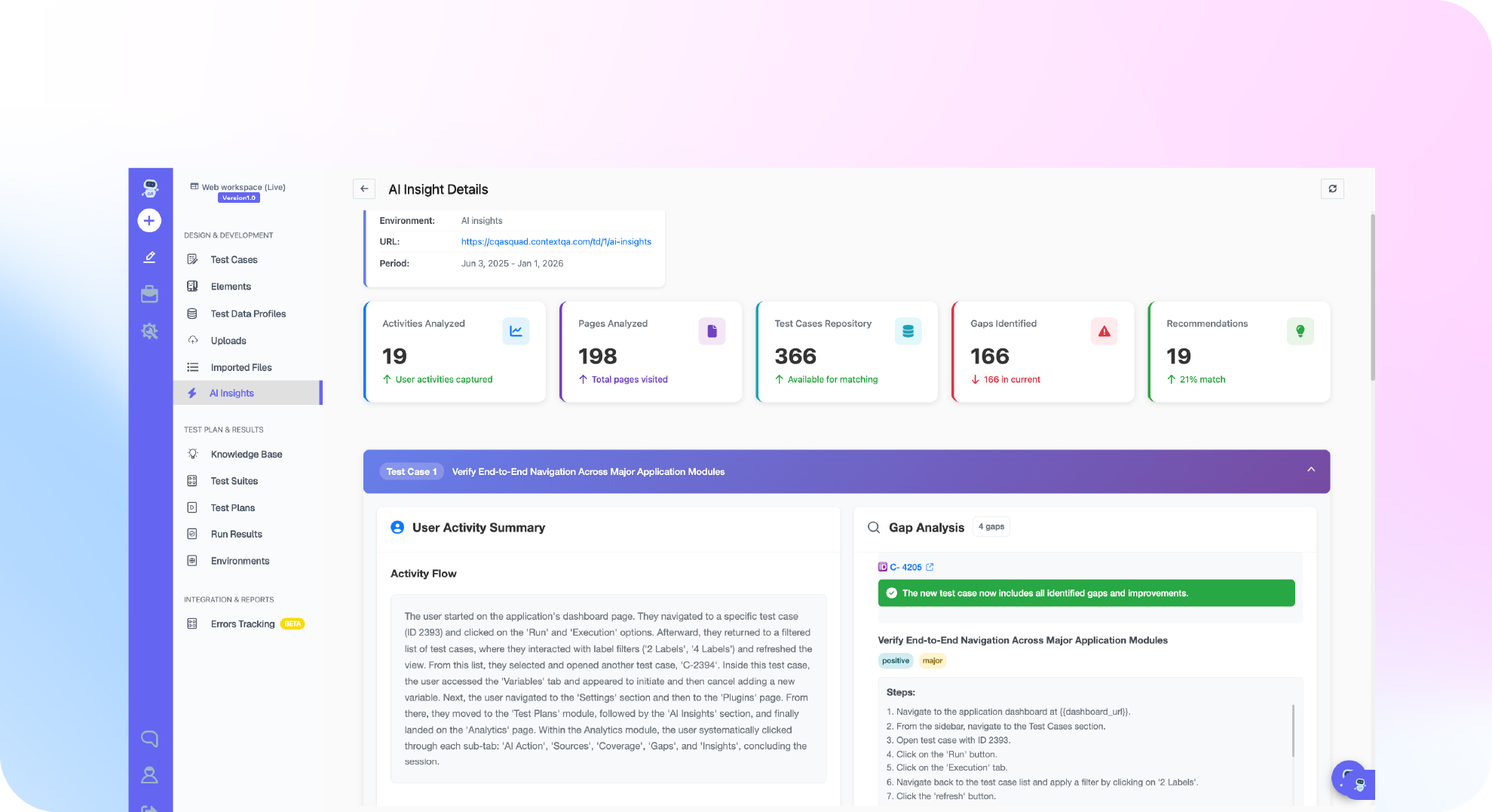
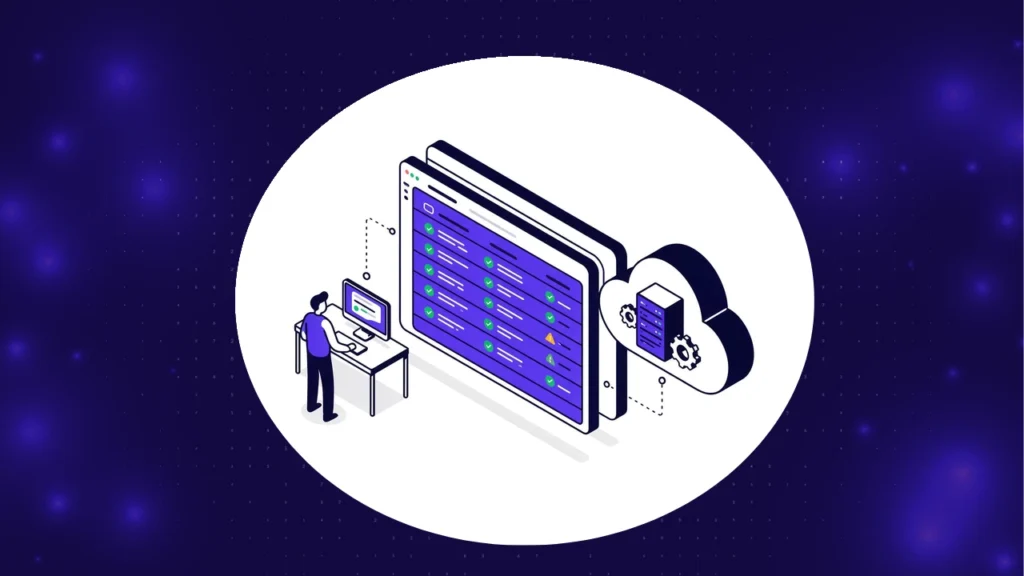
Here is the mechanical version. When a test fails in CI, a root cause analysis engine does not just log a red mark and move on. It pulls together everything that happened around the failure: a screenshot at the moment of failure, the DOM state, the network requests and response codes, the exact lines of code that changed since the last green build, and any relevant application or test data. AI root cause analysis works differently from a standard CI log. ContextQA’s root cause analysis engine works this way, comparing five signal layers, visual, DOM, network, code, and data, against the last known good state before it renders a verdict.
The four failure categories your team should be sorting into
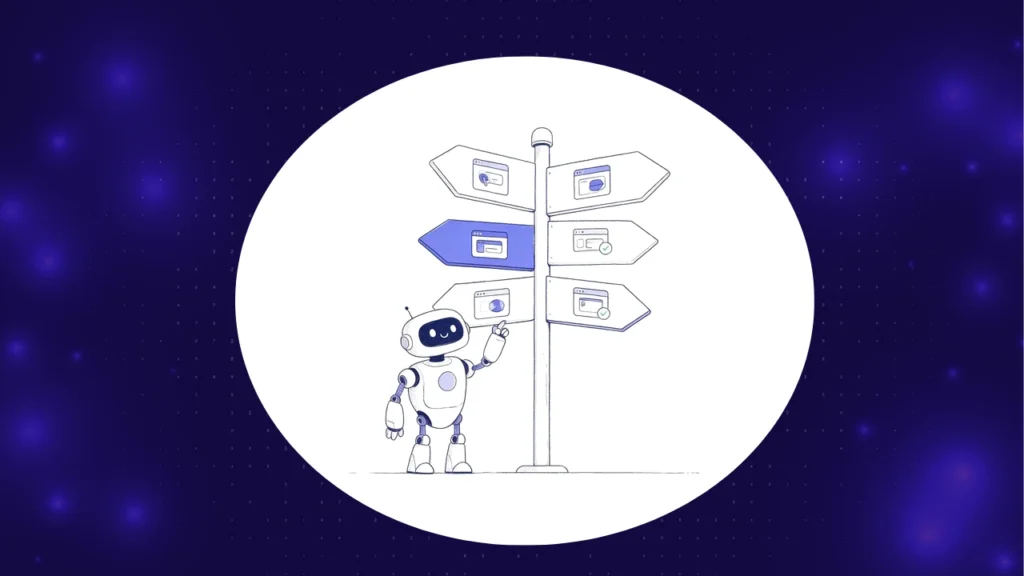
Not every red build means the same thing, and treating them the same is how teams end up either ignoring real bugs or filing tickets against tests that were never broken in the first place. There are four buckets worth separating, and getting fast at telling them apart is most of what root cause analysis actually buys you.
| Category | What it actually means | Signal that flags it | Right response |
|---|---|---|---|
| Real bug | A genuine regression introduced by a recent code change | Code diff lines up with the failing assertion; error trace points to new code | File it, block the merge |
| Test issue | A bad locator, wrong assertion, or stale test data, not an app defect | DOM or selector mismatch with no corresponding app-side error | Fix the test, not the app |
| Environment problem | Network timeout, dependent service down, or config drift | Network or infrastructure signal fails while app code is unchanged | Fix the environment, or quarantine until it is |
| Flake | Non-deterministic timing or a race condition, no stable pattern | Same test passes on rerun with identical code and environment | Track the pattern, do not silently retry forever |
That four-way split is not academic. A test issue and an environment problem call for completely different fixes, and confusing a flake for a real bug, or the reverse, is exactly how teams end up shipping a broken feature or burning a sprint chasing a ghost. If your team is currently masking all four categories with blanket retries, that habit is worth breaking first, since retries hide the classification problem instead of solving it.
A worked example: a failed checkout test
Picture a nightly regression run where the “guest checkout” test fails. Under the old process, an engineer opens the CI log, sees a timeout on the payment step, and has three options: rerun it, assume it is flaky, or dig in properly. Most teams pick one of the first two, because the third one costs 45 minutes they do not have before standup.
A root cause engine takes the third option automatically. It pulls the screenshot at the moment of failure and finds the payment button greyed out. It checks the network log and finds the payment provider’s API returned a 503 for that specific request. It checks the code diff since last night’s green run and finds no changes anywhere near the checkout flow. That combination, a failing network call plus an unchanged codebase, points to one category: environment problem, not a real bug and not a test issue. The suggested action is to check the payment provider’s status page, not to open a ticket against the checkout feature.
Now swap one detail. Same test, same timeout, but this time the code diff shows a change to the checkout button’s element id from yesterday’s deploy. The DOM signal shows the old selector simply cannot find the button anymore, and the network log is clean. That is a test issue, not an environment problem, and the fix is updating the locator (or letting self-healing handle it), not paging anyone about the payment provider. Same failing test, same error message on the surface, two completely different root causes, and no way to tell them apart without looking at more than the pass or fail status.

Why root cause analysis has become a 2026 QA priority
Capgemini’s 2024-25 World Quality Report found that 68% of organizations were already using or actively piloting generative AI to advance quality engineering, a sharp jump from prior years (Capgemini, 2024). Most of that adoption clusters around two capabilities: generating tests and healing broken ones. Diagnosing why a test failed gets far less attention, which is strange, because it is usually the slowest manual step in the whole loop.
I keep coming back to a tension in the research here. DORA’s 2024 State of DevOps report found 75.9% of developers now use AI daily or weekly in their workflow (DORA, 2024), yet METR’s 2025 study of experienced open-source developers found they were actually 19% slower with AI tools, even though they felt about 20% faster (METR, 2025). The lesson is not that AI-assisted diagnosis is a wash. It is that the win only shows up when the tool is narrowly scoped, like classifying a failure against known categories, rather than asked to reason freely about the whole system.
Flakiness alone justifies a lot of this investment. Google’s own engineering research found flaky failures account for roughly 1.5% of individual test runs but touch about 16% of all tests at some point (Google Research). At scale, that is thousands of false alarms a month, each one demanding the same manual triage as a genuine defect until someone tells them apart. ISTQB’s own glossary treats root cause analysis as a distinct discipline from defect logging for exactly this reason (ISTQB glossary): finding the cause and fixing the symptom are not the same activity, and conflating them is where maintenance budgets quietly disappear.
There is also a quieter, cross-functional cost that rarely shows up in a sprint retro. A misclassified failure does not just waste an engineer’s time, it wastes a QA lead’s time reviewing the ticket, a manager’s time reading the status update, and sometimes a product owner’s time worrying about a release that was never actually at risk. Getting the classification right the first time is not just a debugging shortcut, it is fewer people pulled into a fire that turned out to be a flaky network call.
See root cause analysis run against your own failing suite.
The ContextQA pilot program plugs into a real pipeline, not synthetic demo data, so you can compare its classification against what your team would have called manually.
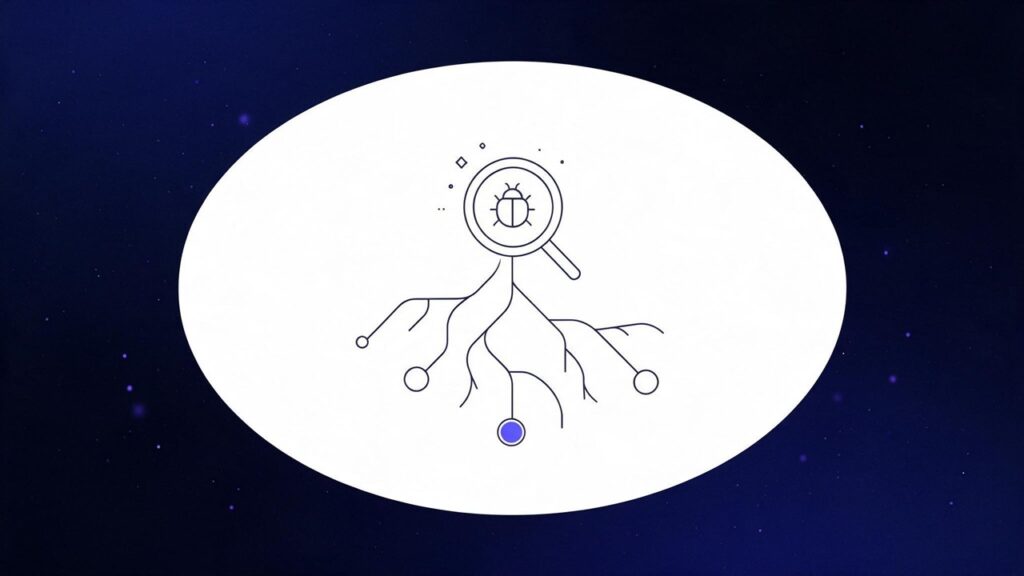
How the classification engine gets from failure to fix, step by step
Where root cause analysis needs to run: web, mobile, API, and CI/CD
A tool that only classifies UI failures is doing half the job, because real applications fail across several surfaces at once. On the web, that means DOM diffs and visual regressions. On mobile, it is device logs, crash reports, and OS-version drift, since an Android 14 failure and an iOS 18 failure rarely share a root cause. API tests have no DOM or screenshot to fall back on at all, so classification has to lean on response codes, schema validation, and latency patterns instead.
None of it matters much without build-to-build history inside CI/CD, because a failure that reproduces on every run tells a very different story than one that only shows up once a week. A root cause engine that can see the last twenty runs of a given test, not just the current one, can tell the difference between “this always fails after that specific deploy” and “this has failed twice in three months for no visible reason,” and those two patterns deserve very different amounts of engineering attention.
ContextQA’s MCP server exposes this same root cause data to coding agents like Claude, Cursor, and GitHub Copilot directly inside the IDE, so a developer can ask why a test failed without leaving their editor. Root cause analysis also compounds with self-healing test automation: once a failure is correctly classified as a test issue rather than a real bug, self-healing can often repair the locator automatically, closing the loop without a human touching either step.
The honest limitations of AI root cause analysis
- It shortens diagnosis, not remediation. Knowing a failure is a real bug on a specific line still means someone has to write the fix. Root cause analysis buys you time, it does not buy you the patch.
- Accuracy tracks signal richness. A UI test with screenshots and DOM state gives the engine plenty to work with. A bare API test with no visual layer gives it less, so expect lower confidence scores on thin-signal suites until you widen the assertions.
- It can create false confidence. Once a team starts trusting the auto-classification, spot-checking tends to drop off, and a misclassified flake can quietly hide a real regression for weeks. Treat the verdict as a strong hypothesis, not a closed case.
What this looks like in production
ContextQA’s own numbers give a sense of the gap between manual and AI-assisted triage. Teams using the platform’s root cause engine report average triage time dropping from roughly 45 minutes per failure to well under two minutes, alongside a roughly 80% reduction in repeat bugs once the actual root cause gets fixed the first time instead of patched around (ContextQA product data, 2026).
That second number matters more than the first. Fast triage that keeps missing the real cause just moves the wasted time downstream. We saw something similar play out in the IBM partnership case study, where migrating roughly 5,000 test cases onto ContextQA’s platform removed a meaningful chunk of the flakiness that had been masking real defects for years. ContextQA currently holds a 4.8 out of 5 rating on G2, and triage speed is one of the recurring themes in that feedback.
Do this now: a root cause analysis action plan
- (15 minutes) Pull your last 30 days of CI failures and manually tag each one as a real bug, a test issue, an environment problem, or a flake. This baseline is the only way to know later whether an AI classifier is actually helping. See how ContextQA structures this classification.
- (10 minutes) Time yourself triaging five of those failures the old way, stopwatch running. Most teams are surprised by the number.
- (30 minutes) Audit whether your pipeline actually captures screenshots, DOM snapshots, and network logs on every failure, not just UI ones. Check your web, mobile, and API suites separately, since coverage usually differs across the three.
- (20 minutes) Read up on why blanket retries hide the classification problem instead of solving it, and identify your top three chronically flaky tests as a starting point.
- (45 minutes) Pilot AI-assisted classification against your logged baseline for one suite over a week, and compare the verdicts side by side rather than trusting them blind.
- (30 minutes) Book a ContextQA demo and bring your own failing build. Watching the engine classify a real failure from your codebase tells you more than any spec sheet.
The bottom line
Root cause analysis will not make your application stop breaking. What it does is shrink the gap between a red build and knowing what to do about it, and for most teams that gap is currently measured in tens of minutes, multiplied by however many failures show up in a given week. Get the four-way classification right, real bug, test issue, environment problem, flake, and you stop wasting engineering time on the wrong fire. See it running against your own suite before you decide whether the numbers hold up for your codebase.