TL;DR: MCP for test automation means connecting an AI agent to your real testing tools, code, and CI pipeline through one standard interface, so the agent can generate tests, run them, read results, and file bugs without a custom integration for every tool. It matters now because Google’s DORA research found 75.9 percent of developers already use AI daily, and those agents are far more useful when they can actually reach your stack. This guide covers what an MCP server for QA exposes, a real workflow, how to wire it up safely, and where it still needs a human.
Definition: Model Context Protocol (MCP) An open standard that gives AI agents a single, consistent way to discover and call external tools, read data, and trigger actions. Applied to testing, an MCP server exposes your testing capabilities to an agent so it can create, run, and analyze tests through one interface instead of bespoke code per tool.
Quick answers
What does MCP do for test automation? It lets an AI agent connect to your testing tools, code, and CI through one standard interface, so it can generate, run, repair, and analyze tests without a separate integration for each tool.
Is MCP only for browser testing? No. An MCP server can expose web, mobile, and API testing, plus test management, CI triggers, and bug tracking. The protocol is tool agnostic, so the scope depends on what the server exposes.
Do I need a specific AI model to use it? No. As of 2026 the major model providers support MCP, so the same testing server can work with different MCP capable agents instead of locking you to one vendor.
Why test automation needed a protocol like MCP
Before MCP, hooking an AI model up to your testing tools meant writing bespoke integration code for every single tool. One adapter for the browser runner, another for the test management system, another for the bug tracker, and another for the CI server. Each adapter was brittle, slow to build, and a chore to maintain, and the moment any tool changed its API the glue broke. That cost is why most AI testing help stopped at suggestions. The model could propose a test, but it could not actually run anything.
The Model Context Protocol fixes the connection problem at the root. It gives agents a single, consistent way to discover the tools available, call them, read the data they return, and trigger the next action. One integration pattern replaces a pile of one off adapters. For QA specifically, that is the difference between an assistant that talks about testing and an agent that does it, because a single plain English request can now map to a whole chain of real testing actions. If you want the conceptual primer first, start with our explainer on what MCP in software testing is, then come back here for the workflow.
What an MCP server for QA actually exposes
An MCP server is a bridge. It takes the actions your testing stack can perform and presents them to the agent in a standard shape, so the agent is calling real tools rather than guessing. A capable testing MCP server typically exposes capabilities like these.
- Test generation, so the agent can turn a user story or a recorded flow into a runnable test.
- Test execution, so the agent can run a suite or a single case across web, mobile, or API targets.
- Result and log access, so the agent can read pass and fail status, screenshots, and traces, not just trigger a run blindly.
- Self healing actions, so the agent can repair a broken locator instead of only reporting that it failed.
- Root cause analysis, so the agent can classify why a run failed rather than dumping a raw stack trace.
- Environment and CI hooks, so the agent can trigger and read runs inside your pipeline.
The breadth is the point. A server that only exposes one action turns the agent back into a single purpose script. A server that exposes the whole loop, from generation to execution to repair to analysis, is what lets the agent finish a job end to end. ContextQA’s MCP server sits on the broad end of that range, which I will get into below.
A practical MCP test automation workflow
Here is what a single agent session can look like once MCP is wired into your stack. The value is that all of it happens in one conversation, with full context, because every tool is reachable through the same protocol.
- You ask the agent, in plain English, to test the new checkout flow.
- The agent reads the relevant code and the user story so it understands intent, not just the surface.
- It generates the test steps and runs them through your web automation engine.
- A step fails because a button moved. The agent calls the self healing action, repairs the locator, and re runs without paging anyone.
- A second failure looks like a real defect, so the agent runs root cause analysis and writes up the bug with the evidence attached.
That is the difference between an assistant that suggests tests and an agent that completes the job. None of those steps required a human to copy data from one tool into another, which is exactly the manual tax that MCP removes. The same pattern extends to mobile and API targets, because the protocol does not care what kind of test sits behind the action.
MCP based automation vs traditional integration
| Aspect | Traditional integration | MCP based automation |
|---|---|---|
| Connecting a new tool | Custom adapter per tool | One standard interface |
| Agent context | Limited, often copy pasted | Reads code, logs, and results directly |
| Vendor lock in | Tied to one integration | Works across MCP supporting models |
| Action scope | One tool at a time | Chains many actions in one request |
| Maintenance | Breaks when a tool changes | The server absorbs the change |
How MCP differs from function calling and plugins
If you have wired an AI model to a tool before, you have probably used function calling or a vendor plugin. MCP is not a replacement for the idea, it is a standard for it. The difference is where the contract lives, and that small distinction changes how much work you carry over time.
With raw function calling, you define each tool inline, in your own code, for your own model. It works, but every tool is bespoke, every model needs its own wiring, and nothing is reusable across teams. Vendor plugins went one step further by packaging tools, but they tied you to one assistant’s ecosystem, so a plugin built for one product did not work in another. You ended up rebuilding the same integration two or three times for two or three assistants.
MCP moves the contract into an open standard that sits between the agent and the tools. A testing MCP server describes its capabilities once, and any MCP capable agent can discover and call them. You write the integration a single time and it works with the model you use today and a different one tomorrow. For a QA team that does not want to rebuild its automation glue every time the AI landscape shifts, that portability is the whole point. The protocol is the part that does not change, so the work you do against it keeps its value.
The MCP ecosystem in 2026
Part of why MCP is worth adopting now is that the ecosystem around it has filled in. The major model providers support the protocol, so an MCP server is not a bet on one vendor. Coding agents and IDE assistants like Claude, Cursor, and VS Code Copilot can all speak to the same server, which means a testing integration you build is reachable from the tools your developers already live in.
That matters for testing specifically because QA work does not happen in one place. Some of it lives in the IDE while a developer writes code, some in the pipeline during a build, and some in a dedicated test platform. When the same MCP server is reachable from all of those contexts, the agent can help wherever the work is, instead of forcing the team into one tool. The practical takeaway is simple. Pick a server with broad, real capabilities, connect it once, and let your existing agents reach it. You are building on a standard that is getting more support over time, not less.
How to wire MCP into your stack safely
An agent that can act on your stack is powerful, and that is precisely why you stage the access rather than opening everything at once. Start with read access before you grant write access. Let the agent read code, logs, and test results first, so you can judge whether its reasoning is sound before it can change anything. Once you trust the reasoning, enable the actions that generate and run tests.
Scope permissions tightly. The agent should reach the environments and tools it needs and nothing else, and production should sit behind a clear gate rather than being one prompt away. Log every action the agent takes through the server, so you have an audit trail when something looks off. And keep a human in the loop for anything that touches sensitive data or an irreversible operation. None of this slows the agent down in normal use. It just means a mistake is contained instead of catastrophic. If you are connecting Claude specifically, our walkthrough on using Claude and MCP for software testing goes step by step.
The limits of MCP based testing
MCP solves the connection problem. It does not solve judgment, and it is honest to say so. A few limits are worth naming before you lean on it.
The agent is only as good as the tools the server exposes and the context it can read, so a thin server gives you a thin agent. Broad access also widens the blast radius of a bad call, which is the whole reason for staged permissions and audit logs. And the agent can still be confidently wrong, generating a test that passes for the wrong reason, so MCP does not remove the need for review on the changes that matter. A 2025 study by METR is a useful reminder of the human factor here: experienced developers were about 19 percent slower with AI while feeling roughly 20 percent faster (METR, 2025). The lesson is not to avoid agents. It is to keep a gate where a silent mistake would hurt.
What MCP is, and what it is not
It is worth being precise, because the hype around MCP blurs the line. MCP is plumbing. It is the standard that lets an agent reach your tools and read your context. It is not intelligence, and it is not a testing strategy on its own.
MCP does not decide what to test, what good looks like, or whether a failure matters. It does not write better tests by itself, and it does not make a weak testing engine strong. If the server behind it only exposes a thin set of actions, the agent is still limited no matter how clean the protocol is. The value comes from pairing MCP with a capable engine on the other end, one that can actually generate, run, heal, and analyze. The protocol opens the door. What walks through it is up to the platform you connect.
Keep that framing and you will set expectations correctly with your team. MCP removes the integration tax that kept agents stuck at suggestions. The judgment, the coverage, and the quality bar are still yours to own, which is exactly how it should be.
What to look for in a testing MCP server
Not every MCP server is worth connecting. Because the protocol is open, the label tells you nothing about the capability behind it, the same way self-healing on a feature list tells you nothing about how well a tool heals. When you evaluate a testing MCP server, push on five things.
- Breadth of real actions. Does it expose the whole loop, generation, execution, log and result access, self-healing, and root cause analysis, or just one or two? A server that can only trigger a run hands you a glorified button, not an agent that finishes work.
- Read and write granularity. Can you grant read-only access first and add write actions later, per environment? Staged permissions are only possible if the server is built for them. If it is all or nothing, you cannot start safely.
- Rich context in responses. When the agent reads a failure, does it get the screenshot, the trace, and the surrounding detail, or just a pass-fail bit? The quality of the agent’s reasoning is capped by the quality of what the server returns.
- Audit logging. Every action the agent takes through the server should be logged where you can review it. Without that trail, you cannot answer the question that always comes up after an incident, which is what the agent actually did.
- Model agnostic by design. A server that quietly assumes one model or one assistant is a lock-in waiting to happen. The point of MCP is portability, so the server should work with whatever MCP capable agent your team uses.
Run a server through those five questions and the thin wrappers fall away quickly. What you want is a server that exposes a capable engine, returns enough context for the agent to reason well, and lets you control access at the granularity your risk tolerance needs. That combination is what turns the protocol from a demo into something you can run in front of production.
How ContextQA’s MCP server works
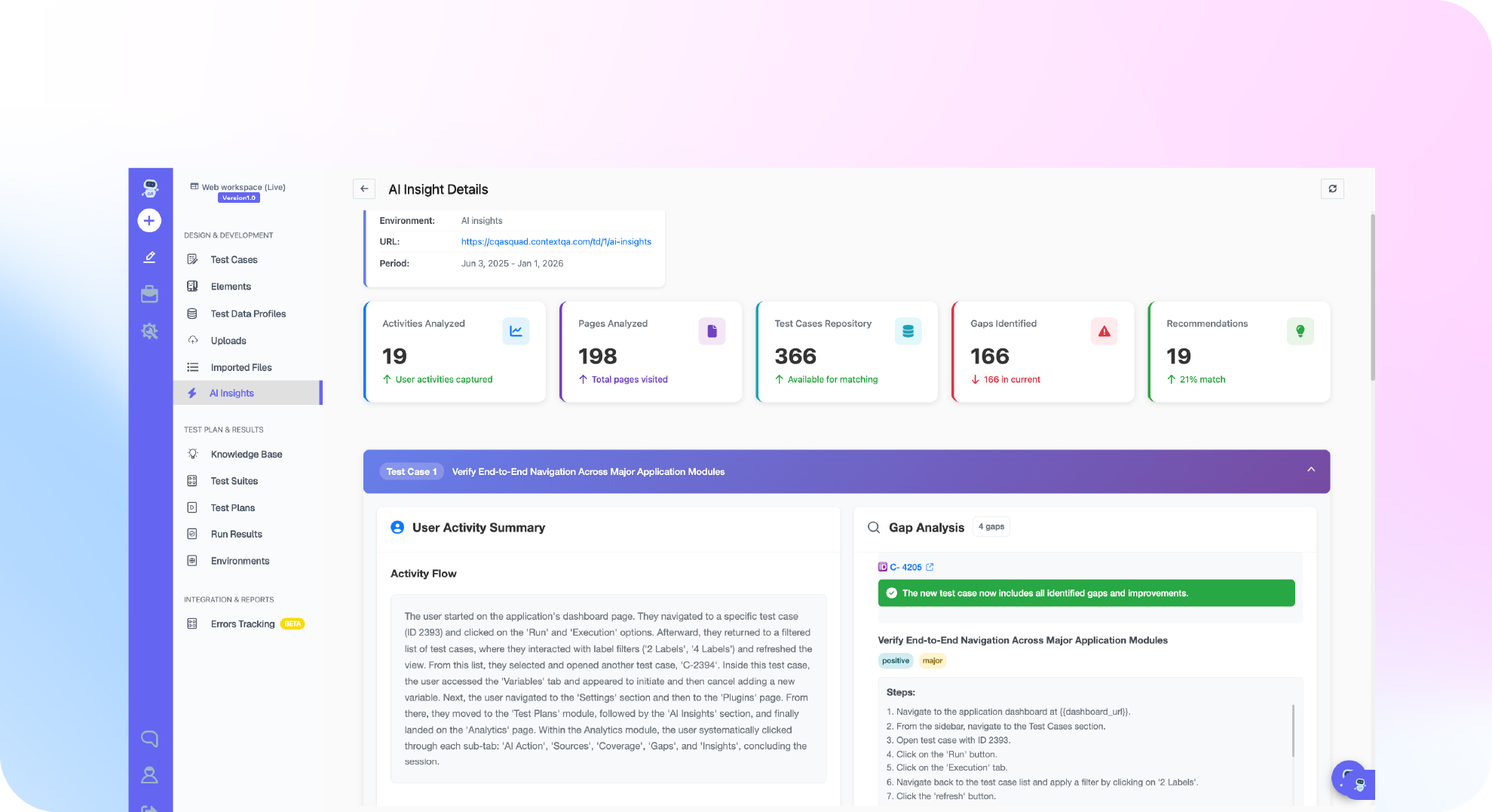
ContextQA ships an MCP server built for testing rather than a thin wrapper around one tool. It exposes a broad set of testing actions, on the order of dozens of tools, and connects agents like Claude, Cursor, and VS Code Copilot to the testing engine. One plain English prompt can map to a chain of actions across web, mobile, and API testing, with self healing and root cause analysis available as callable actions, and the results returned without switching tools. It is the same agentic loop described above, running on one platform instead of a pile of custom scripts.
This is not theory for us. In partnership with IBM, ContextQA validated a migration of 5,000 test cases and eliminated flakiness across the migrated suite, the exact kind of large, AI accelerated change that breaks when it ships unverified (IBM case study). Verified users rate the platform 4.8 out of 5 for no code AI test automation and auto healing (G2 reviews). You can see how the MCP server fits the rest of the toolset on the platform page.
Where teams actually start with MCP
The teams that get value from MCP quickly tend to start small and concrete, not with a grand autonomous-agent vision. A few entry points work well in practice and keep the risk low while you build trust.
The most common first step is read-only failure analysis. You connect the agent to your test results and logs and nothing else, then ask it to explain why last night’s run failed. It cannot change anything, so the risk is near zero, and you learn fast whether its reasoning is worth trusting. The second common step is running a single existing suite through the agent end to end, watching it generate, execute, and report in one session. That proves the loop on familiar ground before you expand to anything new.
From there, teams add self-healing on a brittle flow, then wire the agent into CI so heals and runs happen at the gate. Each step adds one capability and one new place the agent can act, which keeps the blast radius small while trust grows. The pattern is always the same: read before write, one tool before many, one flow before the whole suite. Rushing past those steps is how a promising pilot turns into a confidently wrong test that nobody reviewed.
A concrete first week makes this less abstract. On Monday you connect the agent to your test results in read-only mode and ask it to summarize the last failed run. By Wednesday, once its explanations match what your engineers would have said, you let it run one existing suite end to end and watch it report. By Friday you turn on self-healing for a single brittle flow and review every repair it makes. Nothing in that week can damage production, yet by the end of it you know exactly how far you can trust the agent and where it still needs a hand. That measured start is why the teams who treat MCP as a staged rollout get further than the ones who switch everything on at once.
Do this now
- List the tools you want the agent to reach (15 minutes). Browser runner, test management, CI, bug tracker. That list is your MCP scope.
- Start read only (20 minutes). Give the agent read access to logs and results first, and watch how it reasons before it can change anything.
- Connect one MCP server (30 minutes). Wire up the ContextQA MCP server to an agent like Claude or Cursor and run a single existing test through it.
- Try one end to end request (20 minutes). Ask the agent to test one flow, then watch it generate, run, heal, and report in a single session.
- Add guardrails before write access (policy). Scope permissions, gate production, and turn on action logging.
- Keep a human on high risk paths (ongoing). Require review for auth, payments, and data changes.
- See it on your own stack. When you want help wiring it up, book a demo.
The bottom line
MCP is the piece that turns an AI assistant into a working member of your QA team. It replaces a pile of brittle, custom integrations with one standard interface, so an agent can read context, run tests, repair them, and explain failures in a single flow. The standard does not remove the need for scoped access or human review, and it should not. But it does remove the busywork that kept agents stuck at suggestions. Connect one server, start read only, and expand as you build trust. When you are ready to put an agent to work on your real stack, book a demo.
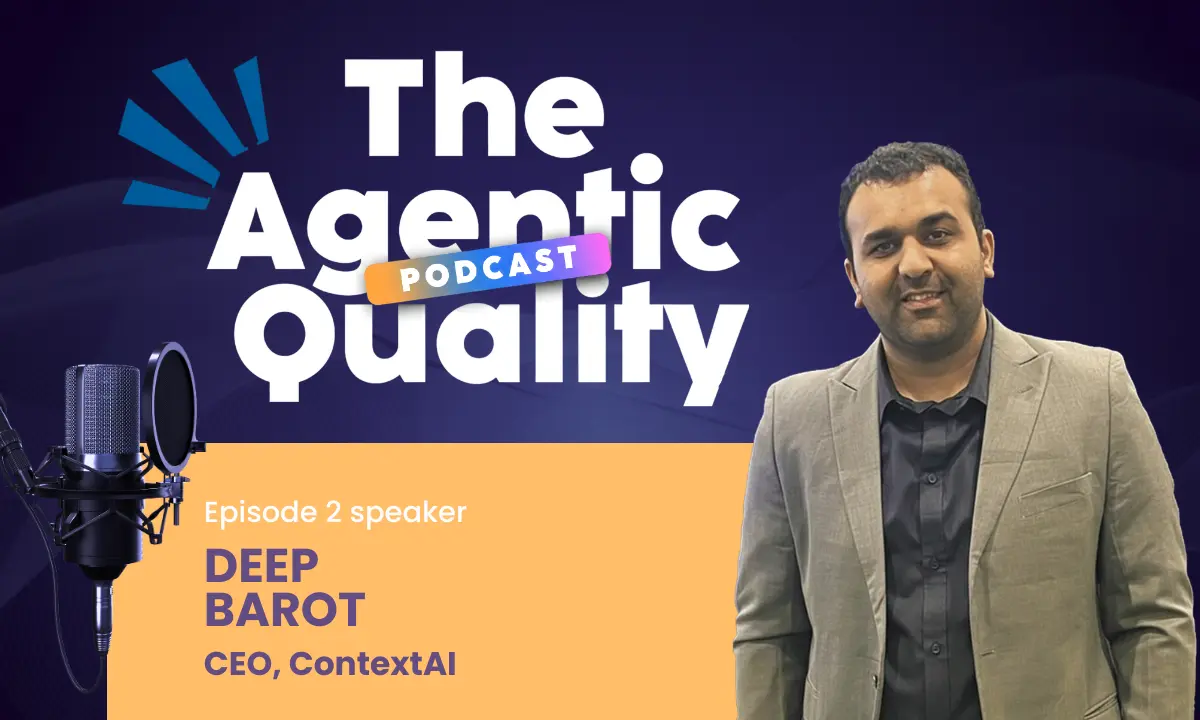
Written by Deep Barot.