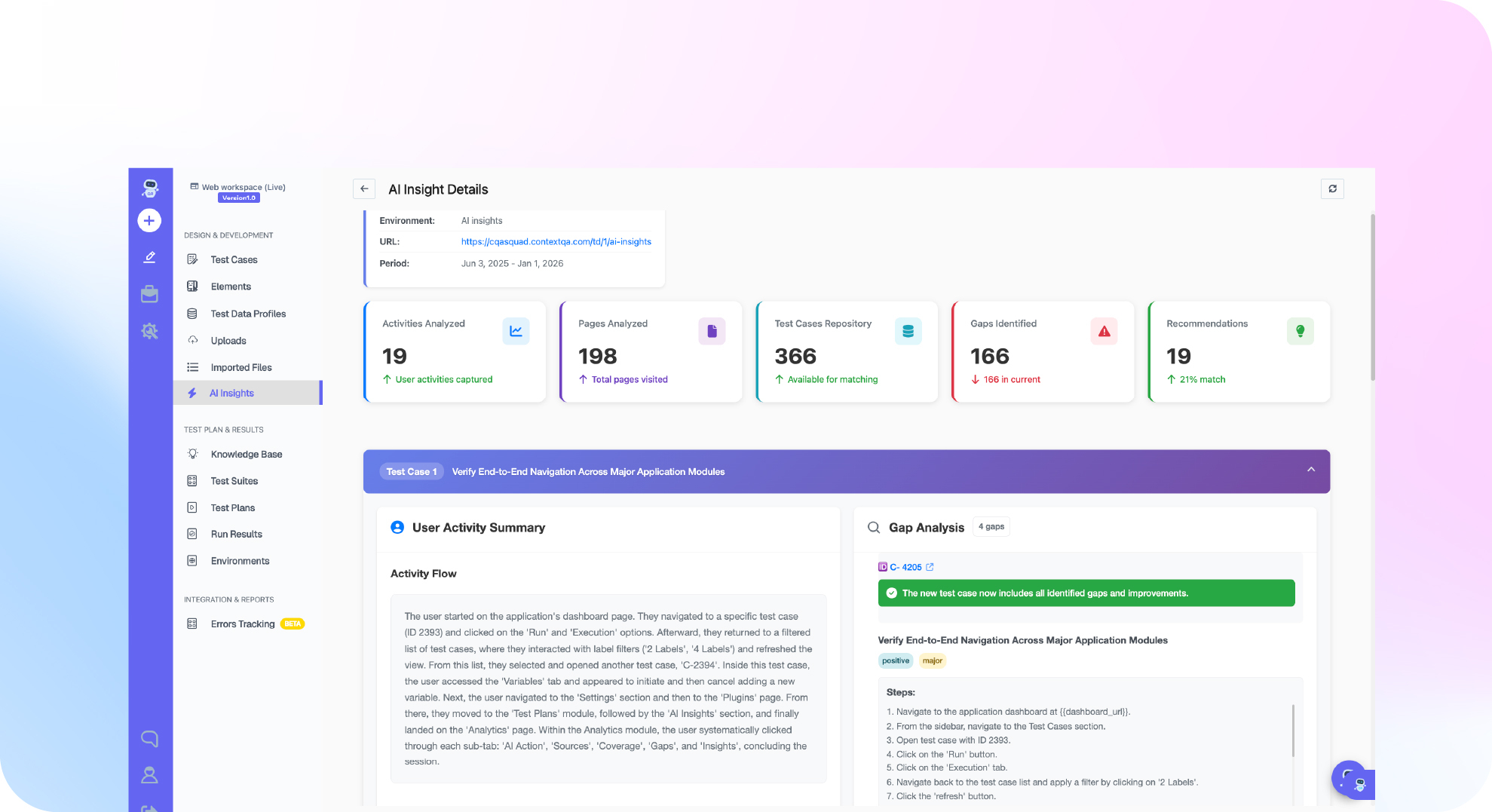
TL;DR: A test plan is a document that defines what a release will test, how, by whom, and what counts as done: scope, test types, environments, entry and exit criteria, risks, and schedule. ISO/IEC/IEEE 29119-3, which replaced IEEE 829, provides a standard structure for it. A useful plan maps each test to a requirement and a CI/CD stage, so untested requirements become visible before release. ContextQA, the autonomous quality engineer, generates those tests from tickets and specs.
Most test plans were written for release cycles measured in weeks, not pipelines that deploy dozens of times a day. When every merge triggers a build, a static document cannot tell your pipeline which tests to run, when to block a release, or how to handle a flaky failure. This guide shows how to write a CI/CD test plan with stage gates, ownership rules, and flake policies your team can enforce.
Quick answers
What sections should a test plan for a CI/CD pipeline include? A CI/CD test plan should define scope (the services, flows, and environments covered), the test types at each pipeline stage, entry and exit criteria for each gate, and who owns failures. Add test data and environment dependencies, a time budget per stage, and the rule for blocking a merge or deploy. Keep it short enough to read before editing the pipeline config.
How do I decide which tests run on every commit versus nightly or before release? Map each suite to the feedback speed it needs and the risk it covers. Unit tests, API contract checks, and a small smoke suite of critical flows run on every pull request. Full cross browser regression, performance, and security scans run on merge to main, nightly, or as a pre release gate. Set a time budget, such as 10 minutes for pull request checks, and move tests that exceed it.
How often should a test plan be updated in a continuous delivery team? Store the plan next to the code, for example as TEST_PLAN.md, so it changes through the same pull request review as the pipeline config. Update it when you add a service, change a deployment stage, or change a release gate, not on a fixed calendar. A quarterly review still helps retire obsolete suites and recheck coverage against features customers use.
What is a test plan?
A test plan is a document that defines the scope, approach, resources, schedule, and exit criteria for testing a release or feature. Unlike a reusable strategy, it is project specific and time bound. It gives QA, engineering, and product one agreed answer to a simple question: what are we testing, how, and when do we stop?
A working plan includes:
- Scope: features in scope and explicitly out of scope.
- Approach: test types (functional, regression, API, performance) and which run in CI/CD versus manually.
- Environments: browsers, devices, data sets, and API versions.
- Entry and exit criteria: for example, "no open P1 defects and the regression suite passes on
main." - Risks, owners, and schedule: who signs off and what happens if testing slips.
Three artifacts sit at different levels:
- Test strategy: the long lived, organization wide approach covering tooling, the automation pyramid, and environment policy.
- Test plan: applies that strategy to one release, with dates and owners.
- Test case: a single executable check with steps, input data, and an expected result.
What can a test plan do?
A test plan defines what a release must prove before it ships. A good plan turns a vague "test everything" request into a prioritized list of flows, data sets, and pass or fail gates that pipelines and reviewers can check. Sign off then becomes a decision backed by evidence instead of a debate in a release meeting.
A plan does three jobs:
- Scopes risk: It ranks features by business impact, so a checkout change gets deeper coverage than a settings page tweak.
- Fits a template: ISO/IEC/IEEE 29119-3 specifies test items, approach, pass and fail criteria, and suspension criteria. Agile teams condense this into a one page plan per epic, versioned in the same repo as the code.
- Tracks coverage: It links each requirement to the tests that verify it. ContextQA also offers a coverage assurance mind map.

Why do test plans matter in 2026?
Test plans matter in 2026 because AI coding tools ship more code per sprint than teams can review by hand. A plan defines what gets tested, why, and when a build is good enough to release. Without one, coverage drifts toward whatever is easy to automate, and risky flows like checkout or billing ship untested.
The data supports the concern. The DORA 2024 Accelerate State of DevOps Report (Google Cloud, 2024) estimated that a 25% increase in AI adoption correlates with a 7.2% drop in delivery stability. CISQ put the cost of poor software quality in the US at $2.41 trillion in its 2022 report.
Before writing a single test, pin down measurable objectives, such as "checkout passes on Chrome, Safari, and iOS," and release gates, such as zero open P1 defects and a 100% smoke suite pass. Regulated or enterprise releases may still need a formal, signed document on top of the repo version.
How does a test plan work?
A test plan works by turning a release's scope into an owned set of testing activities. It defines what changed, ranks features by risk, estimates the effort and environments needed, and sets entry and exit criteria. It then tracks execution against those criteria so the team can make a go or no go call with evidence.
- Define scope. List the tickets, specs, and pull requests in the release, plus what is explicitly out of scope.
- Score risk. Rate each area by likelihood of failure (code churn, defect history) times business impact (checkout, auth, billing). Test the highest scores first and deepest.
- Estimate effort. Multiply the test case count per area by historical execution and triage time, and add a buffer for retests and flaky test investigation. Divide by available testers and CI runners to get a calendar date.
- Set entry and exit criteria. For example, start when the build passes smoke tests, and ship when no P1 defects are open and every high risk case passes.
- Execute and rerank. Report pass rates by risk tier, and shift coverage toward modules where new defects cluster.
Which approach fits your team?
Pick based on team size and release cadence. Small teams shipping weekly do well with a lightweight plan kept as markdown in the repo. Teams with compliance needs or several squads need a dedicated test management tool. Teams whose plans go stale faster than they can update them should generate tests from tickets and specs.
- Plan in the repo: A
TEST_PLAN.mdfile reviewed in pull requests. For a web app, it might list checkout tested on Chrome, Safari, and Firefox, with an exit criterion of zero open P1 defects. This breaks down once several squads edit the same file. - Dedicated test management tool: Standalone platforms and Jira native plugins trace requirements to test runs and keep audit history, but someone maintains every case by hand. A typical mobile example is an iOS 17 and Android 14 device matrix tracked per release.
- Generated tests: ContextQA reads a Swagger spec and generates API tests for happy paths, edge cases, and failure states, such as a
401on an expired token. Tests export to Playwright, so they become runnable code in your repo.
Rule of thumb: Use the lightest approach your audit needs allow, and switch to generated tests when manual case upkeep starts delaying releases.
How ContextQA handles test plans
ContextQA treats a test plan as an executable test suite rather than a static document. You point it at a ticket, a Figma file, a Swagger spec, a user flow, or a code change, and it generates tests covering happy paths, edge cases, and failure states.
A typical workflow:
- From Cursor, Claude Code, or Codex, call the ContextQA MCP server against the ticket you are working on.
- Review the generated cases before running them. ContextQA also offers a coverage assurance mind map.
- Run them in parallel across browsers and devices from your CI/CD pipeline.
- Use impact analysis to see which tests a code change affects.
- Export to Playwright to keep the tests in your repo.
If your CI/CD test plan still leaves gaps between pull requests and release gates, see how ContextQA, the autonomous quality engineer, generates and maintains pipeline tests: book a demo and bring your hardest case.

Do this now checklist
Before your next release, turn your plan into something the pipeline can enforce. Define scope and exit criteria, map risks to test cases, assign owners, and wire the suite into CI. Each action below produces an artifact a reviewer can open and verify, so the plan stops being a document nobody reads.
- List in scope features and out of scope items in the plan's first section.
- Write exit criteria as numbers, such as zero open P1 defects and 100% of smoke tests passing.
- Link each of your top five risks to at least one test case ID.
- Commit the browser, device, and environment matrix as
test-matrix.yaml. - Assign one named owner each for UI, API, data, and performance tests.
- Tag smoke tests so CI runs them on every pull request.
- Quarantine any test that fails twice without a code change.
- Store the plan as
TEST_PLAN.mdbeside the code and review it at every sprint retro.
Bottom line
A CI/CD test plan works when every pipeline stage maps to a test layer, a time budget, and a clear pass or fail gate. Run fast unit and API checks on every commit, push slower end to end suites to merge or nightly runs, and treat flaky tests as owned defects. Revisit the plan when cadence or architecture changes, and read what an autonomous quality engineer does for the next step.
Sources
These primary sources support the statistics cited in this guide. Both publish their methodology, so you can verify the figures before quoting them in your own release review or planning document. Each link points to the original publisher rather than a summary, so the numbers match the published report.
- DORA 2024 Accelerate State of DevOps Report, Google Cloud, 2024
- The Cost of Poor Software Quality in the US: A 2022 Report, CISQ, 2022