
TL;DR: KYC document extraction is the identity verification step where OCR (optical character recognition) pulls the name, date of birth, document number and address from an uploaded ID and passes them to a verification decision. Testing it means proving two things. Clean synthetic samples must return the right fields, and blurred, cropped, expired or mismatched documents must be rejected with a clear reason. ContextQA, the autonomous quality engineer, runs these checks across web, mobile and API layers using data driven synthetic fixtures.
Your KYC document extraction pipeline can pass every happy path test and still approve a blurred, expired or mismatched ID in production. Camera capture, OCR fields, third party decisions and manual review each fail in different ways. This guide covers synthetic fixture design, positive and negative coverage, data driven tests in ContextQA, and assertions that check the rejection reason, not just pass or fail.
Quick answers
How do you build a KYC test data set without using real customer documents? Use approved synthetic samples for every document family, issuing region, language, layout and capture channel, plus altered samples from your provider's test program. ContextQA data driven testing supports this pattern: the workflow stays fixed and the sample variation lives in a test data profile.
What should a negative test assert when a KYC document is rejected? More than a failed status. Assert the rejection reason category, a safe user message with no technical details, the retry path and any routing to manual review. Blur, glare, cropping, expiry, mismatched front and back, duplicates and provider timeouts each need their own expected reason, as the ContextQA KYC validation guide describes.
Does ContextQA perform the OCR or identity verification itself? No. ContextQA automates the application under test. It does not perform OCR, identity verification, liveness detection or regulatory approval. It drives the upload or capture flow, waits for your provider to finish, checks the extracted fields, review state and final decision through the UI or an approved API, and cleans up the synthetic record.
What is KYC document extraction?
ID extraction for KYC is the automated reading of identity documents, such as passports, driver's licenses and proof of address, into structured fields like name, date of birth, document number and address. Those fields feed know your customer (KYC) checks. One misread value can cause a wrong onboarding decision, a bad compliance record or extra manual review.
The inputs are what make it hard to test. One flow accepts camera captures and file uploads across many document families, regions, languages and layouts, and any image can have glare, rotation or low resolution. Many providers return decisions asynchronously through callbacks. A date normalized to the wrong format, or a front image paired with the wrong back, can pass with no visible error.
Vendors publish accuracy figures measured on different document sets, so compare providers against your own synthetic fixtures. Score each one on:
- Field accuracy: exact match rates for the regions and document families you support.
- Rejection specificity: whether failures return a reason category instead of a generic error.
- Async handling: behavior under timeouts and delayed callbacks.
- Test program access: whether the provider supplies altered or suspicious samples for negative testing.
What can automated ID extraction do for your team?
Automated ID extraction turns a passport, driver's license or utility bill into structured fields your onboarding system can check. You get less manual data entry, faster reviews, and one consistent record of what was captured, what was rejected and why.
Most pipelines chain four techniques:
- Computer vision for capture quality: finds document edges, corrects rotation and flags blur, glare or missing corners.
- OCR for text: converts the image to characters, including the MRZ (machine readable zone) lines on passports.
- NLP and LLMs for meaning: natural language processing and large language models map text to fields like
name,date_of_birthanddocument_number, then normalize them. - Decisioning and review routing: confidence scores send clean documents to approval and uncertain ones to manual review.
Any stage can fail silently, so test the pipeline end to end. ContextQA checks the extracted fields, the rejection reason categories and whether the UI, API and stored status agree, using synthetic fixtures (document and KYC validation guide).

Why does extraction testing matter in 2026?
Onboarding decisions now rest on fields a machine reads from an ID image. A misread document number or date of birth can mean fraud exposure, a wrongly rejected customer, or corrupted downstream records. Teams need repeatable tests that prove each field is correct on every release.
The fraud stakes are real. Consumers reported losing more than $12.5 billion to fraud in 2024, according to the Federal Trade Commission (FTC, 2025).
Measure field level accuracy against your own labeled data:
- Build synthetic samples for each document family, issuing region, layout and capture channel.
- Normalize dates, case, punctuation and whitespace before comparing.
- Score each field as an exact match. Report per field and per document family, never as one blended number.
- Score rejection reasons separately for blurred, glare, cropped and expired samples.
In ContextQA, the workflow stays stable and the sample variation lives in a data driven test profile.
How does the extraction pipeline work?
An extraction pipeline turns a photo or upload of an identity document into structured fields a verification system can act on. It runs in five stages, and each stage needs its own test coverage.
- Capture. The user sees the consent notice, then uploads or photographs the front, the back and sometimes a selfie.
- Image quality check. Blurred, dark, cropped or glare covered images are rejected before extraction with a retry prompt.
- Classify. The service identifies document family, issuing region and layout, so it knows which fields to expect.
- Extract and normalize. OCR reads the fields, and rules standardize dates, case, punctuation and whitespace.
- Decide. The provider returns an approval, a rejection with a reason category, or a manual review flag, and downstream records save that status.
Build vs. buy: Building means owning training samples for every region, plus the quality, liveness and fraud logic. Buying a provider API removes that work but adds vendor dependency and per call fees. Either way, your integration still needs tests, and that integration is what ContextQA tests (reference workflow).
Which approach fits your team best?
It depends on who owns the extraction engine. If your team trains its own OCR model, you need model level evaluation. If you buy from a KYC provider, you need end to end tests proving your integration handles accepted, rejected and manual review outcomes with synthetic identities.
- In house scripts against the provider sandbox: Full control, but your team maintains fixtures, selectors and callback mocks every time the capture UI or provider API changes.
- Provider test program only: Confirms the vendor's decisions. It does not check your UI, your persisted status or your retry path.
- ContextQA platform: Web, mobile and API tests keep the workflow fixed and move document variations into a data driven test profile. It tests the system that performs verification, not the verification itself.
Compliance rules cover test evidence too. The data minimization principle in GDPR Article 5 supports three habits: use synthetic identities, mask environment values through hiding sensitive environment data, and keep only the evidence your policy allows before cleaning up test records.
How does ContextQA handle ID extraction testing?
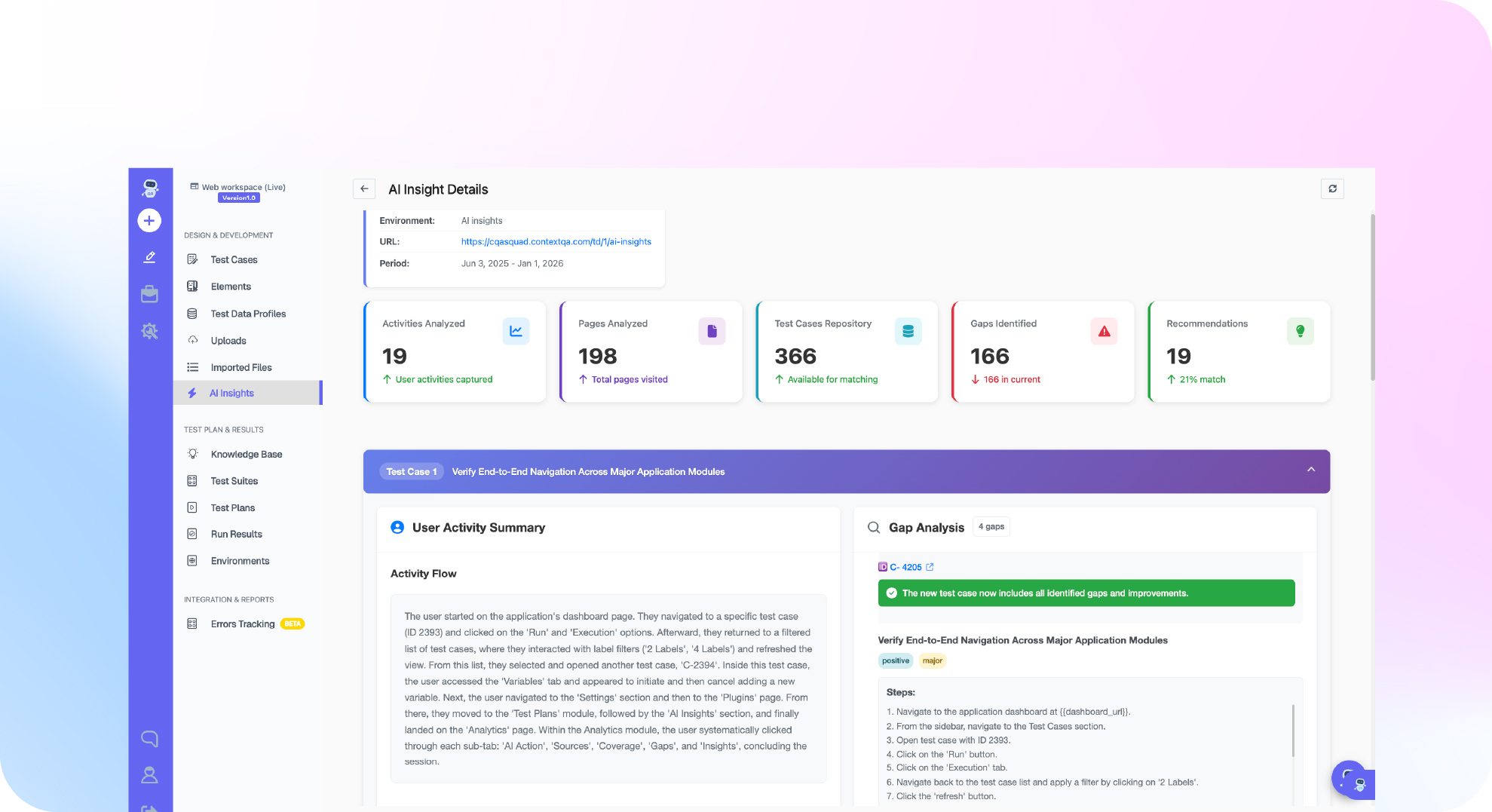
ContextQA tests the application that extracts documents, not the extraction itself. It runs your web or mobile verification flow with synthetic documents, waits for your OCR or identity provider, then checks the extracted fields, review state and final decision through the UI or an approved API.
The document, OCR, and KYC validation workflow splits regression coverage into four parts:
- Keep the flow fixed and vary the data. Put document family, issuing region, language and capture channel into a data driven test profile.
- Check every field. Compare name, date, identifier and address to the expected synthetic values, including normalization rules.
- Test bad inputs. Use blurred, rotated, expired and mismatched images, plus provider timeouts. Assert the reason category, user message and retry path, not just "failed."
- Check the records agree. Confirm the UI, API and stored status match, then clean up the test record.
Some upload flows need a file built during the run. A Document step creates a txt, csv or excel file and stores it in an output variable such as Input. For excel, use an .xlsx name like users-import.xlsx. See the document generation steps guide for setup.
Are blurred scans, glare and mismatched selfies getting past your KYC tests? Book a demo to see how ContextQA tests can assert rejection reason categories in your KYC flow.

What should you do now? A checklist
Treat ID extraction as an integration you have to prove, not a vendor feature you take on trust. Work through this list before each release.
- List every document family, issuing region, language and capture channel you support.
- Create synthetic fixtures for each combination. Never use real customer IDs.
- Add negative fixtures: blur, glare, cropped corners, rotation, expiry and oversized files.
- Receive results through a callback or queue so a slow provider does not block your app, then test timeout and delayed callback paths.
- Make submissions idempotent (safe to retry), then test duplicate and replay behavior.
- Assert normalized field values, not just a pass status.
- Check each rejection returns a reason category, a safe message and a retry path.
- Confirm the UI, API and stored status match, then delete the test record.
Bottom line
Testing extraction for KYC means proving two things. Good documents must produce the right fields and decisions, and bad inputs must get a clear, safe rejection. Keep one workflow stable, put sample variation into a data profile, and check that the UI, API and stored status agree. ContextQA automates the application under test. OCR and identity decisions stay with your provider.
Sources
The fraud statistic comes from the FTC, the data minimization principle comes from the official GDPR text, and the workflow details come from ContextQA learning center pages.