
TL;DR: KYC OCR is the identity verification step where optical character recognition (OCR) reads names, dates, and ID numbers from a captured document so a know your customer (KYC) decision can be made. To test it, check the extracted fields, the rejection reasons, the routing to manual review, and whether the UI, the API and the stored status all agree. ContextQA, the autonomous quality engineer, runs these checks as data driven web, mobile, and API tests with synthetic documents. It tests your KYC application but does not do OCR itself.
If your KYC OCR suite only covers the happy path, it proves one thing: a clean passport scan gets approved. Real users upload blurred images, ID cards with glare, expired documents, and a front that doesn't match the back, and those are the flows that break in production. This guide gives you a synthetic fixture plan, assertions for rejection reasons, and a data driven workflow.
Quick answers
What should a document verification test check beyond pass or fail? Check the document type, every extracted field against known synthetic values, the confidence or review state, and the final decision. Confirm the UI, API response and persisted record show the same status. For rejections, assert the reason category, user message, retry path and manual review behavior, and confirm no technical details leak to the user.
Which negative cases belong in identity document regression testing? Use approved synthetic fixtures for blurred, dark, overexposed, cropped, rotated and low resolution images, plus glare and missing corners. Add unsupported file types and sizes, expired documents, mismatched front and back or selfie pairs, duplicate submissions, corrupted files, provider timeouts and delayed callbacks. Each case asserts a specific rejection reason and recovery path.
Does ContextQA perform the OCR or identity verification itself? No. ContextQA tests your KYC application. It does not perform OCR, identity verification, liveness detection or regulatory approval. It runs web, mobile, API and data driven tests against your app and the provider APIs you connect. You keep one stable workflow and move sample variation into a test data profile (guide).
What is KYC OCR?
KYC OCR uses optical character recognition to read identity documents such as passports, driver's licenses, and national ID cards during Know Your Customer onboarding. The system captures an image, pulls out fields like name, date of birth, document number, and address, then passes that structured data to identity checks and a final decision.
Two things make document OCR hard to test. First, the output is probabilistic: extraction returns confidence scores, not guaranteed values. Second, the decision often comes from a third party provider, sometimes through a delayed callback. A successful upload proves very little. Your tests have to confirm that the UI, the API response, and the stored record all agree.
What can OCR do in identity verification?
Identity document OCR reads an image, classifies the document type, extracts fields, and returns structured data with confidence scores. Most providers pair extraction with checks on the machine readable zone (MRZ), image quality, and tampering signals before a verification decision is made.
- Document classification: identifies a passport, driver's license, or national ID, plus its issuing region and layout version.
- Field extraction and normalization: returns names, dates, and identifiers in one consistent format for punctuation, case, and whitespace.
- MRZ and barcode parsing: decodes the MRZ or barcode and checks it against the printed text.
- Image quality gating: rejects blurred, glared, cropped, or low resolution captures with a reason code so the user can retry.
- Front and back association: links both images to a single document record.
- Review routing: sends low confidence results to manual review rather than approving them automatically.
Published accuracy figures come from each vendor's own document set, so they rarely compare cleanly. Run every candidate provider against your own synthetic fixtures.

Why does document extraction testing matter in 2026?
It matters because identity fraud runs through onboarding, and OCR is the first automated check in that flow. Misread fields push good customers into manual review and can let altered documents through. Assuming the provider always gets it right is not a test strategy, so QA teams have to measure extraction on their own fixtures.
- Identity abuse is a large share of suspicious activity. FinCEN found that about 1.6 million Bank Secrecy Act reports in 2021, roughly 42% of all filings, were identity related, covering about $212 billion in activity (FinCEN Financial Trend Analysis, 2024).
- Consumer losses keep climbing. US consumers reported $12.5 billion in fraud losses in 2024 (FTC, 2025).
The same error types show up again and again:
- Character confusion:
0read asO, or1read asI, inside ID numbers. - Date normalization:
DD/MMswapped withMM/DD. - MRZ checksum failures: one misread digit in the machine readable zone breaks its check digit.
- Transliteration: names in non Latin scripts converted to Latin letters inconsistently.
Character confusion and MRZ misreads get more likely with glare, blur, rotation, cropping and low resolution. Date and transliteration errors come from parsing and locale rules, so test them separately with clean images.
How does OCR work in a KYC flow?
The flow captures an identity document image, reads its text, and maps it to structured fields. It then checks those fields against a selfie, issuer rules, and risk checks, and returns one of three decisions: approve, reject, or manual review.
- Capture. The user uploads a file or photographs the front and back of the document. A mobile SDK gives live guidance on glare and blur. With a plain REST upload, image quality checks are up to you.
- Extract. OCR reads the printed text and parses the MRZ or barcode into fields, often with a confidence score for each field.
- Normalize. Dates, letter case, punctuation, and whitespace are converted to one format so they compare cleanly against what the user typed.
- Verify. The service checks that the document is genuine and unexpired, and matches its photo against a selfie or liveness capture.
- Decide and notify. Some providers return the final
statusin the API response. Others deliver it later through a webhook or a status endpoint you poll. Your tests should wait for processing to finish and handle delayed or duplicate callbacks.
Which approach fits your team best?
Teams usually pick one of three paths. Build on an open source OCR engine if you have ML engineers and want full control. Buy a commercial identity verification service if you need wide document coverage and liveness checks quickly. A hybrid splits the work by risk. Whichever you choose, the extraction pipeline needs its own regression suite.
- Build on open source: No license fee, and the model and data stay in house. You also own field parsing, templates for each document family, tuning for glare and rotation, and separate builds for liveness and fraud detection.
- Buy a commercial service: Document coverage, liveness and decision logic come through an API, usually with a sandbox of test samples. You take on per check fees plus the provider's timeouts and delayed callbacks.
- Hybrid: Open source OCR handles low risk documents. A commercial provider handles regulated identity checks.
- Testing layer for any path: ContextQA tests the application around the engine with data driven runs over synthetic fixtures and assertions on rejection reasons.
Rule of thumb: let your ML staffing and compliance scope pick the engine. Every path needs the regression suite.
How does ContextQA handle KYC OCR?
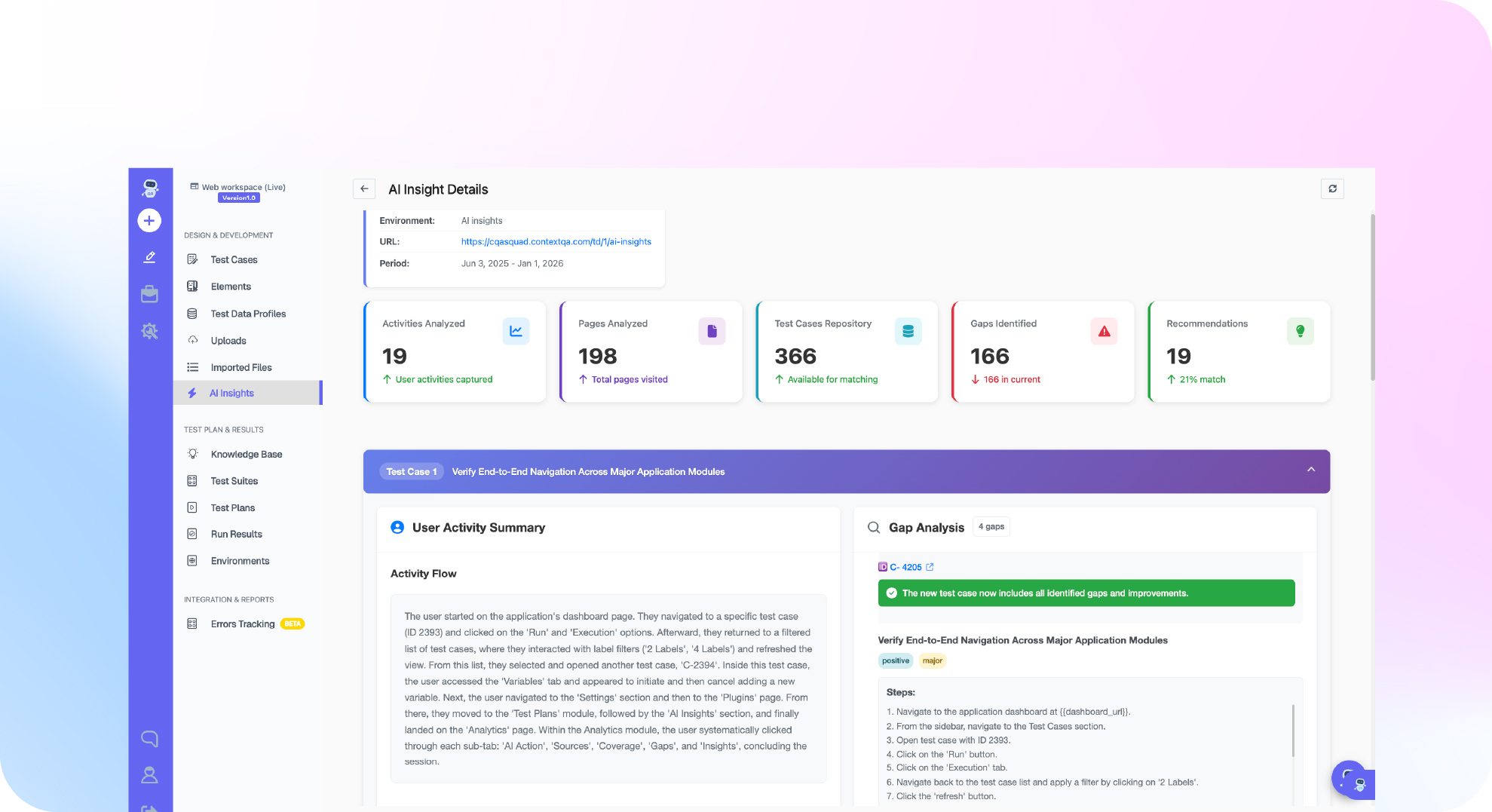
ContextQA does not perform OCR itself. It tests the system that does. The platform runs your web or mobile identity verification flow with synthetic documents, waits for your OCR provider to finish, then checks extracted fields, review state, and the final decision in the UI, the API, and stored records (ContextQA KYC validation guide).
A typical setup has three parts:
- Keep one stable flow. Put document family, issuing region, language, layout, and capture channel into a data driven test profile so you don't copy the flow for each variant.
- Assert specific rejection reasons. For blurred, glared, expired, or mismatched samples and provider timeouts, check the reason category, user message, retry path, and manual review state.
- Run it on every build. Trigger the suite from Jenkins or GitHub Actions, or export it to Playwright.
ContextQA does not give regulatory approval under GDPR, AML, or eKYC rules. It supports test hygiene: synthetic identities only, masked sensitive environment data, keeping only the evidence your policy allows, and deleting test records after each run.
If your KYC tests only check that a document "failed," book a demo to see how ContextQA tests rejection reasons, retry paths and extracted fields with synthetic documents.
What should you do right now? A checklist
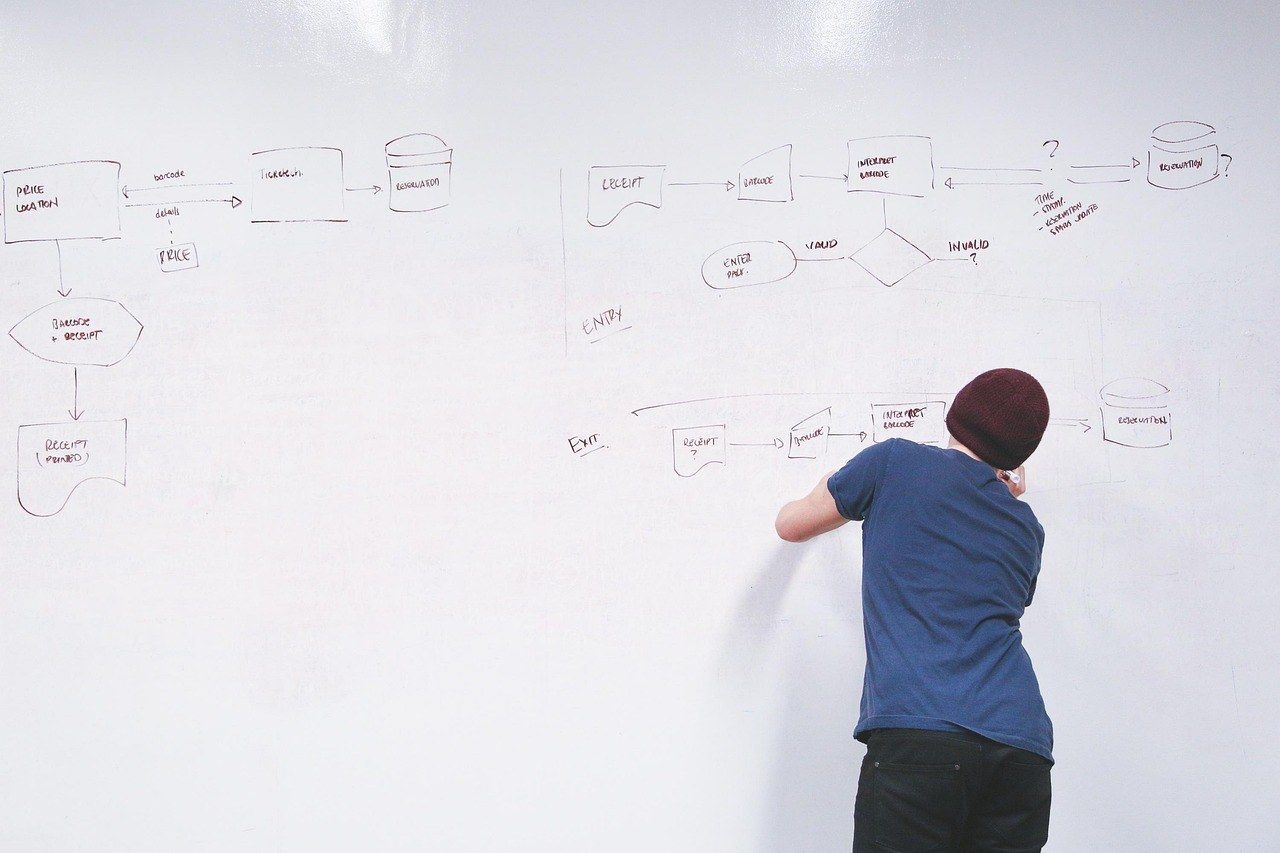
Treat document OCR as a pipeline you test, not a vendor feature you trust. Build a synthetic document set, script both the accepted and rejected paths, and run the suite in CI on every release. Your team can verify each item below.
- List every document family, issuing region, language, and capture channel you support.
- Create synthetic fixtures for each one. Never use real customer IDs.
- Add negative fixtures: blurred, glare, cropped, rotated, expired, and mismatched front and back images.
- Check extracted name, date, and identifier fields against expected values, including normalization rules.
- Check the rejection reason category, user message, and retry path, not just "failed."
- Confirm the UI, API, and stored status all agree.
- Simulate provider timeouts, delayed callbacks, and duplicate submissions.
- Move fixture variation into a data driven test profile.
- Delete test records and keep only the evidence your data policy allows.
Bottom line
KYC OCR testing works when you treat each document flow as a full system test. Check the accepted path from capture through extraction, decision, and downstream records. Then confirm that unusable or suspicious inputs get rejected with the right reason, a safe message, and a clear retry or manual review path. Keep the workflow stable and put sample variety into data driven profiles built from synthetic fixtures.
Sources
The statistics in this article come from the primary US government sources below. The ContextQA workflow steps come from the product documentation. Open each link for the full methodology and any later updates.