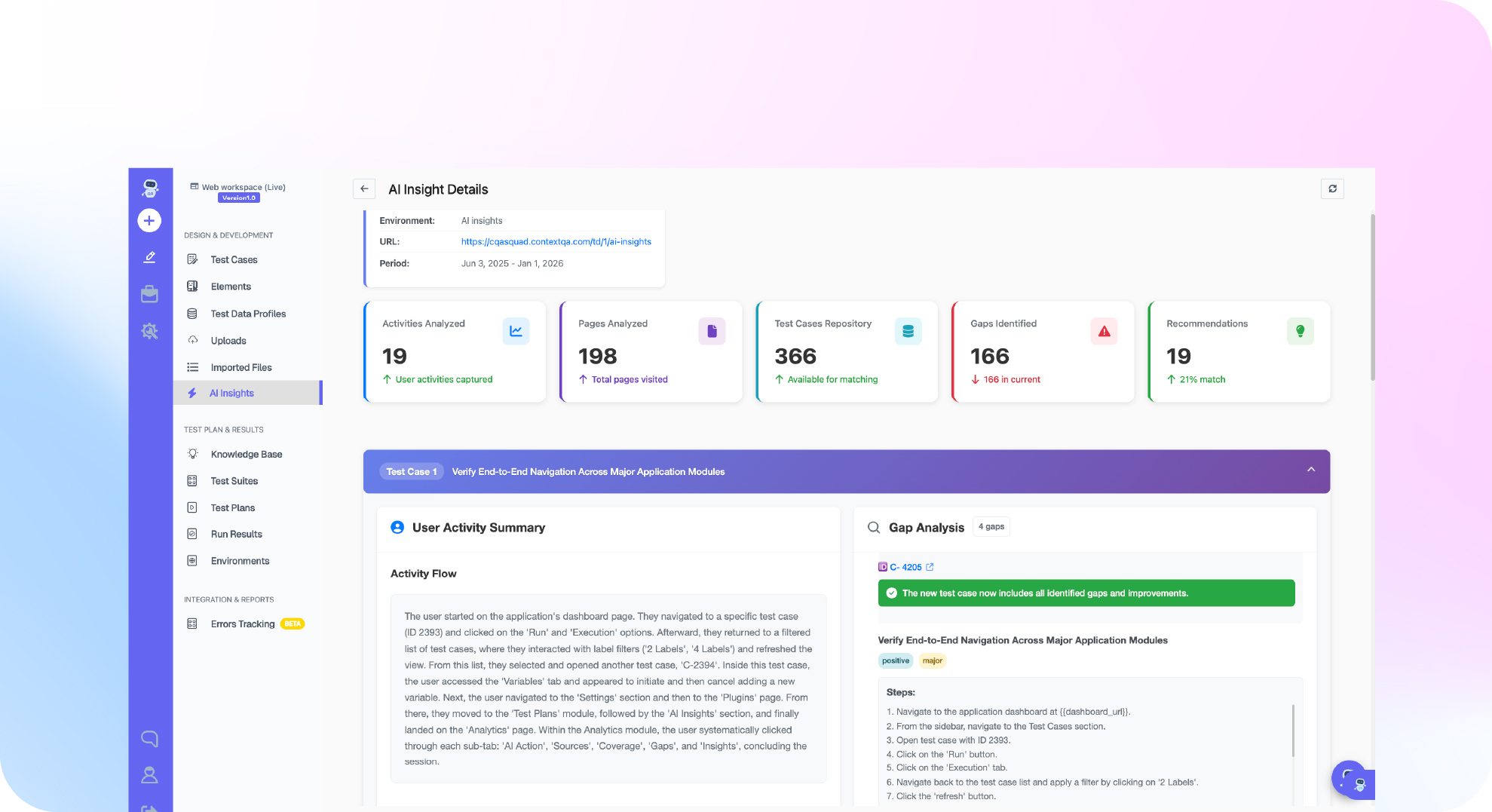

TL;DR: To run tests from Cursor, open the repository in Cursor and ask Agent to find your existing unit, API and browser test commands before it edits anything. Then have it run the focused suite in the terminal and save the result with the commit identifier. Keep the code diff, the test verdict and the execution evidence together so reviewers can see what was checked. After that, Ship, the ContextQA autonomous quality engineer, can test each pull request before merge.
If you run tests in Cursor and then check a separate dashboard, the evidence ends up apart from the diff. This guide covers connecting ContextQA MCP to Cursor, describing a browser journey in plain English and reviewing the generated steps. It then covers running the case and keeping the verdict, evidence and code change together.
Quick answers
Do my QA engineers need to change our existing test process to test from Cursor with ContextQA? No. The ContextQA MCP server connects to Cursor. Engineers describe a browser journey in plain English in the editor they already use, review the generated steps, and then run the case. Tests export to Playwright code, so your framework and your CI/CD pipeline stay as they are. See ContextQA MCP.
How do I know a test run from Cursor actually checked the right behavior and did not just click through the steps? Define the business outcome before the test is generated, for example a record that is still there after a reload. A success toast does not prove the record was saved. After the run, pull the actual result details and compare them to that outcome. Keep the diff, the verdict and the evidence together (Testing with Cursor).
How does a test my team runs from Cursor become part of our pull request checks? First, confirm it passes on staging. In Ship, the CI / CD view of a test plan that passed a controlled manual run generates starter configs for GitHub Actions, GitLab CI, Bitbucket Pipelines, Azure Pipelines, CircleCI and Jenkins. Ship then tests each pull request with impact analysis and targeted regressions. An engineer still decides whether to merge (Ship workflows).
What does running tests from Cursor mean, and when do you need it?
Running tests from Cursor means Cursor Agent runs your existing test commands against a code change and reports the verdict with evidence. The agent can read files, edit code and run terminal tools, so the diff and its test result stay in one place. You need this when AI written changes arrive faster than reviewers can check them.
Cursor's official Agent overview describes the current interface. The ContextQA Cursor testing guide adds a testing discipline on top of it:
- Open the repository in Cursor with its development dependencies installed.
- Ask Agent to explore before it edits anything. It should find the unit, API integration and browser test commands, and map each changed file to the behavior that file affects.
- Run the focused tests first, for example
npx playwright test tests/projects.spec.ts. Save the result and the commit identifier. - Have Agent write new tests against an approved oracle, meaning an independent statement of the correct result, such as a written permission matrix. Don't let it derive expected results from the current code.
A local run covers only the branch you have open. Once you push, Ship runs impact analysis and targeted regressions on the pull request before merge.
What do you need before you start?
You need four things: the repository open in Cursor with its development dependencies installed, an approved staging or preview environment, isolated test accounts with known seed data, and a written statement of the behavior you expect. For shared browser tests that live outside the repository, you also need the ContextQA MCP server connected to Cursor.
- Tests in your repository: Keep the Playwright version and lockfile you already have. Run the relevant tests once and save the result with the commit ID, so you can tell a new failure from one that was already there.
- ContextQA MCP in Cursor: Connect the MCP server, describe the journey, review the generated steps, and pull the actual result details.
- Ship pull request analysis: Authorize GitHub or GitLab with the narrowest repository scope that works. Then confirm the default branch and the deployed application (Ship workflows).
- Test data: Check that each test account really has a different role. Keep the file that
TEST_AUTH_STATEpoints to out of version control, because it can contain reusable login data.
How do you run tests from Cursor, step by step?
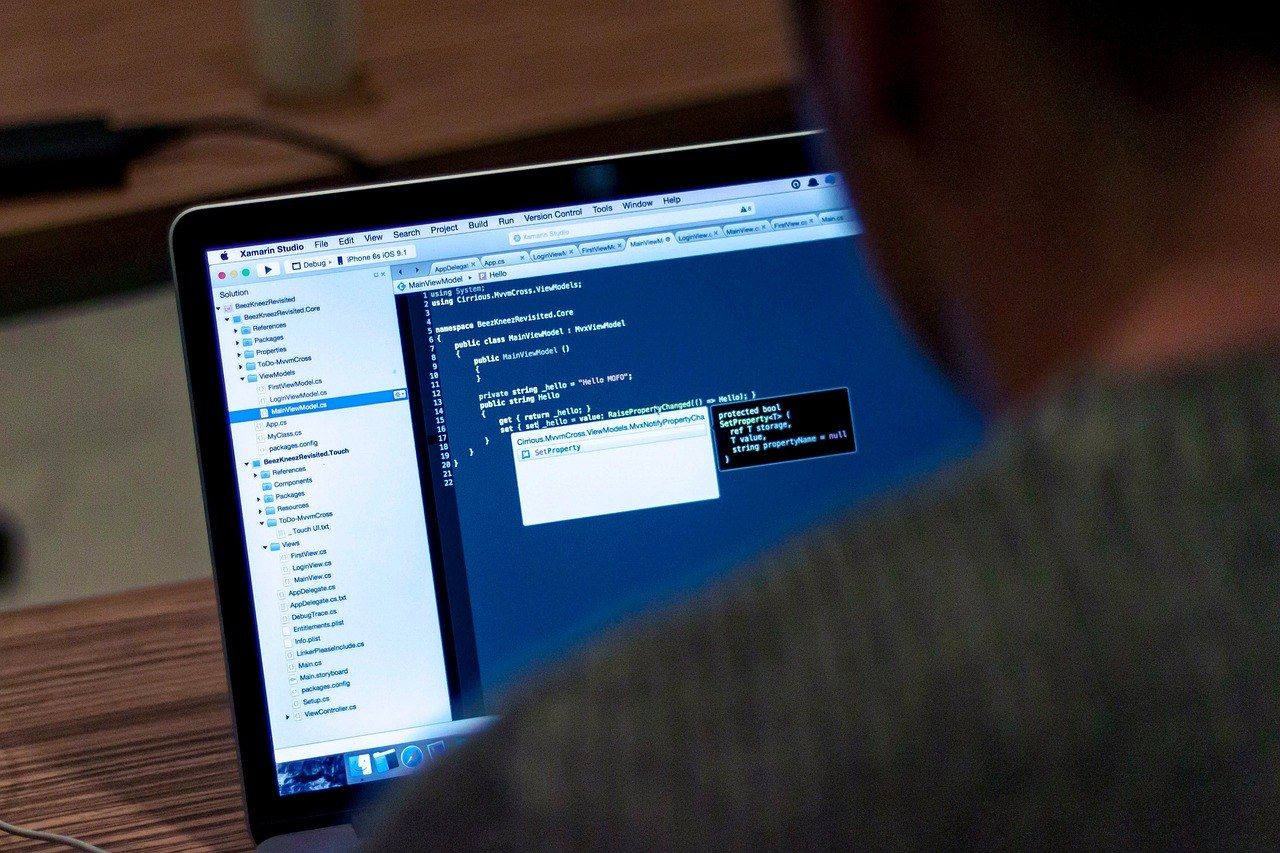
Open the repository and ask Agent to find the project's test commands before it edits anything. Record a focused baseline. Next, have Agent write and run the new tests in the integrated terminal while you review the diff and the command output yourself. Last, open the pull request so Ship can run targeted regressions before merge.
- Map the repository before editing. Prompt Agent: "Read the repository instructions, identify the unit, API and browser test commands, and do not edit files yet." (Testing with Cursor)
- Record a baseline. Save the focused test result with the commit identifier. A failure that existed before your change then won't be blamed on it.
- Let Agent run the tests in the terminal. Approve each command and check the exit code yourself instead of relying on Agent's summary.
- Review the diff. Reject weakened assertions and fixed sleeps.
- Push the branch. Ship runs impact analysis and targeted regressions on the pull request.
git rev-parse --short HEAD
npx vitest run src/permissions --reporter=verbose
npx playwright test tests/project-roles.spec.ts --project=chromium --reporter=list
echo "playwright exit code: $?"
What are the most common mistakes?
Four mistakes come up most often. The agent builds its expected results from the code under test. Nobody runs a baseline. A finished click sequence gets accepted as proof. Test credentials leak into version control. Any of these can turn a test green when nobody has shown that the behavior works, and the reviewer has no way to tell.
- Oracle taken from the implementation: If Agent works out expected outcomes from the changed code, the test will accept a broken permission check as correct. Write the permission matrix or acceptance rule before you ask for tests.
- No baseline: If you don't have a result from before the edits, a new regression looks the same as a fixture service that was already failing.
- Weak assertions: Watch for fixed sleeps, loosened assertions, and success toasts treated as proof that data was saved. Reload the page and read the stored record through the API (End to end testing with AI agents).
- Leaked auth state: A committed Playwright
storageStatefile exposes reusable session material. Keep it in an ignored path.
How do you know it is working?
It is working when every agent written change arrives with a result a reviewer can trust. That result includes the command that ran, the environment, the final assertions and the execution evidence, all kept next to the code diff. If reviewers still rerun tests by hand, or regressions still reach main, the setup is not working yet.
Trust is the signal to watch. In the Stack Overflow Developer Survey (2025), 84% of respondents said they use or plan to use AI tools, but 46% said they distrust the accuracy of those tools and only 33% said they trust it. Flaky tests erode trust too. Google reported that almost 16% of its tests showed some level of flakiness (Google Testing Blog, 2016).
Track these signals:
- First failure kept: The agent reports the original failure instead of retrying until the test passes.
- No weakened assertions: The diff never loosens an
expectjust to get a passing run. - Complete pull request record: For each pull request, Ship records the source signal, execution scope, evidence, likely cause, regression coverage and reviewer decision (Run Ship Workflows).
How do you automate Cursor test runs with ContextQA?
Connect the ContextQA MCP server to Cursor and describe a user journey in plain English. Review the generated steps, run the case, and pull back the actual results. Ship then covers every pull request, using impact analysis to choose targeted regressions before merge. The checks you defined in the editor keep running after you push.
- Install the ContextQA MCP server in Cursor.
- In Agent, state the starting state and the business outcome, for example: "create a note, reload, confirm it persists."
- Review the generated test before you run it.
- Run it against an approved staging environment with an isolated test account, then retrieve the result details.
Once a test plan passes a controlled manual run, the Ship CI / CD view prepares starter configs for GitHub Actions, GitLab CI, Bitbucket Pipelines, Azure Pipelines, CircleCI and Jenkins.
If tests you generate in Cursor reach code review with no proof of what ran, get started free with Ship. Ship tests every pull request and hands you the evidence, and you don't need a credit card.

What should you do right now? A checklist
Start with the repository and a baseline, then define expected behavior apart from the code. Run focused specs against staging and keep credentials out of git. After that, connect ContextQA MCP for shared browser tests and move passing plans into CI through Ship.
- Open the repo in Cursor with your existing lockfile and dev dependencies installed.
- Ask Agent to list the unit, API and browser test commands without editing files.
- Run the existing focused tests and save the result with the commit identifier.
- Write down the expected behavior separately from the code, for example as a permission matrix.
- Point
TEST_BASE_URLat staging, and keepTEST_AUTH_STATEfiles out of git. - Use the API to confirm the data was actually saved.
- Connect ContextQA MCP and review the generated steps before you run them (Testing with Cursor).
- Open the test plan's CI / CD view in Ship to set it up for GitHub Actions or Jenkins (Ship workflows).
Bottom line
Running tests from Cursor works best when Cursor handles the code change and its framework tests, and ContextQA MCP handles browser workflows outside the repository. Review every generated test before it runs, and keep the diff, the verdict and the evidence together. For more, see this checklist for testing AI generated code and how to run Selenium tests in Docker.
Sources
Statistics come from the primary sources below. ContextQA workflow steps come from the linked ContextQA documentation pages.