
TL;DR: Playwright AI means using an AI coding agent such as Claude Code, Cursor, or Codex to explore an application, write Playwright specs, run them, and investigate failures. The agent drafts code quickly, but your team still owns the behavior contract: exact expected values, error states, and authorization checks. A spec that has never run, or that only checks that a page loads, is not regression coverage. Ship, the ContextQA autonomous quality engineer, tests every pull request with impact analysis and targeted regressions before merge.
Playwright AI workflows produce specs fast. An agent can just as easily write a spec that passes while asserting nothing useful. It might click "Generate" and only check that the page still exists, which misses a wrong reporting period or a failed request. This guide shows how to write a behavior contract first, review generated assertions, and run specs in CI before merge.
Quick answers
Can AI agents write Playwright tests I can trust? Yes, if you give the agent a behavior contract and review every assertion. A useful test checks the submitted value, visible result, failure state, and authorization outcome. A test that only confirms the page loads passes even when the feature is broken, so run each spec against a deliberate defect first.
What is the difference between Playwright MCP, Playwright Test Agents, and Playwright Test? Playwright MCP and the Playwright CLI let an AI agent control and inspect a live browser. Test Agents organize planning, spec generation, and failure repair. Playwright Test runs saved specs that live in your repository, with fixtures and assertions. Driving a browser is not the same as having a test: an agent can click through checkout and leave nothing you can rerun.
How does Ship fit into an existing Playwright workflow without changing our process? Ship, the ContextQA autonomous quality engineer, tests every pull request with impact analysis and targeted regressions before merge. When a bug is reported in Jira, Linear, Slack, or a service desk, Ship reproduces it, finds the likely root cause, and hands engineers the evidence.
What is Playwright AI?
Playwright AI is not one product. It is the practice of pairing the Playwright browser automation framework with AI agents that explore an application, write test specs, and repair failing tests. Playwright offers two pieces for this: the Playwright MCP server, which lets an agent control a browser, and Playwright Test Agents, which handle planning, generation, and healing.
The Playwright MCP server (@playwright/mcp) gives an agent browser actions through the Model Context Protocol (MCP), an open standard for connecting agents to tools. The agent reads the page's accessibility tree to click, type, and check results. It saves a test only if you ask for a spec.
Test Agents ship with Playwright 1.56 and later. Running npx playwright init-agents --loop=claude adds three agents:
- A planner explores the app and writes a Markdown test plan.
- A generator turns the plan into specs.
- A healer reruns failing tests and proposes fixes.
Review each healer fix as you would any patch, because a healer can make a test pass by weakening its assertion. The ContextQA guide to Playwright MCP, CLI, and Test Agents explains when to use each one.
What can AI agents do with Playwright?
Paired with Playwright, an AI coding agent explores your app, writes specs with assertions, runs them, and suggests fixes when they fail. The agent speeds up writing and maintaining tests. You still decide what each test has to prove, and you review every assertion it generates before it guards a release.
The work splits into five jobs:
- Explore: Playwright MCP or the CLI lets Claude Code, Cursor, or Codex click through a page and report what it finds. Clicks become a test only once you save them as a spec.
- Generate: Test Agents plan scenarios and write specs. Reject tests that only check that the page loaded.
- Repair: Agents propose fixes for failing specs. Confirm that a fix keeps the requirement instead of weakening the assertion.
- Migrate: Agents can move older suites into Playwright one workflow at a time. Plant a defect to confirm both suites catch it.
- Test every pull request: Ship, the ContextQA autonomous quality engineer, runs impact analysis and targeted regressions before merge. It also reproduces bugs reported in Jira, Linear, or Slack.

Why does AI test generation matter in 2026?
Tests written by agents matter in 2026 because most developers now use AI tools, so coding agents will draft more of your Playwright specs. The risk is volume without verification: a generated spec can look correct and still check nothing. AI speeds up authoring, but only reviewed assertions and repeatable runs give you coverage you can trust.
- In the Stack Overflow Developer Survey 2025, 84% of respondents said they use or plan to use AI tools, and 46% said they distrust the accuracy of AI output.
- Google's Testing Blog (2016) reported that about 1.5% of test runs were flaky and almost 16% of tests showed some flakiness.
Write the behavior contract first, let the agent write the spec and run npx playwright test, then review every expect call (ContextQA guide).
Self healing repairs broken locators. It cannot fix race conditions or shared test data, and a repair nobody reviews can hide a real regression.
How does an AI Playwright workflow work?
An AI coding agent explores your app through Playwright MCP or the CLI, writes specs, runs them with Playwright Test, and investigates failures. A person defines the expected behavior and reviews every generated assertion before the test guards a release. The five steps below keep that loop honest.
- Define the contract. List each condition, its expected result, and the evidence that proves it. One example is the request payload carrying the selected report period.
- Explore the browser. The agent clicks through pages and reads them, but what it observes is not a test until it is saved as a spec.
- Generate and run. The agent writes
*.spec.tsfiles and runsnpx playwright test. A spec that never ran proves nothing. - Review assertions and data. Reject tests that only confirm a page loaded. Page content goes to the model, and
playwright/.auth/files can hold credentials, so keep them out of prompts and Git (Playwright authentication). - Price the full loop. Playwright is free under the Apache 2.0 license, but model usage, CI minutes, and spec maintenance all cost money.
Which approach fits your team best?
Teams with SDETs who already own a Playwright repository should keep Playwright Test and let an AI coding agent draft specs that a person reviews. Smaller product teams without dedicated QA capacity get more from Ship, the ContextQA autonomous quality engineer, which tests every pull request and reproduces reported bugs.
| Option | Best for | Pricing model | Notable tradeoff |
|---|---|---|---|
| Hand written Playwright Test | Teams with SDETs and existing fixtures | Open source runner | You own every locator and fix |
| Agent generated Playwright specs | Engineers in Claude Code, Cursor, or Codex | Open source runner plus agent subscription | Assertions need human review |
| Ship | Small teams merging pull requests daily | Self serve, free to start | Adds a separate product to the workflow |
Specs that live in your repository plug into GitHub Actions, GitLab CI, or Jenkins the same way: npm ci, npx playwright install --with-deps, then npx playwright test. Archive playwright-report/ and the traces as artifacts, and block merges when the job fails.
Don't migrate a working suite just to switch tools. Move only when maintenance outgrows your team's coding capacity. Before cutover, confirm that the replacement catches a defect you plant on purpose (migration guide).
Rule of thumb: keep Playwright if you have people to maintain it, and choose Ship if you need pull request coverage without that headcount.
How does ContextQA handle agent written Playwright testing?
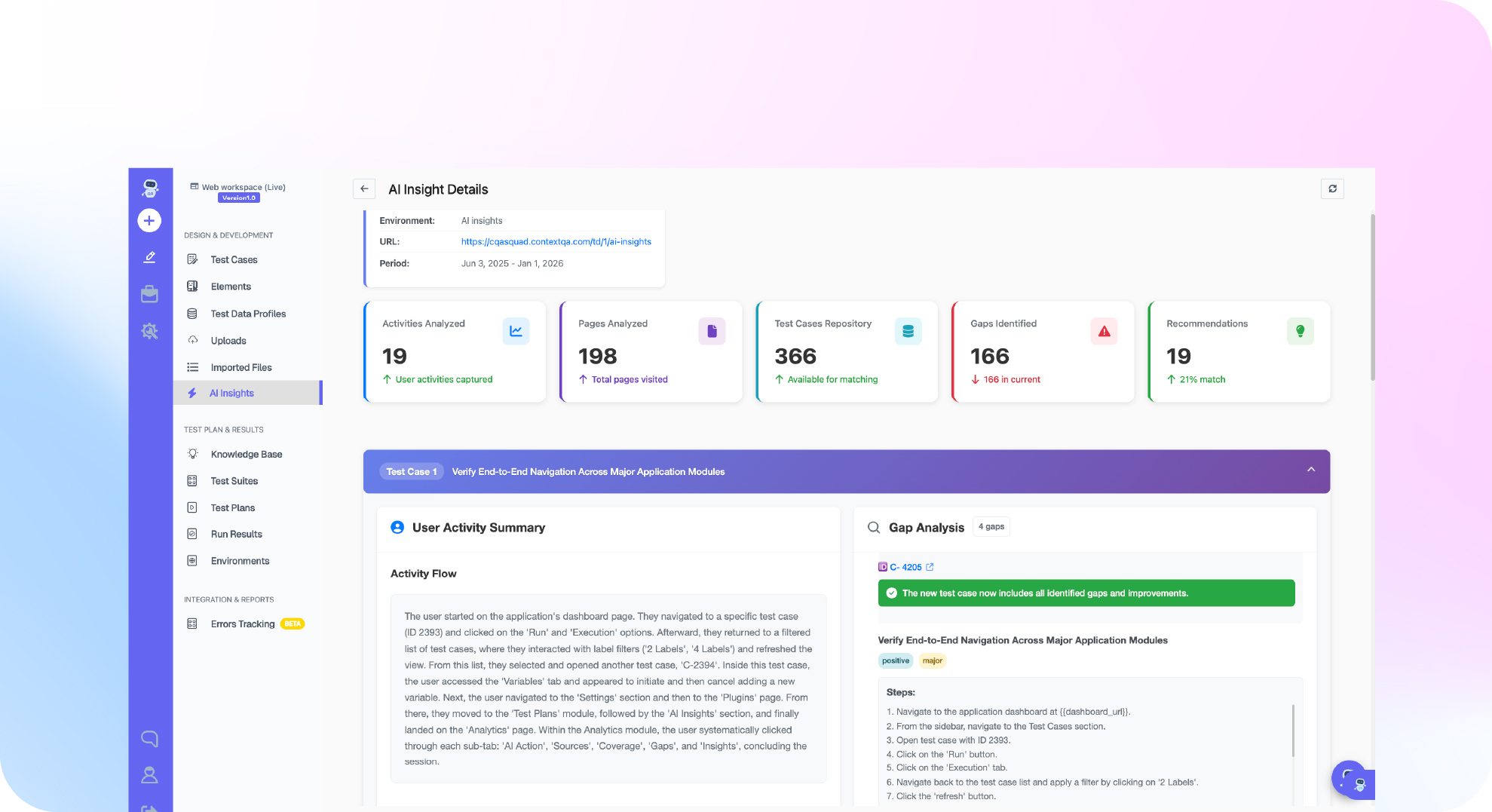
ContextQA handles it through Ship, its autonomous quality engineer for smaller product teams. Ship tests every pull request: it runs impact analysis on the change, executes targeted regressions before merge, and hands engineers the evidence. It also reproduces bugs reported in Jira, Linear, Slack, or a service desk and finds the likely root cause.
Whether specs come from Playwright Test Agents or from Claude Code driving Playwright MCP, the weak spot is the same: a spec can look correct without ever running, and a repair can pass because it dropped a requirement (ContextQA docs).
Ship comes in after that step:
- Open a pull request. Ship analyzes the change and runs targeted regressions before merge.
- When a bug is reported, Ship reproduces it and finds the likely root cause.
- Engineers review the evidence before they merge or fix.
Want pull request coverage without maintaining every generated spec yourself? Get started free with Ship, no credit card needed. Running enterprise suites across Salesforce or SAP? Book a demo of the ContextQA platform.

What should you do right now? A checklist
Start with a written behavior contract for one flow. Keep your existing Playwright setup and let the AI agent write specs on a feature branch. Accept a spec only after it has run, has failed against a deliberate defect, and checks the expected results from the contract. Each test should prove a real requirement.
- Write a contract for one flow listing each condition, its expected behavior, and its evidence (guide).
- Pin the Node.js and
@playwright/testversions, then commit the lockfile. - Reject any spec that only checks that the page loaded.
- Keep one test that logs in fresh, and use
storageStateonly for tests of other features. - Add
playwright/.auth/to.gitignore. - Replace each
waitForTimeout()with a web first assertion orwaitForResponse(). - Run
npx playwright test --repeat-each=5to find flaky tests. - Break the feature on purpose and confirm the spec fails.
- Make a passing suite a required CI check before merge.
Bottom line
An AI coding agent can write and run Playwright specs, but it cannot decide what correct behavior is. Write the contract first, check each assertion against it, and accept a spec only after it fails for a deliberate defect. That review is what keeps results traceable.
Sources
These primary sources back the statistics and Playwright features cited above. Playwright behavior reflects the official documentation for version 1.56 and later, so confirm it against the version you have installed.