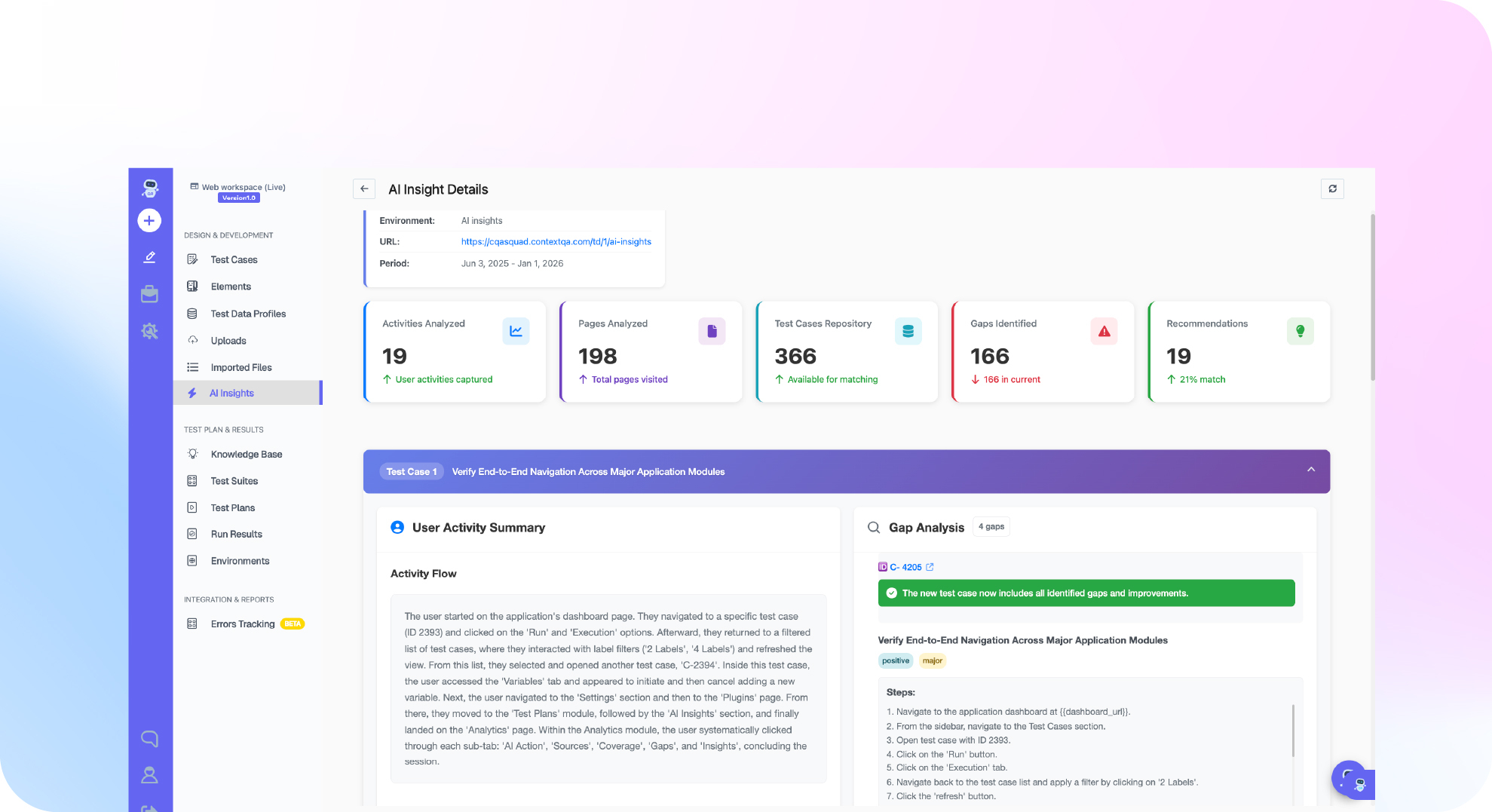
TL;DR: Deployment testing is the set of checks that prove a build is safe to release. It runs in three stages: regression and contract tests in CI before deploy, smoke tests against the target environment, and post release health checks wired to automatic rollback. Rank tests by risk and code change so the fastest, highest signal checks gate every release. Elite teams in the DORA 2024 Accelerate State of DevOps Report keep change failure rates near 5% while deploying on demand. ContextQA, the autonomous quality engineer, uses impact analysis to select which tests run for each change.
Most teams run too many of the wrong release checks. Full regression suites stall pipelines while real risks, such as config drift and broken migrations, slip through. This guide covers what to test before deploy, how to prioritize tests for continuous deployment, and which gates to automate so you can ship daily without gambling on production.
Quick answers
How long should deployment testing take before a release goes to production? A pre deploy gate should finish in under 15 minutes so it does not block merges or tempt teams to skip it. Gate on a small smoke suite covering login, core transactions, and critical API health checks. Run broader regression in parallel or nightly.
Should release checks run against staging or against production? Both, with different scopes. Staging catches functional regressions but rarely matches production data, traffic, or configuration. A short set of read only checks against production confirms the release works where users are. Use dedicated test accounts and mask sensitive data in logs and reports.
What should trigger a rollback after a deploy? Define triggers before the deploy, not during an incident: a failed smoke test on a critical path, error rates or latency crossing a threshold after a canary or blue green switch, or failed migration checks. Automate the decision in CI/CD so a failed check reverts traffic without waiting for approval.
What is deployment testing?
Deployment testing is the set of checks that confirm a build works correctly in its target environment, during and immediately after release, before users depend on it. It runs against real infrastructure, configuration, secrets, and dependencies instead of mocks, because many release failures come from config drift, migrations, and missing environment variables rather than application logic.
It differs from other test types in timing and scope:
- Integration testing checks that components talk correctly, such as a service and its database, usually in CI against containers or stubs.
- End to end testing walks a full user journey, such as signup to checkout, typically in staging.
- Deployment testing asks a narrower question: did this release land correctly here? Typical checks include smoke tests on critical paths,
/healthzprobes, schema migration verification, feature flag state, and canary error rates against baseline.
Integration and end to end suites tell you the code is ready. Release checks tell you the deploy is healthy.
What can release stage testing do?
Testing at the release stage catches broken configuration, failed migrations, missing secrets, and regressions in critical user flows before or right after a release. It gives the pipeline a clear signal to promote or roll back.
In a CI/CD pipeline, it does five jobs:
- Gate promotion between stages. Block promotion to production if any critical path fails in staging.
- Validate infrastructure and config. Check environment variables, feature flags, migrations, and
/healthzbefore traffic shifts. - Prioritize tests by change. Run tests mapped to the services in the diff first, then full regression in parallel. ContextQA impact analysis maps code changes to affected tests.
- Verify canary and blue green releases. Compare error rates on the new version against the old one before widening rollout.
- Trigger rollback automatically. Wire failed checks to
kubectl rollout undoor your platform's equivalent.
Why does release testing matter in 2026?
Most production incidents begin with a change, and teams now ship changes daily or hourly. Release checks exist to catch a bad change and roll it back before customers feel it, at the speed you deploy.
The gap between strong and weak practices is large. The DORA 2024 report puts the change failure rate near 5% for elite performers and around 40% for low performers (DORA, 2024).
Five types of release checks close that gap:
- Smoke testing: Run 5 to 10 critical paths, such as login and checkout, within minutes of a deploy.
- Sanity testing: Check only the feature that changed.
- Canary testing: Route 1 to 5% of traffic to the new version and compare error rates and latency.
- Blue green testing: Test the idle environment fully, then switch the router.
- Rollback testing: Prove you can revert the release, including database migrations.
For Monday: confirm which of the five your pipeline runs automatically, and which depend on someone remembering.

How does testing before and after deploy work?
It works by running layered checks at each release stage. Each gate either promotes the release or triggers a rollback, so defects surface before most users see them.
- Verify the artifact. Confirm the image digest you tested in CI is the exact one being promoted.
- Validate the environment. Check config, secrets, and schema migrations against the target, for example with a dry run before applying migrations.
- Run smoke tests after rollout. Execute a short suite covering login, checkout, and core API calls.
- Ship dark behind feature flags. Deploy with the flag off, then enable it for internal users first. This separates deploying code from releasing behavior.
- Canary the release. Route 1 to 5 percent of traffic to the new version. Compare its error rate and p95 latency (the response time 95% of requests beat) against the baseline.
- Promote or roll back. Set thresholds before you deploy so the pipeline rolls back automatically when a canary metric breaches them.
Which approach fits your team?
The right approach depends on how often you ship and what a bad release costs. Weekly releases can rely on a full regression gate, daily releases need risk based test selection, and many deploys a day need progressive delivery with automated rollback.
- Weekly or slower releases: Run full regression in staging as a promotion gate. It breaks down once suite runtime outgrows your release window.
- Daily releases: Run tests mapped to changed code on each merge, then the full suite nightly. ContextQA impact analysis builds that change to test mapping for you.
- Multiple deploys per day: Gate on a smoke suite under 10 minutes, shift traffic gradually, and roll back automatically on failed checks.
- Regulated or enterprise apps: Keep a human approval step after automated tests, and store test evidence per release.
Rollout controllers and flag platforms move traffic. They do not write or maintain tests, and each needs a trustworthy test signal to act on.
Bottom line: Match test depth to deploy frequency, and fix flaky tests before you automate rollbacks on top of them.
How does ContextQA handle release gates?
ContextQA generates a test suite from the code change, ticket, or Swagger spec behind a release, runs it in parallel across browsers and devices from your CI/CD pipeline, and self heals tests when the UI shifts. Impact analysis aims each run at what changed, and root cause analysis explains failures.
Release checklist for SaaS teams:
- Prioritize by change. Run tests tied to changed code first, so the riskiest paths report back fastest.
- Generate from the source. Point ContextQA at the pull request or API spec. Developers can trigger this from Cursor, Claude Code, or Codex through the MCP server.
- Gate the pipeline. Add the suite as a CI step and block promotion on failure.
- Smoke test after deploy. Rerun critical flows against production across browsers and devices.
- Keep an exit. Export to Playwright so tests stay in your repo.

What should you do now?
Treat release testing as a staged gate. Decide which tests run before merge, before promotion, and after release, then automate a smoke suite that can trigger rollback. Assign an owner to each stage and track flaky rate and time to detect monthly.
- Tag every test
smoke,regression, orcontractso CI can select tests by risk. - Block merges when unit or contract tests fail.
- Require the
smoketag to pass against staging before promotion to production. - Add a job after deploy:
needs: deployin GitHub Actions, apost_deploystage in GitLab CI, or a stage in yourJenkinsfile. - Poll
/healthzwithcurl --fail --retry 5 --retry-delay 10 --retry-connrefusedbefore smoke tests run. - Route a failed smoke run to automatic rollback or a feature flag kill switch.
- Quarantine tests that fail twice without a code change, then file a repair ticket.
- Record change failure rate and mean time to detect for each release.
- Compare test selection against escaped incidents every month.
Bottom line
Deployment testing works when it answers one question fast: did this release land safely here? Gate every deploy on a smoke suite under 15 minutes, verify config, migrations, and health endpoints before traffic shifts, and wire failed checks to automatic rollback. Run tests tied to changed code first. For the strategic view, read the role of testing in deployment strategy.
Sources
The change failure rate figures for elite and low performing teams come from the DORA research program's 2024 annual report, which surveys software delivery teams on deployment frequency, lead time, change failure rate, and recovery time.