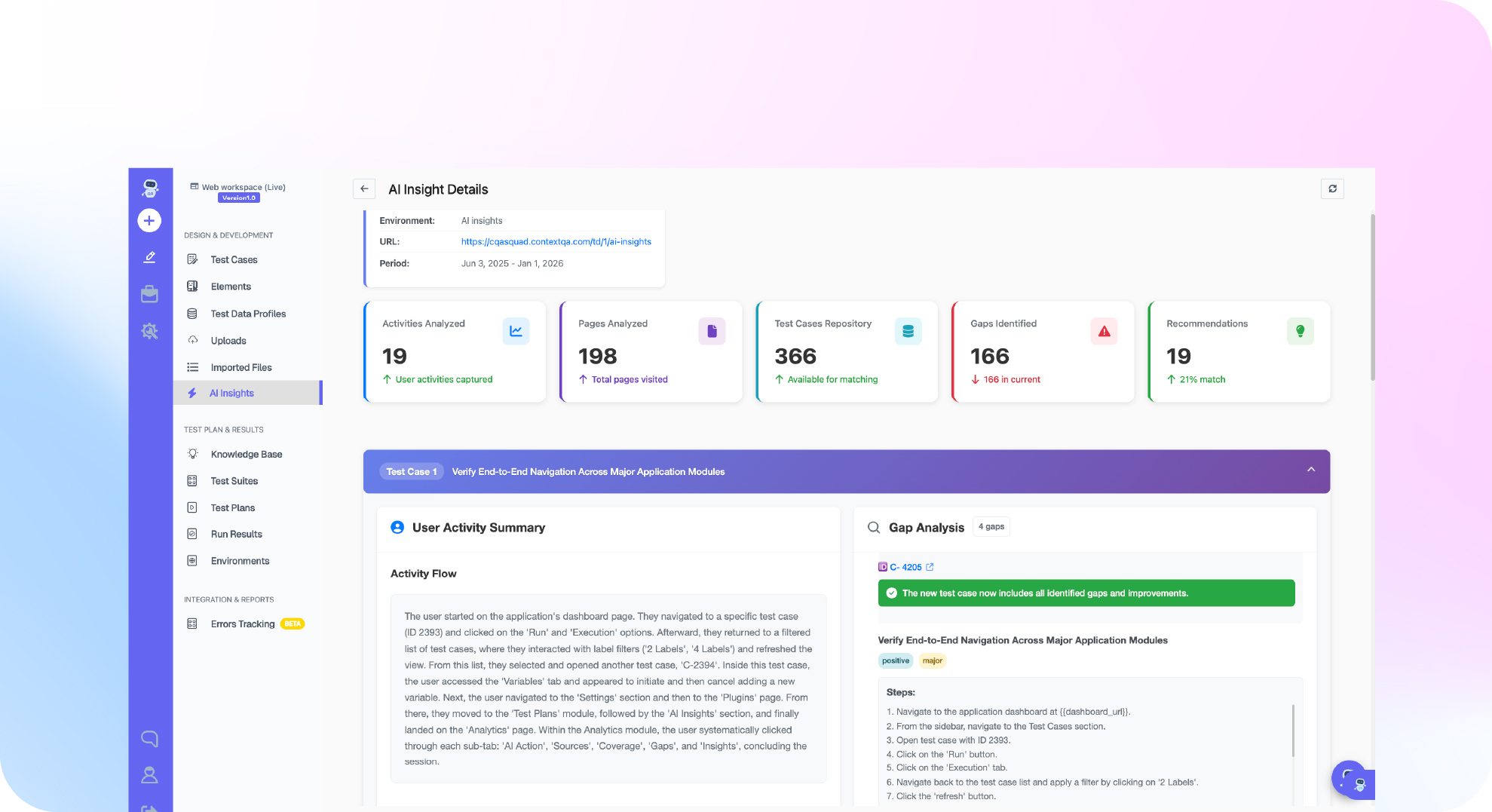

TL;DR: To reproduce, fix and verify a bug with Claude Code, follow three steps in order. Reproduce the bug first. Let the agent change the code. Then rerun the same reproduction without edits and compare the evidence with the ticket. ContextQA's reproduce_from_ticket MCP tool builds the reproduction from the ticket text. A run proves nothing, pass or fail, until you confirm it reached the reported step. Check the result independently: in a METR 2025 study, experienced developers were 19% slower with AI tools but believed they were faster.
A claude code reproduce bug fix and verify workflow closes a common gap: the agent that writes the fix is usually the one that says it works. This guide follows one ticket from start to finish. You reproduce the bug in ContextQA, Claude Code writes the fix, and you rerun the same reproduction. It covers the commands, the evidence to check and a verification step that does not depend on the agent's word.
Quick answers
Why rerun an independent reproduction when Claude Code already says the fix passes? The agent that wrote the fix also picked the tests, so its passing result can share the code's blind spot. A rerun of the ContextQA reproduction built by reproduce_from_ticket checks the fix against what the reporter saw. The fix is supported when the rerun reaches the step that failed before and that assertion now passes.
Does a failed reproduction run confirm the bug? No. The ContextQA reproduction guide warns that a timeout, an authentication problem or an unrelated assertion failure can stop a run before the relevant step. Use investigate_failure to inspect the evidence. Then label the result reproduced, not reproduced, blocked or inconclusive. None of these labels means the bug is fixed.
What should my team set up before using this loop? Connect the ContextQA MCP server to Claude Code. Use an isolated staging environment with test accounts and synthetic data, and record the build, flags, role and data setup. Have Claude Code record a baseline of your focused suite first (Claude Code testing guide). To file defects with create_defect_ticket, connect Jira or Azure DevOps.
What is claude code reproduce bug fix and verify, and when do you need it?
Claude Code reproduce bug fix and verify is a three step loop. First you turn a reported bug into an executable reproduction. Next Claude Code changes the code. Finally you rerun that same reproduction to confirm the fix. Use the loop whenever a ticket or a failing test describes behavior that an agent could otherwise mark as fixed without proof.
Two rules make the loop work. The reproduction must exist before the fix, and something other than the agent that wrote the patch must judge the result. If Claude Code writes the fix, writes the test and reports success, all three come from one source.
- Starting from a bug report: Give your assistant the ticket text and a staging URL. The
reproduce_from_tickettool creates a test case from the reported steps and starts an execution (ContextQA docs). The tool runs through the ContextQA MCP server. - Starting from a failing test: Ask Claude Code to run the focused test command and record a baseline. Keep existing failures separate from new ones (ContextQA docs).
What do you need before you start?
You need five things before the reproduction can prove anything. Claude Code must run in the correct repository. You need a ContextQA workspace with the MCP server connected and a ticket that states both expected and observed behavior. Add a staging environment with authorized test access, plus a written record of the build, user role and feature flag setup.
- Claude Code with a baseline: Run
claudefrom the repository root. Before it edits anything, have it run the existing focused suite so earlier failures stay separate from new ones. - ContextQA MCP: Set up at least one workspace and connect the MCP server to Claude Code (agent integration guide).
- A complete ticket: Include steps, expected behavior and observed behavior. Without all three, you cannot tell a real defect from a blocked run.
- Disposable test access: Use a staging URL, synthetic data and the correct user role. Never paste passwords, cookies or tokens into prompts.
- Optional ALM: Connect Jira or Azure DevOps if you want
create_defect_ticketto file the report.
How do you run the loop, step by step?
Reproduce the ticket with reproduce_from_ticket and confirm the evidence matches the report. Then have Claude Code write a failing regression test and the fix, and rerun the same reproduction. The fix counts as verified only when the original reproduction passes on the new build and your focused suite still passes.
- Record the conditions. Before you run anything, write down the build, environment, user role and data setup, as the reproduction guide requires.
- Reproduce the bug. Give your assistant the ticket text and the staging URL. Then run
investigate_failureto confirm the run reached the step the ticket describes. - Write the regression test first, then the fix. Claude Code can run your existing test tools:
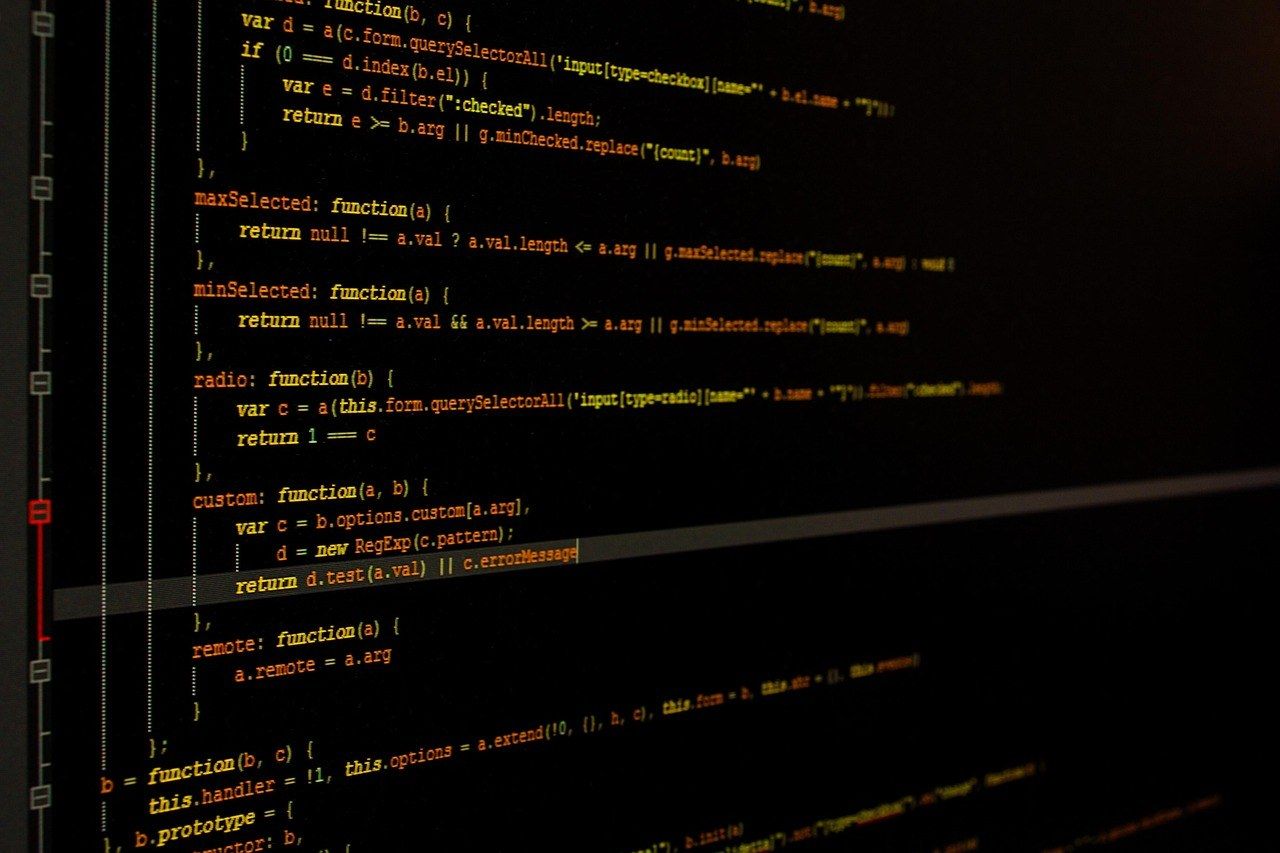
cd /path/to/your/repository
claude "Find the focused checkout test command. Add one regression test \
for ticket SUP-412 that fails on current code, run it and show the failure. \
Then fix the code and rerun the focused suite. Do not edit unrelated tests."
- Rerun the same ContextQA case against the fixed build. If it passes, the evidence comes from a tool that did not write the patch.
- Escalate if it still fails. Use
create_defect_ticketto file the evidence in Jira or Azure DevOps.
What are the most common mistakes?
Three mistakes come up most often. Teams treat any failed run as proof of the bug, let the agent that wrote the fix also verify it, or rerun a different test than the original reproduction. Each one breaks the chain of evidence from ticket to fix, and after that a passing result no longer means the reported bug is gone.
- Treating any failure as a match: A timeout or an authentication error can stop the run before it reaches the step in the ticket. Run
investigate_failurebefore you file anything. - The agent grading its own fix: Treat Claude Code's report that its patch works as a hypothesis. Rerun the same ContextQA case and compare the new evidence with the old.
- Editing the test after the fix: Changed assertions prove a different behavior. Keep the reproduction exactly as it was.
- Broad permissions in headless CI: `claude -p` runs with no one watching. Limit it with
--allowedToolsand keep production credentials out of prompts.
How do you know it is working?
The fix works when three separate checks agree. First, the same ContextQA reproduction that matched the ticket now passes at the step that used to fail. Second, your repository's focused suite passes. Third, reverting the fix makes the new regression test fail again. When Claude Code says "fixed," that is a claim, and it does not count as one of the three checks.
Many developers share this doubt. In the Stack Overflow Developer Survey 2025, 46% of developers said they distrust the accuracy of AI tools and 33% said they trust it. The same survey found that developers named AI answers that are "almost right, but not quite" as their top frustration.
- Reproduction status: Rerun the case that
reproduce_from_ticketcreated, this time against the patched build. A pass that stops before the failing step is inconclusive. - Evidence match: Use
investigate_failureto confirm the rerun reached the relevant assertion. - Revert check: Undo the fix locally. The new regression test should fail again.
How do you automate the loop with ContextQA?
You can automate the loop from inside Claude Code. Call reproduce_from_ticket to turn the ticket into a test case and run it. Let Claude Code write the fix on a branch. Then run the same case again. Because the reproduction existed before the fix, it checks the change independently of the agent that wrote it.
Call investigate_failure before Claude Code touches any code, so you know the run failed at the reported step and not on a timeout or a login problem. If the evidence matches the ticket, create_defect_ticket files the defect. When the pull request opens, Ship runs impact analysis and targeted regressions before merge (Ship workflows).
- Require a failing run first. A fix without reproduction evidence is not ready for review.
- Read the assertion changes as well as the code. Reject any fix that weakens or deletes a check.
- Rerun on a reset environment. Use the same build, role and synthetic data as the original run.
- Keep unit tests in the repository. ContextQA MCP does not replace your Jest or pytest runner.
If the agent that wrote your fix is also the one saying it works, let Ship reproduce the ticket independently and rerun it as proof: get started free, no credit card needed.

What should you do right now? A checklist
Pick one real ticket this week and take it through the full loop. Reproduce it with ContextQA, let Claude Code write the fix, then rerun the same reproduction before merge. Which assistant you use matters less than verifying the fix with a separate tool. The agent that wrote the patch should never be the one that grades it.
- Connect the ContextQA MCP server to Claude Code (agent integration guide).
- Record the build, environment, feature flags, user role and test data.
- Run
reproduce_from_ticketagainst staging, never production. - Confirm the failure matches the ticket and is not a timeout or a login error.
- Run
investigate_failure, and keep what you observed separate from root cause guesses. - File with
create_defect_ticketonly when the evidence supports the report. - Require a regression test that fails before the fix and passes after it.
- Rerun the same ContextQA reproduction against the fixed build.
- Trial Ship for targeted regressions on every pull request.
Bottom line
Don't accept a coding agent's word that its own fix works. Reproduce the ticket with ContextQA, let Claude Code make the fix, and rerun the same reproduction against the patched build. A blocked or inconclusive run is not a pass. On Monday, add this rerun to your AI generated code testing checklist and bring the evidence to every bug triage meeting.
Sources
The ContextQA steps in this article come from the ContextQA learning docs. Vendor behavior comes from the vendor's own documentation, and each statistic links to the study or survey it came from.