
TL;DR: Fix flaky UI tests by diagnosing the cause before touching code: preserve the first failure, rerun the same build with --repeat-each and --retries=0, and classify it as timing, selector, data, environment, or order dependence. Retries alone hide real defects. Most fixes need no rewrite: condition based waits, stable locators, isolated test data, and quarantine. ContextQA, the autonomous quality engineer, adds self healing locators and failure evidence. Verify by rerunning under original CI conditions.
Knowing how to fix flaky UI tests without rewriting test scripts keeps a release pipeline free of retries that mask real defects and rewrites nobody has time for. This guide covers diagnosis, targeted fixes, and how to verify the fix holds in CI.
Quick answers
These are the three questions QA leads and engineering managers ask most when a suite starts failing intermittently. Each answer is short enough to act on in the next sprint without rebuilding existing scripts.
How do I tell whether a flaky UI test is caused by the test or by a real bug in the application? Preserve the first failing attempt with its commit, browser version, worker count and trace, then reproduce it on the same build with --repeat-each=10 --retries=0. Compare failing and passing traces for timing, shared state, authentication and environment differences. An application race condition can be intermittent and still be a real defect, so a pass on retry is a hypothesis, not proof (ContextQA flaky test guide).
Which flaky test fixes work without rewriting the test scripts themselves? Change what surrounds the steps, not the steps. Replace fixed sleeps with condition based waits, move brittle selectors to stable locators or self healing, and isolate state with per test data. In ContextQA, a step group fixes a shared login once for every test, and a test data profile separates input rows from the workflow.
Should we quarantine flaky tests, and how do we know a fix actually holds? Quarantine is containment, not a fix. Record the coverage removed from the release gate and assign an owner. To verify a repair, rerun with retries off under the original CI conditions: same project, browser, worker count and environment. Track later pipeline runs before restoring the test, since one green run proves little for an intermittent failure.
What does it mean to fix flaky UI tests without rewriting test scripts, and when do you need it?
Fixing flaky UI tests without rewriting test scripts means removing the cause of intermittent failures by changing waits, locators, test data, isolation, or execution settings while the test's steps and assertions stay intact. It keeps existing coverage and avoids a costly rebuild. You need it when retries hide failures and engineers stop trusting red builds.
The ContextQA flaky test guide groups the common causes. Each has a fix that leaves test logic alone:
- Timing: The test clicks before an async operation completes. Wait on a visible element state or a network response instead of a fixed sleep.
- Selectors: Locators tied to generated IDs or DOM position break on harmless UI changes. Switch to role or test ID locators, or use self healing, which repairs broken locators automatically.
- Data and order: A test relies on state left by an earlier test. Give each run its own data, and keep input rows separate from the workflow with data driven profiles.
- Environment: Latency spikes or shared database contention. Isolate the environment, or quarantine the test with a named owner and a recorded coverage gap.
What do you need before you start?
Before changing any test, gather four things: the first failing attempt with its evidence, a disposable environment for rerunning the same build, an inventory of fixed sleeps, and isolated test data. Without failure artifacts, a passing retry cannot tell you what caused the flake.
- First failure evidence: The application commit, test revision, runner and browser versions, worker count, fixture identifiers, and the trace or logs. Keep retries as separate attempts (ContextQA flaky test guide).
- A repeatable rerun: A disposable environment where
--repeat-each=10 --retries=0 --workers=1removes retries and parallelism as variables. - Wait inventory: Every
waitForTimeoutorThread.sleep, each mapped to the condition it should wait on. - Controlled data: A test data profile assigned to a non production environment, with approved rows for each scenario (data driven testing tutorial).

How to fix flaky UI tests without rewriting test scripts, step by step
Preserve the first failure, reproduce it on the same build with retries off, classify the cause, then apply a targeted fix: a condition based wait, a stable locator, isolated data, or quarantine. Rerun under the original CI conditions before restoring the test to the release gate.
- Capture the first failing attempt. Save the commit, browser version, worker count, and trace. A pass on retry is a reporting label, not a diagnosis (ContextQA flaky test guide).
- Reproduce with retries disabled:
npx playwright test tests/report-export.spec.ts --repeat-each=10 --retries=0 --workers=1 --trace retain-on-failure
- Fix by cause. For timing, swap fixed sleeps for
expect(locator).toBeVisible(). For data, move inputs into a test data profile. For duplicated login steps, consolidate them into one step group. For selector drift, use self healing. - Quarantine with an owner. Tag the test, link a ticket, and record which coverage you removed from the gate.
- Verify. Rerun the repeat command at your original
--workersvalue.
What are the most common mistakes?
The most common mistakes are treating a passing retry as a fix, adding blanket sleeps, sharing mutable test data across workers, duplicating login steps, and trusting an AI "flaky" label without evidence. Each one hides the cause, so the flake returns or a real intermittent defect ships unnoticed.
- Retrying until green: Playwright labels a test that fails and then passes on retry as flaky (Playwright retries docs), but that label does not identify a cause.
- Fixed sleeps:
waitForTimeout(3000)slows the suite and can still lose the race. - Shared, mutable data: Parallel tests that compete for one account fail intermittently. Pin base URLs, use named, environment linked rows, and give each test its own account.
- Duplicated login steps: One changed selector breaks every copy. Fix it once in a reusable step group.
- Expecting AI to replace diagnosis: Self healing repairs broken locators. It does not fix race conditions or order dependence.
How do you know it is working?
The fix is working when first attempt pass rates rise on unchanged commits, retries stop hiding failures, and quarantined tests return to the release gate. Measure flakiness per test, not per suite, and compare the same CI conditions before and after each repair.
For scale, Google reported in 2016 that about 1.5% of all test runs showed a flaky result and almost 16% of its tests had some level of flakiness (Google Testing Blog, 2016).
Track these weekly:
- Flaky rate: the share of tests that fail and then pass on the same commit, with retries counted as separate attempts.
- First attempt pass rate: the share of runs that pass with
--retries=0. - Quarantine age: days each excluded test has been out of the gate.
Record a baseline, fix the worst offenders first, and verify each repair with --repeat-each=10 before restoring it.
How can ContextQA automate fixing flaky UI tests without rewriting test scripts?
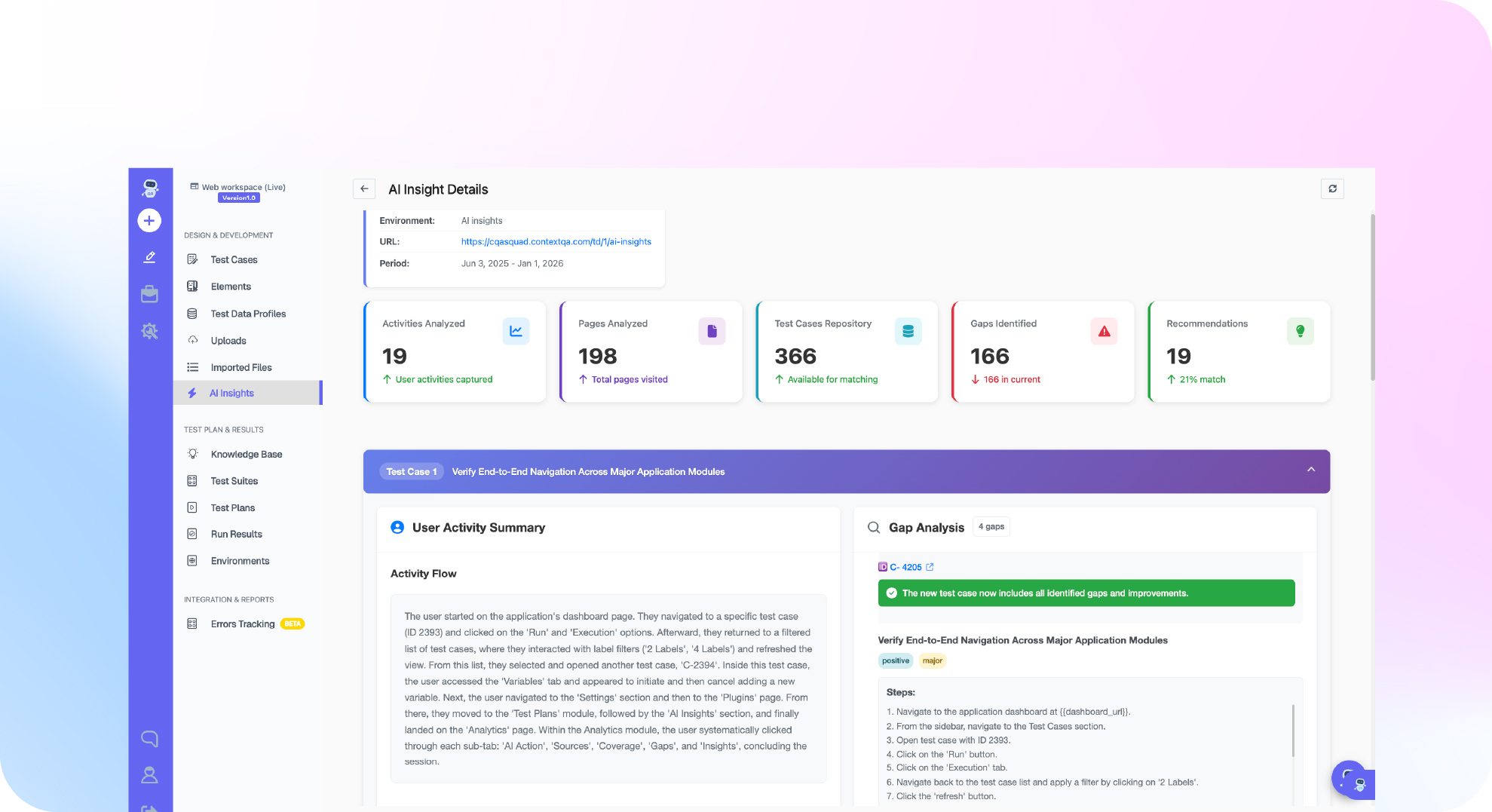
ContextQA reduces flakiness by changing what surrounds each test. AI based self healing automatically repairs broken selectors and locators when the UI changes. Step groups fix a shared sequence once, and data profiles give each environment its own inputs. You then confirm every repair against captured execution evidence.
A typical repair loop:
- Triage with evidence. When analysis is available for a run, treat ContextQA's failure classification as a hypothesis and confirm it against comparable execution history (flaky test guide).
- Let self healing absorb locator drift. ContextQA automatically repairs broken selectors and locators when the UI changes, so many locator failures need no manual edit.
- Fix shared timing once. If login races an async redirect, add an outcome verification to
SG_Login, and every test using the group picks it up (step groups). - Isolate data. Bind a test data profile so each environment uses its own rows (data driven testing).
- Investigate from your IDE. From Claude Code or Cursor, the MCP server connects your AI assistant to ContextQA's testing tools in plain English.
A healed run is not proof that the product is correct. Rerun under the original CI conditions.
If flaky UI tests keep failing your CI gate without a clear cause, book a demo to see how ContextQA self heals broken locators and captures failure evidence.

What is the checklist to follow right now?
Start with evidence, not edits. Reproduce the first failure on the same build with retries off, classify the cause, and apply the narrowest fix before the test goes back into the release gate.
- Save the first failing attempt: commit, browser version, worker count, and trace.
- Rerun with
--repeat-each=10 --retries=0 --workers=1 --trace retain-on-failure. - Tag the cause: timing, selector, data, environment, or order dependence.
- Replace fixed sleeps with waits on a specific element or response.
- Swap brittle CSS paths for role, label, or test ID locators.
- Move shared accounts into a test data profile with one row per scenario.
- Repair duplicated login steps once in a step group.
- Use self healing for selector drift, and review each healed locator.
- Quarantine unresolved tests and record the coverage removed from the gate.
ContextQA repairs locators in its managed runs, and code export produces Playwright files, so you keep ownership of the suite.
Bottom line
You can fix most flaky UI tests without rewriting scripts. Preserve the first failure, reproduce it on the same build with retries off, and name the actual cause: timing, selectors, data, environment, or order dependence. Then apply the narrowest fix: a condition based wait, a stable locator, isolated test data, or self healing test automation for broken selectors.
Quarantine only with a written record of the coverage you removed, and verify every fix under the original CI conditions. For the full diagnosis checklist, see what flaky test automation is and how to fix it.
Sources
Flakiness figures come from Google's engineering report, retry behavior from Playwright's documentation, and ContextQA features from the ContextQA docs and product pages linked in the text.