TL;DR: Learning how to use AI to automate tasks is the highest-value skill shift in software development right now. GitHub’s controlled research found developers complete tasks 55% faster with AI assistance, and that is only the authoring side: the bigger wins hide in code review, test maintenance, debugging triage, and pipeline time, where AI removes work instead of accelerating it. This guide covers the 8 developer tasks worth automating first, the measured time savings for each, and a three-level adoption ladder that gets a team from zero to end-to-end automation in one quarter.
Developers handle new features, bug fixes, test updates, reviews, and deployment steps every week, and most of that work contains repeatable steps a model can now own. Knowing how to use AI to automate tasks has become a basic part of building and maintaining software, the same way knowing version control did a generation ago.
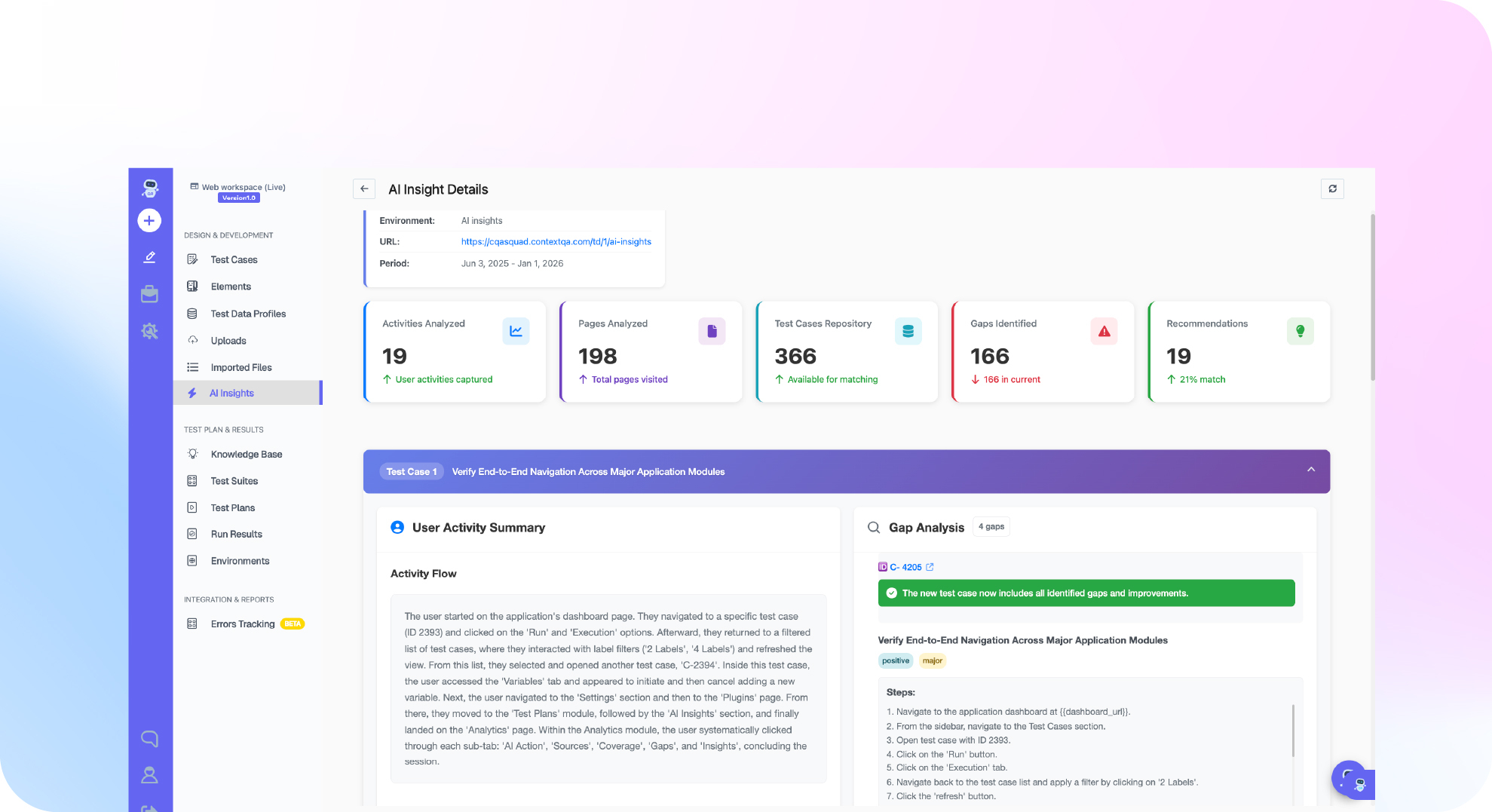
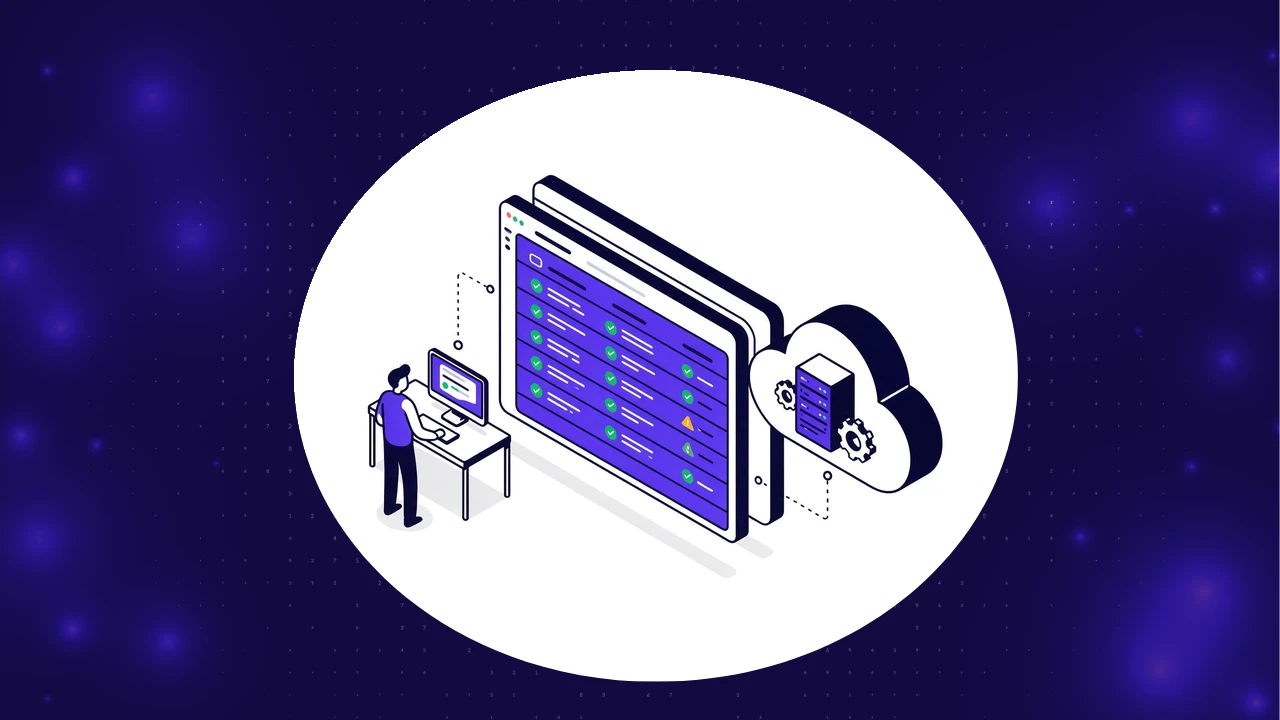
ContextQA fits into this shift by turning real user flows into visual models, recorded steps, and automated checks that react to code changes. Instead of repeating steps by hand, developers build reusable automation once and let it adapt. Here is where that pays off, task by task.
What Developer Tasks Can AI Automate?
AI can automate eight categories of developer work today: code review, test generation, debugging and root cause analysis, CI/CD test selection, documentation, end-to-end test maintenance, repetitive scheduled chores, and refactoring analysis. The pattern across all eight is the same: the AI owns the repeatable mechanical layer, and the developer keeps the judgment calls.

Automated Code Review
AI reviewers scan every pull request, flag risky patterns, catch style drift, and generate a summary of what the change touches before a human ever opens the diff. That summary alone changes review economics: reviewers start with context instead of reconstructing it, so review cycles that took hours compress to minutes for routine changes.
The practical rule: let AI hold the consistency bar (syntax, patterns, known bug shapes) and reserve human review for architecture and intent. Teams that split review this way keep quality without making the pull request queue the bottleneck. The same review discipline should extend to test code itself, which is the argument in our guide to test reviews versus code reviews.
Test Generation and Test Updates
This is the single biggest time recovery on the list. AI test generation analyzes the application, maps user paths including the edge cases humans forget to enumerate, and produces executable tests in minutes instead of days. Generated suites routinely catch 20% to 30% more regressions than hand-written equivalents, purely on edge-case coverage. The mechanics are covered in our newsletter issue on AI test generation.
ContextQA’s testing suite adds the maintenance half: when features change, it identifies which tests are affected and which flows are at risk, and self-healing re-points broken selectors automatically. That matters because test maintenance, not test writing, is where teams lose 40% to 60% of their QA time.
Faster Debugging
The expensive part of a failure is never the red mark; it is the 30 to 90 minutes of log archaeology that follows. AI debugging correlates the failure across layers at once: visual state, DOM, network calls, and the commits that shipped since the last green run, then returns a classified cause instead of an error message.
Teams using AI root cause analysis report average diagnosis time falling from about 45 minutes to under 2 minutes per failure. For a team investigating 15 failures a day, that is over 10 hours of engineering capacity returned daily. The full breakdown is in our issue on root cause analysis in 60 seconds.
Smarter Build and Deployment Pipelines
Running the full regression suite on every commit is how pipelines die. AI test selection reads the change, picks the tests most likely to catch its specific regression, and runs the full suite only on release candidates. Combined with parallel execution, a 2-hour serial suite routinely drops to 15 to 20 minutes.
ContextQA models export into GitHub Actions, Jenkins, GitLab CI, and CircleCI, and trigger automatically when related code changes. The wiring guide lives in our newsletter on making testing the fastest part of your pipeline, and the anti-patterns to avoid are in the 5 mistakes killing your CI/CD pipeline.
Automated Documentation and Summaries
Documentation falls behind on every project because it competes with feature work and always loses. AI removes the contest: it drafts change summaries, updates function descriptions, and writes integration notes as a byproduct of the change itself. Developers review instead of author.
The compounding benefit is context preservation. Six months later, the “why” behind a change exists in writing, because writing it cost nothing at the time.
Stable End-to-End Testing for Complex Flows
Modern flows cross services, APIs, and UI layers, which is exactly where scripted tests go brittle: one renamed CSS class can break dozens of tests overnight. AI-native end-to-end testing fixes the economics with multi-attribute element models. When the original selector breaks, the system identifies the correct element from its other fingerprints, heals the test, and logs the change for review.
ContextQA records these end-to-end flows visually, converts them into reusable model states, and highlights affected steps when a component changes. Teams running self-healing suites report 70% or greater reductions in maintenance time, which is the difference between a suite that compounds and a suite that decays.
Task Scheduling for Repetitive Developer Work
Environment setup, dataset refreshes, dependency updates, and test triggers are pure toil: necessary, repetitive, and invisible when done well. AI assistants and workflow tools schedule these on time, code-change, or system events, which removes the manual step count from every release cycle.
ContextQA syncs model flows with scheduled pipeline runs, so when a scheduled run detects changes, the relevant test group fires automatically with no human trigger.
Using AI To Support Code Refactoring
Refactoring gets delayed because finding what needs cleanup takes as long as cleaning it. AI scans the codebase for repeated patterns, dead logic, and outdated functions, and ranks the candidates, turning “we should refactor someday” into a prioritized list.
Pair the suggestions with generated test coverage before touching anything, and refactoring stops being a risk event. The AI proves the behavior is preserved while the humans improve the structure.
How Much Time Do You Save When You Use AI to Automate Tasks?
The measured numbers, not the marketing ones: GitHub’s controlled study found developers completed a coding task 55% faster with AI assistance. On the testing side, maintenance consumes 40% to 60% of QA capacity and self-healing removes 70%+ of it. Failure triage drops from about 45 minutes to under 2 minutes per failure with AI root cause analysis. Pipeline suites drop 60% to 80% with test selection and parallelization.
Stack those and the compound effect is structural, not incremental: one ContextQA customer took a 5-engineer QA team from 3-week release cycles and 22% coverage to 10-day releases and 82% coverage in 90 days, with zero added headcount. How this reshapes team composition is covered in our QA team structure guide.
Building or testing AI agents too?
The same shift is happening one level up: AI agents now need their own testing discipline. Our AI Agents Testing ebook covers the framework, and the pilot program lets your team prove the automation stack on your own application first.
How To Start With AI Automation in Developer Workflows
You do not need to automate everything at once. Teams that succeed move through three levels, each one compounding the last, and most reach Level 3 inside a quarter.
Level 1: AI-Assisted Code Review
Add an AI-powered pull request reviewer first. It scans changes, flags risky patterns, and generates reviewer summaries, reducing review time from day one with zero workflow disruption. This is the lowest-risk entry point and it builds the team’s trust in AI output.
Level 2: AI-Generated Unit Tests and Test Maintenance
Once review is AI-assisted, point the same capability at testing. AI drafts unit tests from code changes and flags which existing tests need updates as features evolve. Coverage grows while maintenance effort shrinks, and issues surface earlier in the cycle.
Level 3: End-to-End Automation With ContextQA
The final level turns real user flows into visual, reusable models that run automatically in CI and update centrally when the application changes. This is where brittle scripted suites get replaced by automation that maintains itself, and where the compounding really starts. If you are choosing tooling for this stage, our 25-tool comparison maps the field, and the 30-day POC framework turns the evaluation into measured results.
Conclusion
Knowing how to use AI to automate tasks is no longer an efficiency nice-to-have; it is the difference between teams that ship weekly and teams that explain why they cannot. Start with code review, expand to test generation, and finish with self-healing end-to-end automation. The measured gains at each level (55% faster task completion, 70% less test maintenance, 45-minute triage cut to 2) compound into release cycles half their current length.
Book a demo of ContextQA to model how your development team can start automating daily tasks this sprint.