
TL;DR: Vapi offers two native testing tools. Evals check the agent's next decision at scripted checkpoints, including exact tool call arguments, at the text and model layer. Simulations run a full conversation with an AI tester in chat or voice mode and grade it with structured outputs. Vapi's own docs are explicit that its sample suite checks the details the assistant reported, not calendar state, and that a mocked success is not an actual booking. Keep both tools, then add one layer: run the same task against a sandbox calendar or CRM and read back the record.
Vapi has unusually honest testing documentation. It tells you what Evals cover and what they do not, and its simulations quickstart says plainly that a conversation-only test is "not proof that an appointment exists in a calendar." That honesty is useful, because it shows exactly where to add coverage.
This guide is for Vapi developers who want their tests to mean that the business task finished. It explains Evals and Simulations, compares them fairly, and shows how to verify outcomes on the same task with one shared fixture. Vapi details below come from Vapi's documentation as checked in November 2026.
Quick answers
What are Vapi Evals? Saved tests that run a scripted mock conversation and check the assistant's response at checkpoints, using exact, regex or AI judges. They can validate tool call names and arguments, but they run at the text and model layer, not speech.
What are Vapi Simulations? Tests where an AI tester follows a scenario with a chosen personality and talks to your assistant, in chat mode or voice mode, then gets graded against structured output criteria. Simulations are grouped into reusable suites.
Do Vapi tests prove a booking was made? Not on their own. Vapi's docs state that a mocked success proves behavior under the supplied result, not an actual booking, and advise verifying calendar state separately with sandbox records.
Vapi Evals: checkpoint decisions
According to the Vapi Evals quickstart, an Eval is a mock conversation made of user, assistant, system and tool messages. Assistant messages that carry a judge plan become checkpoints. Judges come in three types: exact, for required wording or tool calls; regex, for stable patterns; and AI, where a language model grades meaning against pass or fail criteria.
What makes Evals valuable is precision on tool calls. An exact judge can validate the function name and every argument value, so you can catch an agent that books the right day in the wrong timezone. The limits are just as clear in the docs:
- Evals run at the text and model layer and do not test speech recognition, audio quality or turn-taking.
- Tool responses are mocked, and the mock response does not create an appointment.
- They are individual saved tests rather than a native suite, so grouping and CI runs are up to you.
Vapi Simulations: whole conversations
The Vapi Simulations quickstart pairs a scenario, which defines what the AI tester wants, with a personality, which defines how it behaves. Simulations run in chat mode, without speech, which is faster and cheaper, or in voice mode, which exercises speech, transcription and turn-taking with a synthetic caller. Each simulation needs at least one structured output with an expected value as its success criterion.
The quickstart is candid about scope. Its sample suite is described as a conversation-only demonstration, its criterion checks the reported details rather than calendar state, and the docs warn that in a self-built suite every tool without a mock runs for real.
| Aspect | Evals | Simulations |
|---|---|---|
| Unit of test | Next decision at scripted checkpoints | Whole conversation with an AI tester |
| Modes | Text and model layer only | Chat mode or voice mode |
| Tool checks | Exact name and argument matching | Through structured output criteria you define |
| Grouping | Separate saved Evals, group them yourself | Reusable suites of simulations |
| Real outcome | Not verified, tool responses are mocked | Not verified unless you check sandbox records separately |
The gap: reported details versus real state
Both tools grade what the assistant said or the arguments it sent. Neither reads the calendar after the call. For an appointment-booking agent, that leaves open the questions that matter most to the business:
- Does exactly one appointment exist for the right person?
- Is it at the time and timezone the caller agreed to, after any corrections?
- Was the old slot cancelled on a reschedule?
- Did a retry after a timeout create a duplicate?
- Did the confirmation message go out with the same details?
ContextQA's documentation calls the first of these false completion, where the agent says a task is done after the tool failed, and lists duplicate actions as a separate failure mode with an exact-count assertion across related transaction IDs (failure modes).

One fixture, three layers of evidence
The cleanest way to close the gap is to test one task three ways against the same fixture, so results are comparable.
- Create a shared fixture. A sandbox calendar with a test patient, known open slots and a correlation ID.
- Eval for the decision. A mock conversation where the caller asks for Tuesday at 3pm, with an exact judge on the booking tool's arguments, including timezone.
- Simulation in voice mode for the conversation. A scenario with a caller who corrects the day mid-sentence, graded on the structured output of the final agreed slot.
- Outcome test on the phone path. Call the assistant's number with the same scenario, letting the booking tool hit the sandbox calendar, then read back the calendar record.
- Compare. If the Eval and Simulation pass but the outcome fails, the problem is in the real tool, the backend or the speech layer, not the prompt.
ContextQA's guide to verifying voice AI bookings and business outcomes walks through this read-back, and its Verifier lets a judge check backend state through a read-only call during grading (verify tool actions).
Building on Vapi? Try Ship Voice and verify one booking from the phone call to the calendar record.
Compare like with like
When you compare test results across tools, compare equivalent modes. A Vapi text Eval and a real phone call test answer different questions, so a difference between them is expected and is not a fair verdict on either tool.
| Question | Best evidence |
|---|---|
| Did the agent choose the right tool with the right arguments? | Vapi Eval with an exact judge |
| Does the agent handle corrections, silence and interruptions in speech? | Vapi Simulation in voice mode, or a real phone call |
| Did the booking actually happen, once, correctly? | Read-back of the sandbox calendar after a real call |
| Did post-call work finish? | Read-back of messages, notes or tasks within a completion window |
Where ContextQA fits with Vapi
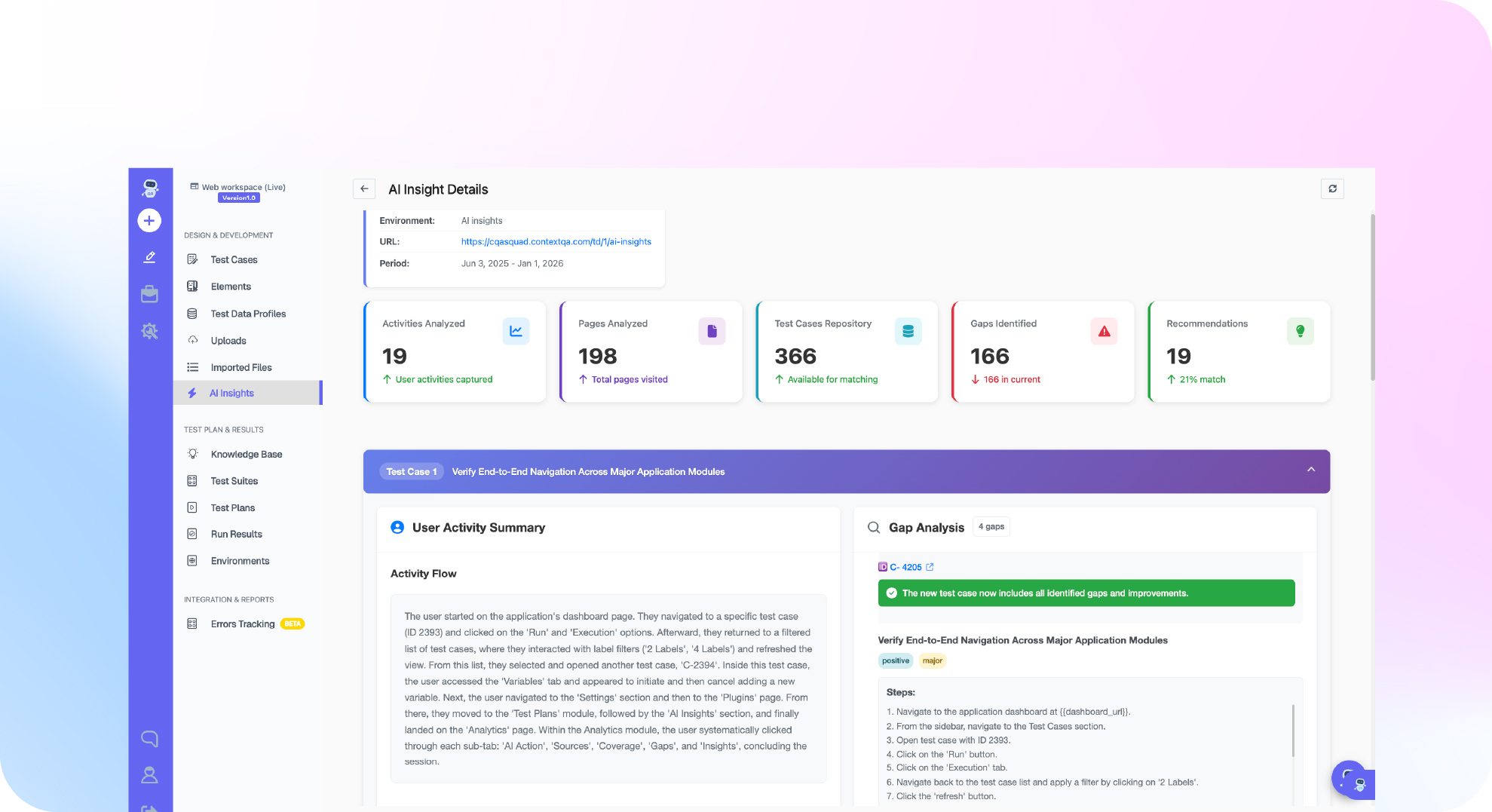
ContextQA tests a Vapi assistant through its phone number, the way callers reach it. ContextQA's connection guide lists phone connections and is clear that testing through a phone interface does not imply a native connector to the vendor behind the number; Vapi is not listed as a native connector. You keep building and iterating in Vapi, and use ContextQA to grade the call with LLM and deterministic judges and to check the calendar or CRM with a read-only Verifier.
For more on why speech-level tests catch failures text tests miss, see voice AI tests that pass in text and fail on the phone. For bookings that complete after the call ends, read testing post-call automation for voice agents. If you are choosing tools, our voice agent testing platforms comparison and AI agent evaluation tools comparison cover the wider market.
A practical Vapi testing routine
- Run Evals on every prompt or tool change, with exact judges on critical tool arguments.
- Run a voice-mode Simulation suite before each release, repeating critical journeys.
- Mock or sandbox every tool that could book, charge or message a real customer.
- Run outcome tests on the phone path for your top journeys, reading back the sandbox record.
- Add separate criteria for accurate reporting of tool errors, so the agent never claims success after a failure.
Building on Retell instead? The same pattern works there; see Retell AI testing from simulation to verified backend outcomes. For a vendor-neutral view of the tools that score calls, read our voice agent evaluation comparison.
Bottom line
Vapi's Evals and Simulations are well-documented and worth using, and Vapi itself tells you they do not prove a booking exists. Use Evals for decisions and arguments, voice Simulations for conversation behavior, and an outcome test on the phone path to confirm the calendar or CRM really changed. One shared fixture across all three makes the results easy to compare.
Verify your Vapi agent's outcomes
Keep building in Vapi and add independent proof that each call finished the job. See Ship Voice, explore voice agent testing, or book a demo.