
TL;DR: A failed voice AI call becomes useful only when it turns into a verified fix and a permanent regression case. Run every failure through the same loop: detect it with a known delay, reproduce it with a controlled fixture, classify the cause as prompt, tool, backend or test, propose the smallest fix, have a person review it, rerun the unchanged reproducer plus a regression set, and release with a record linking incident, test, change and decision. A passing rerun is evidence for the fix, not proof that the agent is now reliable.
Most teams that run voice agents in production can find failures. Monitoring flags a bad call, a supervisor listens to it, someone tweaks the prompt and the team moves on. A week later a similar call fails again, or the tweak quietly breaks a flow that used to work.
The gap is not detection. It is everything between the failed call and a fix you can trust. This guide lays out that loop step by step for engineering managers who own voice agent quality.
Quick answers
What is a voice AI quality loop? It is a repeatable process that takes a failed call through detection, reproduction, root-cause classification, fix, human review, regression testing and controlled release, so each failure leaves behind a test that keeps it from coming back.
Should every voice agent failure be fixed in the prompt? No. Many failures come from tool arguments, backend errors or data, and a deterministic fix in code or configuration is often safer than adding another instruction to a prompt that already has many.
Does a passing rerun prove the fix works? It shows the fix worked for that scenario and configuration. Voice agents are probabilistic, so rerun the case several times and run the wider regression set before you trust it.
The seven steps of the loop
| Step | Goal | Evidence it should leave |
|---|---|---|
| 1. Detect | Notice the failure and know how late you noticed it | Call ID, failure signal, time of incident and time of detection |
| 2. Reproduce | Make the failure happen again on demand | A test case with persona, fixture state and expected outcome |
| 3. Classify | Decide whether prompt, tool, backend, data or the test itself is at fault | Tool requests and responses, prompt revision, backend status |
| 4. Propose a fix | Make the smallest change that addresses the cause | Diff of prompt, tool code, config or test |
| 5. Review | Have an accountable person approve the change | Reviewer, decision and reason |
| 6. Regression test | Prove the fix and check nothing else broke | Reproducer results across repeated runs, plus the regression set |
| 7. Release | Ship in a controlled way with a rollback plan | Version, rollout share, rollback trigger |
Step 1: Detect, and measure how late you are
Detection sounds simple, but the delay matters. A failure caught in a post-call batch job the next morning is a different service level from one caught during the call. ContextQA's guidance on production analytics warns against calling delayed batch analysis real time, and recommends measuring time to detection as detection time minus incident time. It also notes that an absence of alerts is not evidence of an absence of failures when the pipeline is unhealthy.
For the signals worth watching, see our guide to real time voice AI observability.
Step 2: Reproduce with a controlled fixture
A transcript is not a reproducer. Turn the failed call into a test case with a synthetic persona that behaves like the caller, the fixture state the agent saw (calendar slots, account status, timezone), and the expected business outcome.
Remove personal data before you build the case. ContextQA's documentation on reviewing runs and regression evidence says production failures can become candidate scenarios only after removing unnecessary personal data and establishing the expected outcome. Retell's release guide puts the same rule plainly: every production failure should become a test case before the fix ships.
Run the reproducer through the same channel as the original call. A failure that came from speech recognition or turn-taking may not appear in a text simulation at all, which is why we wrote about voice AI tests that pass in text and fail on the phone.
Step 3: Classify the cause before you touch anything
The most common mistake is to fix the prompt by reflex. Classify first:
- Prompt or policy. The agent had the right information and tools but chose the wrong behavior.
- Tool call. The agent called the wrong tool, passed a wrong argument such as a date in the wrong timezone, or ignored a tool error.
- Backend or data. The tool behaved correctly, but the system behind it returned stale data, rejected a valid write or timed out.
- The test itself. The rubric was wrong, the fixture was stale, or the judge scored it incorrectly.
ContextQA's docs are careful here: a failed criterion shows only an observed behavior, and establishing a likely cause needs additional evidence such as the prompt or configuration revision, tool requests and responses, timestamps and dependency status (failure modes). Our guide to voice AI root cause analysis walks through that classification in detail. If the judge is the problem, treat it as an evaluation fix, as covered in how to evaluate an AI agent when the judges disagree.

Step 4: Propose the smallest fix
Match the fix to the cause:
| Cause | Better fix | Risky shortcut |
|---|---|---|
| Prompt or policy | Targeted instruction change, tested against neighboring flows | Adding broad rules that change unrelated behavior |
| Tool argument | Validation or normalization in tool code, such as timezone handling | Telling the model to "be careful with dates" |
| Backend or data | Fix the service or data, add idempotency for retries | Asking the agent to apologize for errors |
| Test or judge | Correct the rubric or fixture and set a new baseline | Relabeling failures as passes to clear the dashboard |
A deterministic correction in code is usually easier to verify and less likely to drift than another sentence in a long prompt. When you do change the prompt, change one thing at a time so the rerun tells you something.
Step 5: Keep a person accountable for the change
Suggested fixes, whether from an engineer or an AI assistant, still need a named reviewer. The reviewer checks that the change addresses the classified cause, does not weaken a test to make it pass, and does not change a business requirement without the owner's approval.
ContextQA's execution journey and auto-fix documentation draws the same line for test repairs: a repair is not permission to change the product requirement, a suspected application bug belongs with the application team, and weakening a test is not a successful repair.
Want to watch a failed call go from reproduction to a verified rerun on your own agent? See the production to fix workflow in Ship Voice.
Step 6: Regression test with two sets
Rerun the unchanged reproducer several times, because one passing run of a probabilistic agent is weak evidence. Then run two sets:
- A stable, reviewed regression set of known important scenarios, so you catch anything the fix broke.
- A separate set of new or withheld variations, so you do not end up tuning the agent to the exact cases you can see.
Both ideas come straight from ContextQA's runs and regression guidance, which also recommends recording the deployment or prompt revision, test case revision, persona, fixture state and metric definitions for each comparison. If the agent runs across many locations or clients, read fleet reliability: one agent fix, many different workflows before rolling the fix out everywhere.
Step 7: Release with a rollback trigger
Ship the fix to a small share of traffic first, and decide in advance what will trigger a rollback, such as a drop in verified completion or a rise in transfers. Keep a record that links the incident, the reproducer, the change, the test runs and the reviewer's decision. That record is what lets you answer "why did we ship this?" a month later.
The same reproduce, fix and verify pattern applies to coding agents too; see Claude Code: reproduce a bug, fix it and verify it end to end.
How ContextQA supports the loop
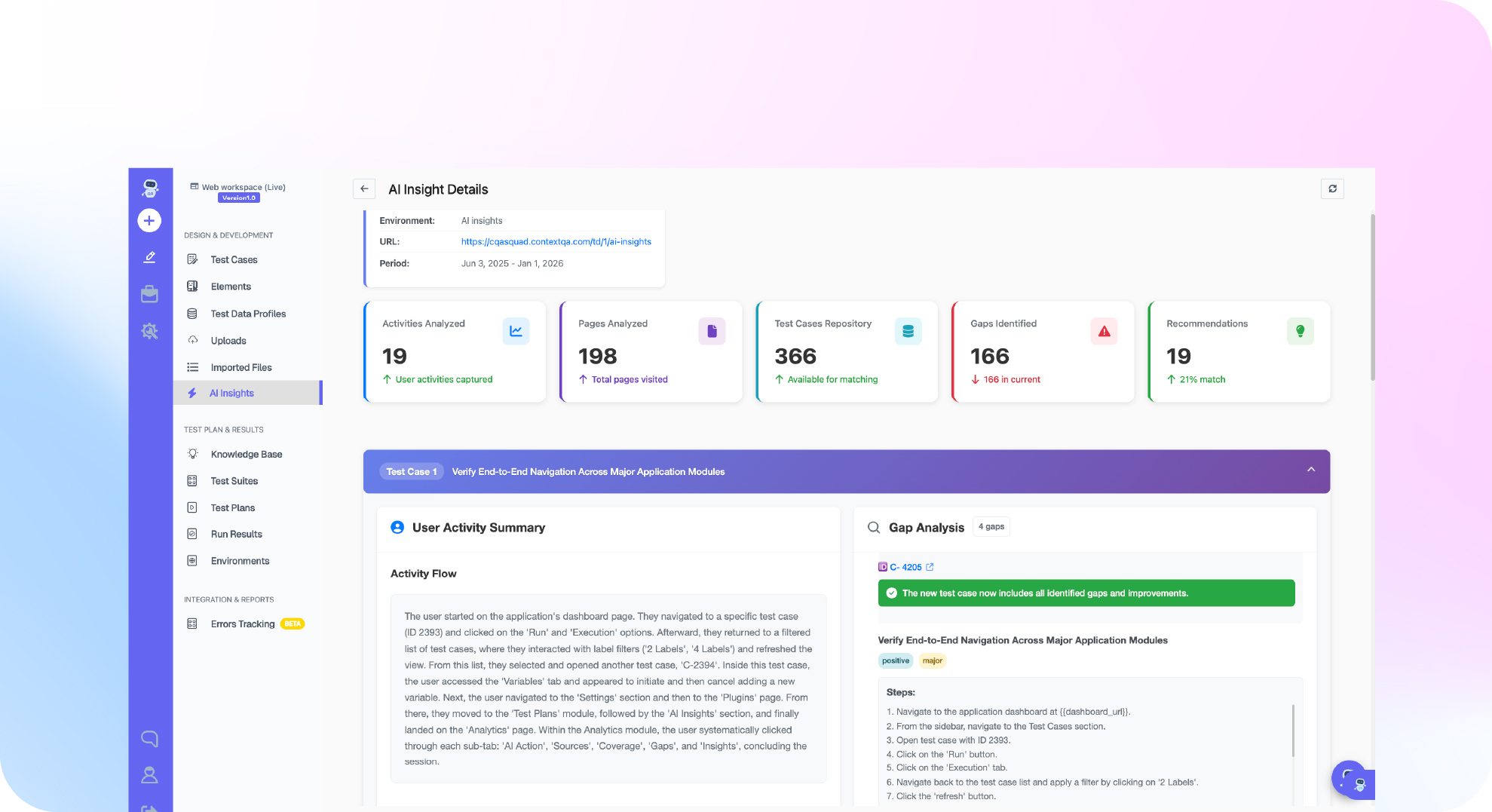
ContextQA covers the testing half of the loop for voice and AI agents. You can turn a reviewed incident into a test case, run it over real channels such as phone, grade it with LLM and deterministic judges, check backend state with a read-only Verifier, and compare a fixed candidate against a baseline. For software defects, the ContextQA MCP workflow for reproducing a bug from a ticket creates a reproduction, investigates the failed run and files a defect with evidence.
Be precise about what is automated. The MCP reproduction workflow does not suggest or apply code fixes, and its docs note that "not reproduced" does not mean "fixed". Continuous production ingestion and streaming alerts need to be confirmed for your setup. Fixes to prompts, tools and backends stay with your team and its reviewers. For how offline tests connect to production checks over time, see continuous evaluation for AI agents.
Transfers to a human are one of the most common places this loop starts. For the scenarios and checks that catch them, read testing the human-AI handoff. To choose the tooling that detects failures in the first place, see our guide to voice agent evaluation tools.
Bottom line
The value of a failed call is the test it leaves behind. Detect with a measured delay, reproduce with a fixture, classify before fixing, prefer deterministic fixes for tool and backend causes, keep a named reviewer, rerun the reproducer plus two regression sets, and release with a rollback trigger. Start by turning last week's three worst calls into reproducers.
Close the loop with ContextQA
Bring one failed call and we will help you turn it into a reproducible test, a reviewed fix and a regression case. Explore Ship Voice or book a demo.
Sources
- ContextQA docs: AI agent production analytics and real-time monitoring
- ContextQA docs: Review AI agent runs and regression evidence
- ContextQA docs: AI and voice agent failure modes
- ContextQA docs: Execution journeys and auto-fix
- ContextQA docs: How to reproduce a bug from a support ticket
- Retell AI: How to test and release voice agent changes