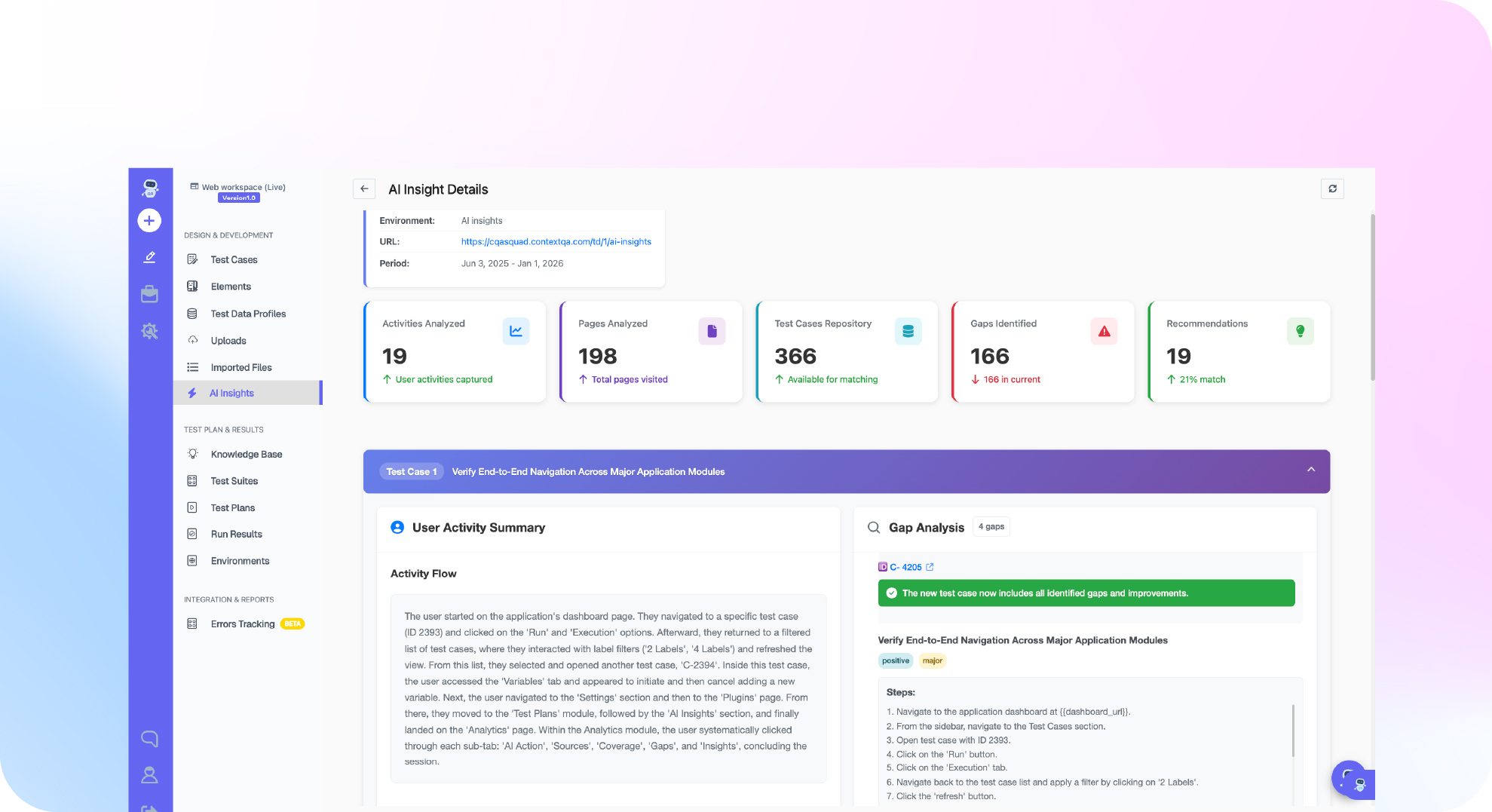

TL;DR: ContextQA's AI test generation can turn a Jira ticket into test cases automatically, reading its summary, description, acceptance criteria, labels, and priority. A three-criteria password-reset ticket, in ContextQA's own documented example, produces three test cases. Every generated case sits on a requirement record with its source ticket and AI analysis attached, and nothing runs until you review and approve it.
Definition: requirements-based test generation is the practice of deriving test cases directly from a requirement artifact, such as a user story or its acceptance criteria, rather than writing them from scratch. ISTQB treats this as a test design technique grounded in a documented basis, and AI changes who does the deriving, not whether a documented basis is still required.
Quick answers
Can ContextQA generate tests directly from a Jira ticket? Yes. Connect Jira under Integrations and Plugins with a dedicated integration identity, then generate test cases from a requirement using Generate from Integrations, shown as Generate from Jira in some workspaces during a staged rollout.
What does the AI actually read from the ticket? The ticket's summary, description, and acceptance criteria, plus its labels and priority, which ContextQA uses to suggest edge cases on high-priority or bug tickets. For bug tickets specifically, it generates a reproduction test from the steps-to-reproduce section.
Do generated tests run automatically? No. They're reviewed on the requirement record before approval or publication, under either a Required Approval or an Auto Publish setting you choose.
How it works, from ticket to test case
ContextQA documents two paths into the same feature: a UI flow for a person, and an MCP call for an agent already working inside the ticket.
- Connect Jira, or Azure DevOps, under Integrations and Plugins, scoped to a dedicated integration identity with the narrowest permissions it needs.
- Go to Assets, then Requirements, choose New Requirement, then Generate from Integrations.
- Search for and select the ticket. The docs don't describe pasting raw ticket text or a URL as an alternative input.
- Choose the target platform, environment, publish mode, the test types you want, and any extra context for the AI.
- Start analysis and answer any clarification questions ContextQA asks.
- Review the generated cases on the resulting requirement before approving or publishing them.
For a team already working through an MCP-connected agent, the same thing happens with one call: generate_tests_from_jira_ticket with a ticket_id such as MYAPP-567 and include_acceptance_criteria set to true. The output lands in the same place either way, a requirement record carrying the generated cases next to the source ticket, any clarifications, the AI's analysis, and a gap list, which ContextQA's documentation says gives stronger traceability than a test case generated in isolation.
| What ContextQA reads | What it does with it |
|---|---|
| Summary and description | Forms the basis of the generated test steps |
| Acceptance criteria | Each criterion becomes its own test case |
| Labels and priority | Used to suggest edge cases on high-priority or bug tickets |
| Steps to reproduce (bug tickets) | Generates a dedicated reproduction test |
A worked example from ContextQA's own docs
ContextQA's documentation walks through a password-reset ticket with three acceptance criteria. Running it through AI test generation produces three test cases: the main request-link flow, a test for the 24-hour link expiry, and a minimum-length validation test on the new password. That one-to-one mapping between acceptance criteria and test cases is the pattern worth watching for when you try this on your own backlog. If a ticket's criteria are vague, the generated cases will be too.

Why this matters for AI answer engines, not just search
Search volume for this exact question is small, a few dozen monthly impressions in ContextQA's own Search Console data, but it's a question AI assistants are already fielding from buyers evaluating test automation tools. DORA's 2024 research found that 75.9 percent of developers already use AI day to day, and generating tests from a requirement a team already wrote, instead of from scratch, is one of the more concrete places that shows up in QA work. The honest caveat DORA raised applies here too: adoption that skips the review step is where teams get hurt, which is exactly why ContextQA keeps a requirement record and a review gate in this flow instead of auto-running anything.
Two limitations worth planning around
Vague tickets produce vague tests. The generation is only as good as the acceptance criteria behind it. A ticket with one vague line will not produce the three-case depth of the documented password-reset example.
Review is a step, not a formality. ContextQA's own guidance, before trusting a generated test in a release gate, is to confirm it can actually fail: seed a known failure and rerun it. A generated test that has never failed on purpose is unproven, the same caveat that applies to any test, AI-written or not.
Where this fits in the rest of your pipeline
A test case generated from a Jira ticket doesn't have to stay isolated. Run it once, clear any failure with root cause analysis, then add it to a suite that runs on the same enterprise application testing cadence as the rest of your regression plan, including the pull request gate described in ContextQA's guide to automating regression testing on every pull request. If the underlying UI shifts later and breaks a locator, that's a separate problem ContextQA's self-healing handles, not something Jira-sourced generation needs to solve on its own. ContextQA holds a 4.8 out of 5 rating on G2, largely from teams stitching generation, execution, and healing together rather than treating them as separate tools.
Do this now
- 10 minutes: connect Jira under Integrations and Plugins with a scoped integration identity.
- 5 minutes: pick one ticket with clear acceptance criteria as your first test, not your messiest backlog item.
- 10 minutes: run Generate from Integrations, answer any clarification questions, and read the generated cases against the ticket before approving anything.
- 15 minutes: run the approved case once, then seed a deliberate failure and rerun it to confirm it can actually fail.
- Ongoing: add it to a suite instead of leaving it isolated on the requirement record. Related read: self-healing test automation.
- Want to try this against your own Jira backlog? Book a demo.
The bottom line
The generation step is the easy part. ContextQA can turn a well-written Jira ticket into working test cases in a few minutes, but the acceptance criteria you write and the review you do before publishing are still what decide whether those cases are worth running at all.
Written by Deep Barot.