
TL;DR: Migrate from Selenium to Playwright by auditing your suite, porting one critical flow first, mapping the common patterns (waits, selectors, assertions), then moving the rest in waves before you retire Selenium. Do not big-bang it. Teams switch because Playwright ships auto-wait, one API across browsers, a Trace Viewer, and parallel runs by default, which is why its developer satisfaction hit 91 percent versus Cypress at 72 percent (State of JS 2025). This guide gives you the steps, the gotchas, and the honest question of whether to migrate at all.
Definition: A Selenium to Playwright migration is the process of moving an existing automated test suite from the Selenium WebDriver framework to Microsoft’s Playwright framework, translating its waits, locators, and assertions while preserving coverage. It is a form of test automation, which ISTQB defines as using software to control test execution and compare actual results to expected ones.
Quick answers
Should I migrate from Selenium to Playwright? Migrate if flaky tests and slow runs are costing you time and your team writes code. Playwright’s auto-wait and parallel execution remove two of Selenium’s biggest pain points. If maintenance itself is the problem, also consider codeless or AI testing before committing to another framework.
How do I migrate Selenium tests to Playwright? Port one critical flow first, learn the pattern translations, then migrate in waves by value. Do not rewrite everything at once. Run both suites in parallel until Playwright coverage matches, then retire Selenium.
How long does a Selenium to Playwright migration take? A focused team can move the critical flows in a few weeks and the full suite over a quarter, depending on size. Doing it in waves means you get value early instead of waiting for a big-bang finish.
Why teams are migrating from Selenium to Playwright
Selenium built the category and is still everywhere, but the momentum has clearly moved. Playwright’s developer satisfaction reached 91 percent in State of JS 2025, the widest lead in the survey’s history, while Selenium’s share keeps sliding. The project’s traction on Playwright on GitHub tells the same story, and the Stack Overflow 2024 survey shows the shift among working developers.
The reason is not hype, it is pain relief. Selenium’s biggest costs are flakiness and speed. You write explicit waits, you babysit the grid, and tests still flake. Google’s research found roughly 1.5 percent of test runs flake and about 16 percent of tests are affected over time, and a Selenium suite makes every one of those your problem (Google Research). Playwright attacks exactly those costs.
Selenium vs Playwright: what actually changes
The migration is mostly a translation exercise, because the concepts map closely. The big shifts are in waiting, browser coverage, and speed. Here is the side by side.
| Area | Selenium | Playwright |
|---|---|---|
| Waiting | Explicit and implicit waits you manage | Auto-wait built into actions |
| Browsers | Per-driver setup | One API for Chromium, Firefox, WebKit |
| Parallel runs | Extra setup or Grid | Parallel by default |
| Debugging | Logs and screenshots | Trace Viewer, step-by-step replay |
| Network | Limited | Native request interception |
| Language focus | Java, Python, C#, JS | JS/TS first, also Python, Java, .NET |
Most of your test logic survives the move. What changes is that a lot of the code you wrote to fight flakiness simply goes away, because the framework now handles it for you.
What you gain with Playwright
The features that pull teams across are the ones that erase day-to-day friction. These six are the headline wins.
Auto-wait alone removes a whole category of flaky-test bugs, because you stop guessing how long to sleep before an action. The Trace Viewer is the other quiet hero: when a test fails in CI, you replay the exact run frame by frame instead of squinting at a screenshot. Together they turn debugging from archaeology into a quick look.
How to migrate from Selenium to Playwright, step by step
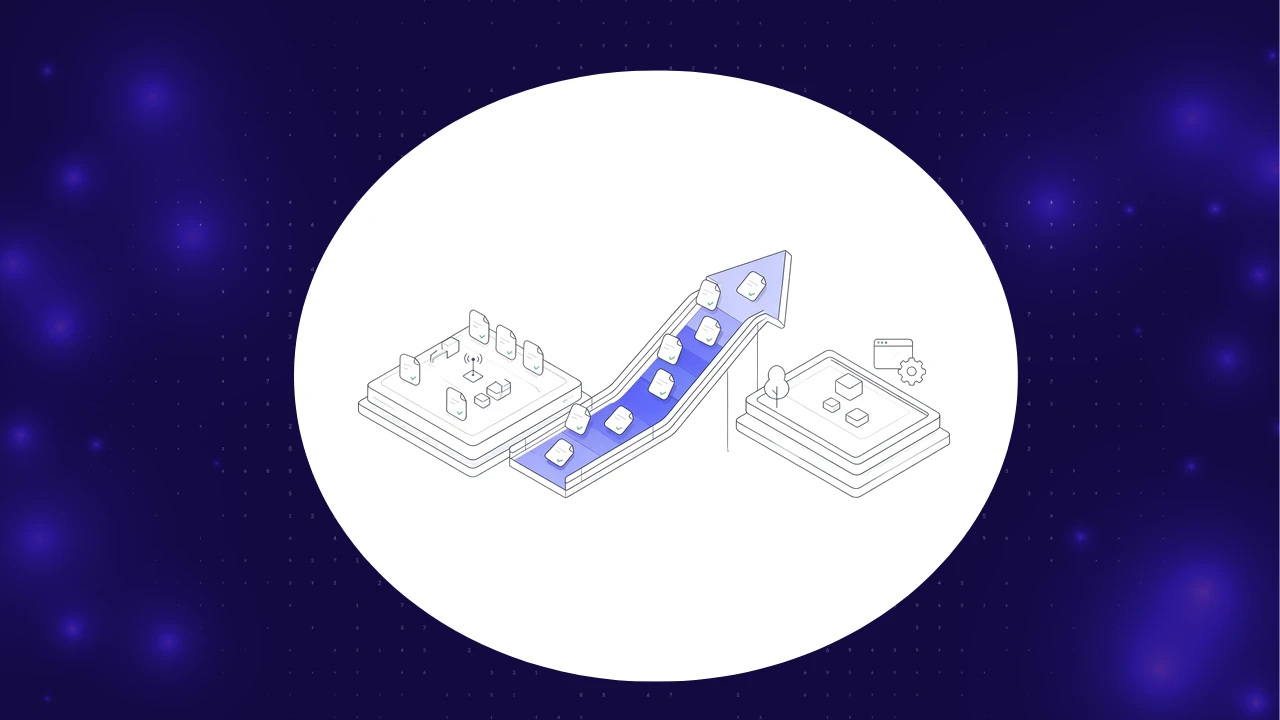
Do it in waves, not a big bang. A staged migration keeps your suite green the whole way and delivers value early, which is also how you keep leadership patient. Here is the path that works.
The order matters. Migrating one critical flow first teaches you the pattern translations on something that matters, so the rest go faster. Running both suites in parallel during the transition means you never lose coverage, and retiring Selenium only at the end means you never ship blind. Resist the urge to convert the easy tests first; convert the valuable ones, because those are the ones protecting your releases.
Should you migrate at all, or skip to codeless?
Here is the honest question most migration guides skip. If your real problem is the maintenance burden, not Selenium specifically, then moving to another code framework only changes the syntax of the work, not the amount. Playwright reduces flakiness, but you still write and maintain code. For some teams the better move is to skip the lateral migration and go to codeless or AI-driven testing that self-heals.
This is not an either/or for everyone. Teams with strong engineers who want control should migrate to Playwright. Teams drowning in maintenance, or who want non-coders to contribute, get more from AI-based self-healing that re-identifies elements when the UI changes. Our guide to Selenium alternatives and the head to head on Playwright vs Selenium vs Cypress go deeper on the tradeoff. Decide what your real bottleneck is before you pick the destination.
Common Selenium to Playwright migration mistakes
The migrations that stall tend to make the same errors.
- Big-bang rewriting. Converting everything at once stalls under review load. Migrate in waves.
- Porting flaky tests as-is. If a test was flaky in Selenium, fix the root cause, do not carry the flakiness over.
- Keeping explicit waits. Playwright auto-waits. Leaving manual sleeps in defeats the point.
- Migrating the easy tests first. Convert the highest-value flows first so the payoff comes early.
- Skipping the trace. Turn on the Trace Viewer from day one; it is the feature that pays for the move.
Every one of these comes down to discipline, not difficulty. The framework is the easy part; the process is what teams get wrong.
Do you have to rewrite every test?
No, and you should not try. Audit first and be ruthless. Some tests are flaky, redundant, or testing things that no longer matter, and migrating them is wasted effort. The migration is a chance to prune. Move the tests that protect real user journeys, delete the dead weight, and you often end up with a smaller, healthier suite than you started with.
For the tests you keep, the translation is mechanical enough that patterns repeat. Once you have mapped how your waits, locators, and assertions convert, the rest is repetition. With AI assistants now part of most workflows and 75.9 percent of developers using them (DORA), a lot of that mechanical translation can be drafted by an agent and reviewed by a human, which speeds the wave-by-wave work considerably.
How long does a migration really take?
It depends on suite size and discipline, but the shape is predictable. Critical flows in a few weeks, the full suite over a quarter, with value arriving from the first wave rather than at the end. Just measure the real result, not the feeling of progress. A 2025 METR study found experienced developers expected AI to make them 20 percent faster but were actually 19 percent slower on the measured tasks, so track migrated coverage and flake rate, not vibes.
Where ContextQA fits
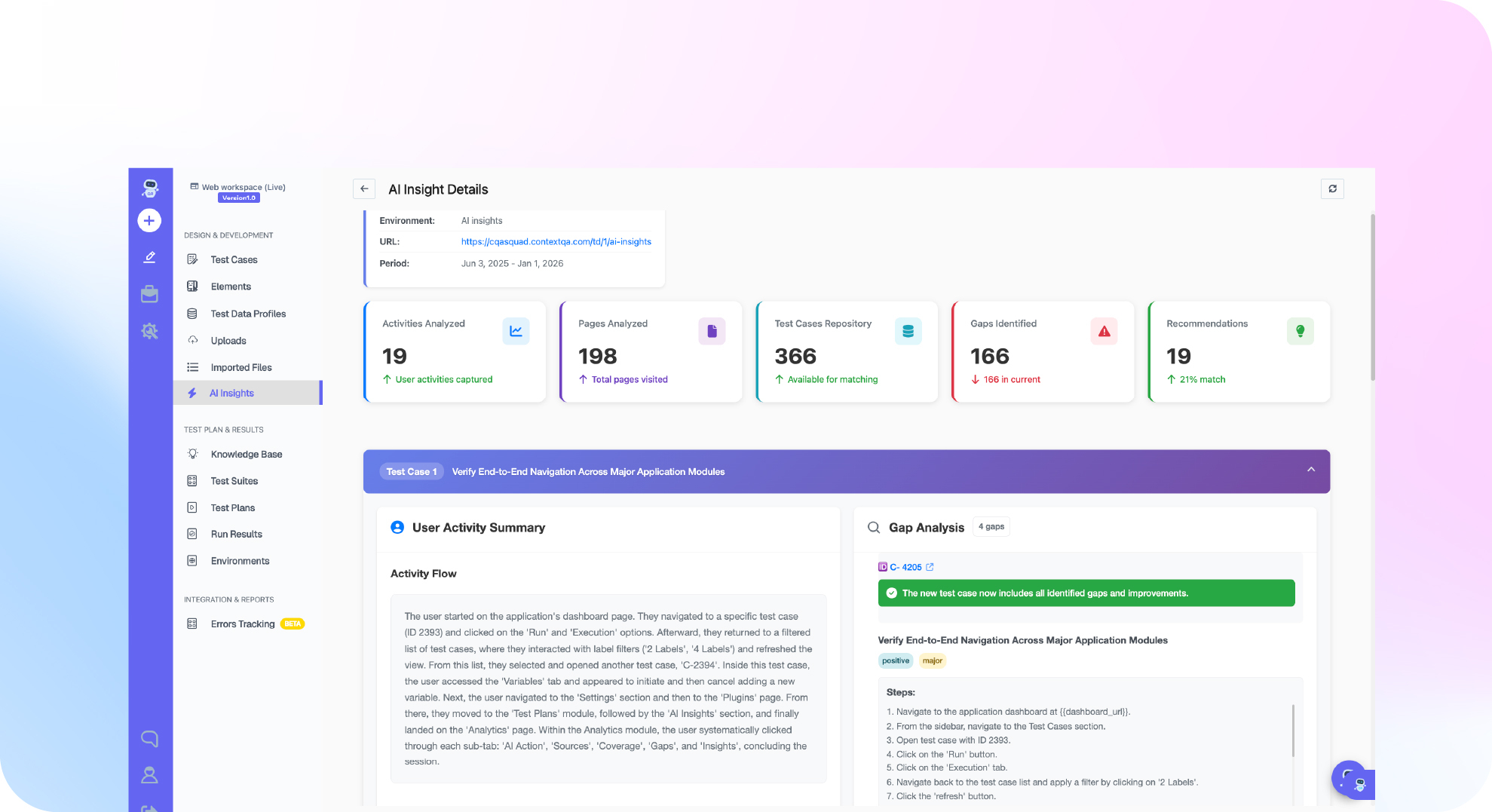
If your goal is reliable cross-browser coverage without a perpetual maintenance bill, it is worth weighing a platform against a pure framework migration. ContextQA delivers web automation across real browsers, AI-based self-healing so a renamed element does not break the test, and root-cause analysis that classifies each failure as a real bug, a test issue, an environment problem, or a flake. The whole AI testing suite runs in parallel, the same advantage that pulls teams to Playwright, without you maintaining the framework.
The proof that this scales is real. When IBM worked with ContextQA, the team migrated about 5,000 test cases and removed the flakiness that had been slowing them down (IBM case study). That is migration at a scale no team rewrites by hand. Whether you land on Playwright or a platform, the goal is the same: faster, less flaky, less maintained.
Your Selenium to Playwright migration checklist
- Audit and prune the suite (30 minutes). List the flakiest and highest-value tests; mark dead ones for deletion.
- Stand up Playwright (1 hour). Install, configure, and wire it into CI.
- Migrate one critical flow (1 to 2 hours). Learn the pattern translations on something that matters.
- Document the pattern map (30 minutes). Waits, locators, assertions, so the rest go fast.
- Turn on traces and parallel (15 minutes). The two features that justify the move.
- Migrate in waves by value. Run both suites until coverage matches, then retire Selenium.
- Weigh the platform option. Bring a flow and book a demo to compare a migration against self-healing automation.
What does the migration involve in code?
Most of the work is translating three things: how you wait, how you find elements, and how you assert. In Selenium you scatter explicit waits to handle timing, you build locators by id, CSS, or XPath, and you assert with your test runner. In Playwright the waiting mostly disappears because actions auto-wait for the element to be ready, locators are first-class and resilient, and assertions are built in and retry until they pass or time out. Once you have translated those three patterns on one test, the rest become repetitive.
The mindset shift is the real change, not the syntax. Selenium trains you to think defensively about timing, so engineers sprinkle sleeps and retries everywhere. Playwright asks you to trust auto-wait and delete that defensive code. The migrations that go badly are the ones where teams port their Selenium habits along with their tests, keeping the manual waits and getting none of the reliability gain. Translate the intent, not the workarounds.
Should you migrate off Selenium Grid too?
Infrastructure is half the reason teams leave Selenium, so plan for it. A self-managed Selenium Grid is a standing cost: nodes to patch, browsers to keep current, capacity to size for peak runs. Playwright runs browsers locally and in parallel by default, which removes a lot of that grid overhead for many teams, though you will still want a CI runner with enough parallelism to keep suites fast.
If your grid is a recurring headache, factor that into the decision. Sometimes the strongest argument for leaving Selenium is not the test code at all; it is retiring the infrastructure that surrounds it. A platform takes that further by running the grid for you entirely, so weigh whether you want to manage parallel execution yourself or hand it off. Either way, do not migrate the test code and quietly keep the old grid running forever, because that is half a migration.
Migrating Selenium tests in Java, Python, or C#
Playwright is JavaScript and TypeScript first, but it also has official bindings for Python, Java, and .NET, so you do not always have to change languages to migrate. If your Selenium suite is in Python, you can move to Playwright for Python and keep your team on familiar ground. The pattern translations are the same across languages: auto-wait replaces explicit waits, locators replace driver lookups, and built-in assertions replace manual ones.
That said, the JavaScript and TypeScript experience is the most mature, with the richest tooling and the fastest updates. If you are already considering a language change for other reasons, the migration is a natural moment to make it. If not, stay in your language and capture the reliability and speed wins without forcing a second migration on your team at the same time. One change at a time is how migrations stay on schedule.
How to keep coverage during the migration
The cardinal rule of a staged migration is never to lose coverage while you move. Run the Selenium suite and the growing Playwright suite side by side, so every flow is always protected by one of them. As a Playwright test proves stable over a few runs, retire its Selenium twin. This overlap costs a little extra CI time, and it buys you the confidence to migrate without a scary gap where regressions could slip through.
Track the migration as a burndown. Maintain a simple list of flows, their status in each framework, and which are stable in Playwright. When every critical flow is green in Playwright and stable across several runs, you have earned the right to delete Selenium. Treat that retirement as a milestone with a checklist, not a casual cleanup, because a half-removed Selenium suite rots into confusing dead code that the next engineer has to untangle.
A worked example: migrating a login test
Take the most common first migration: a login flow. In Selenium the test probably opens the page, waits explicitly for the username field, types credentials, clicks submit, then waits again for the dashboard before asserting it is visible. Two of those waits exist only to fight timing, and they are exactly where the test flakes when the app is slow.
In Playwright the same test gets shorter and steadier. You navigate, fill the username and password, click sign in, and assert the dashboard is visible, and every one of those steps auto-waits for the element to be ready before acting. The explicit waits are gone, the flakiness they masked is gone with them, and if it ever does fail in CI you open the trace and watch the exact run. Migrate that one login flow, feel how much smaller and calmer it is, and you have the template for every test that follows. Multiply the pattern across your top journeys and the migration becomes mechanical.
Does Playwright cover mobile and API testing too?
Partly, and it is worth knowing the edges before you assume Playwright replaces everything. Playwright handles web app testing across desktop and mobile browsers very well, including device emulation for responsive checks. It also has solid API testing support, so you can validate the services behind your UI in the same framework. For many web-first teams, that combination covers the bulk of what Selenium was doing.
Where it stops is native mobile apps. Playwright tests mobile web, not native iOS and Android applications, so if your Selenium suite was paired with Appium for native apps, that part does not migrate to Playwright. Plan for it: keep your native mobile coverage on a tool built for it, or choose a platform that spans web, mobile, and API in one place so you are not stitching frameworks together. Know which surfaces you actually need before you commit to a single framework.
When should you not migrate?
Migration is not always the right call, and it is healthy to say so. If your Selenium suite is small, stable, and rarely touched, the effort may not pay back, and the better move is to leave it alone and spend the time elsewhere. A migration is justified by pain: flakiness, slow runs, or grid overhead that is actively costing your team. No pain, no rush. A migration is an investment, and like any investment it needs a return; if the current suite is quietly doing its job, that return may not be there yet, and forcing it just to be on the newer tool is effort spent for a badge rather than a benefit.
The other reason to pause is if the real problem is maintenance rather than the framework. Moving from Selenium to Playwright trades one code suite for another, and you still write and fix tests. If the goal is to stop maintaining tests by hand, a lateral migration will disappoint you, and self-healing automation is the better destination. Diagnose the bottleneck honestly first, because the most expensive migration is the one that solves the wrong problem.
Is Playwright harder to learn than Selenium?
For most teams it is easier, not harder, despite being newer. The concepts carry over directly from Selenium, so anyone who has written browser tests will recognize the shape of a Playwright test immediately. The difference is that Playwright removes the parts that were hardest to get right in Selenium, chiefly timing, so there is less to learn, not more. Engineers who spent years fighting flaky waits often describe the switch as a relief.
The learning curve that does exist is mostly unlearning Selenium habits. The codegen feature shortens it further by recording your clicks into a starter script you then refine, which is a fast way for the team to see idiomatic Playwright. Pair that with the Trace Viewer for debugging and a new team member can be productive in days. If your worry is ramp time, it is a smaller hurdle than the flakiness you are leaving behind, and far smaller than building expertise in a home-grown framework would be.
The bottom line
Migrating from Selenium to Playwright is worth it for most code-first teams, because auto-wait, parallel runs, and the Trace Viewer remove the exact pain that makes Selenium suites slow and flaky. Do it in waves, prune as you go, and measure migrated coverage rather than the feeling of speed. With Playwright satisfaction at 91 percent and climbing (State of JS 2025), the framework momentum is clear, but the deeper question is whether you want to keep maintaining a framework at all. Run the audit, port one critical flow, and let that first migrated test tell you how much friction Playwright removes before you commit the whole suite. Want to compare a migration against self-healing automation on your own app? book a demo and bring your flakiest flow.